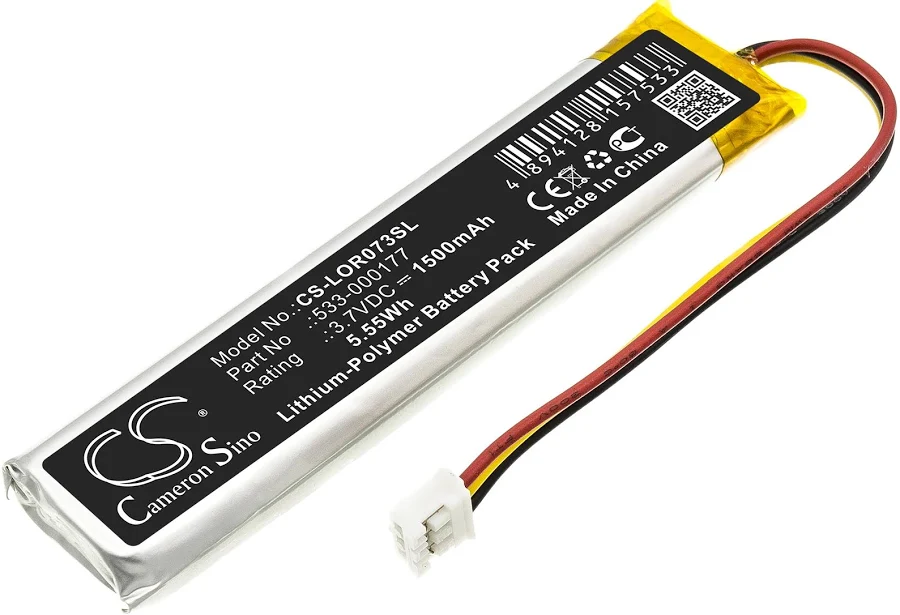
MX Keys battery (PC + Mac)
Spare parts
Restocking soon
Not sure?
Not sure this is the right key, or have another question? Ask us on the chat, we'll reply as soon as possible.
Ask a questionSpecifications
- Category
- Spare parts
Overview
MX Keys battery (PC + Mac): the rechargeable lithium-polymer battery inside the full-size MX Keys, which powers the keyboard between USB-C charges. It is often the only worn part of a keyboard that is otherwise in good shape: replacing it saves replacing the whole keyboard.
Compatibility
It fits the full-size keyboards — MX Keys, MX Keys S and MX Keys for Mac — whatever the layout. The MX Keys Mini takes its own battery, sold under a different reference: the two are not interchangeable.
When to replace the battery
The keyboard switches off as soon as the cable is unplugged, its battery life has dropped to a few days, or the case bulges under the middle keys. In that last case the battery is swelling: stop charging the keyboard and handle it with care. A keyboard that no longer powers on at all, even plugged in, points to the motherboard instead.
How to replace it
The case has to be opened: allow about 25 minutes the first time, following our step-by-step battery replacement guide. Unplug the connector by holding the connector itself, never the wires, peel the old battery off with a plastic tool rather than a metal one, and never bend or puncture a swollen battery. Once the keyboard is closed again, give it a full USB-C charge.
Frequently asked questions
- Does this battery fit an MX Keys Mini?
- No. The MX Keys Mini takes a different battery, sold under another reference. Check your keyboard's model before ordering: its name is printed underneath the case.
- Should I charge it before fitting it?
- No. Fit it first: the keyboard's own circuit manages charging. Then plug in the USB-C cable for a first full charge.
- What should I do with the old battery?
- Take it to a battery collection point, at a recycling centre or a shop, never in household waste. If it is swollen, keep it away from anything flammable in the meantime.
Other spare parts
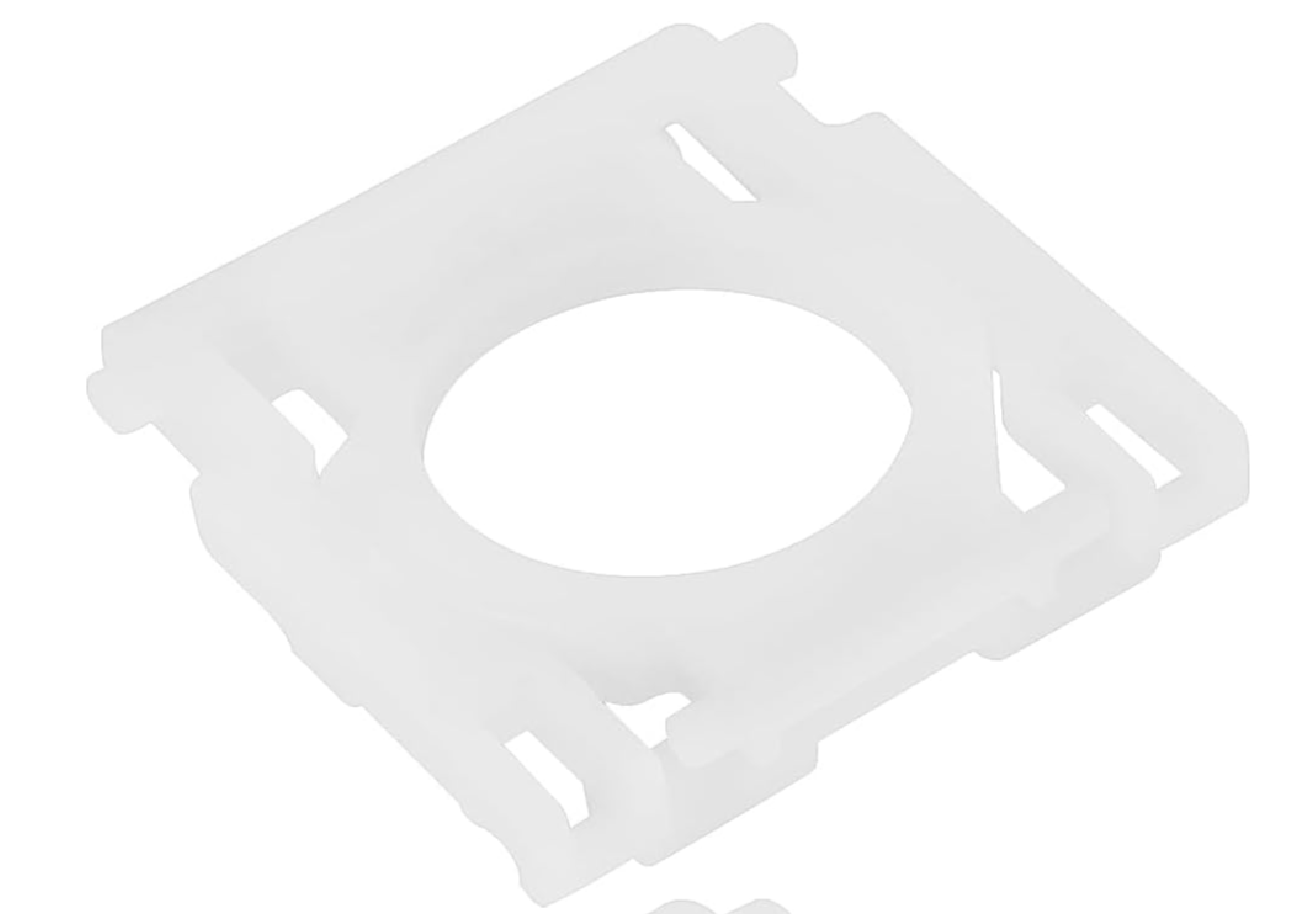
MX Keys key hinge
€6.99
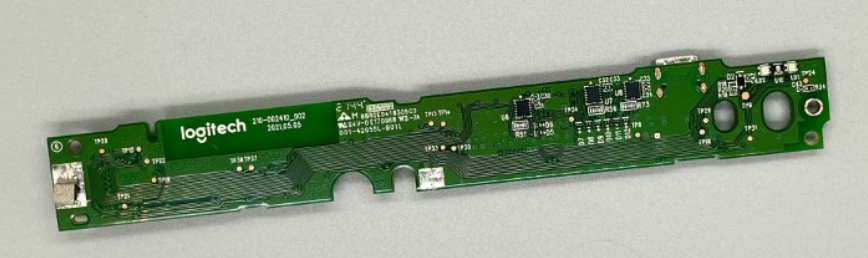
Motherboard MX Keys AZERTY (FR) — Mac
€14.99
Motherboard MX Keys AZERTY (FR) — PC
€14.99
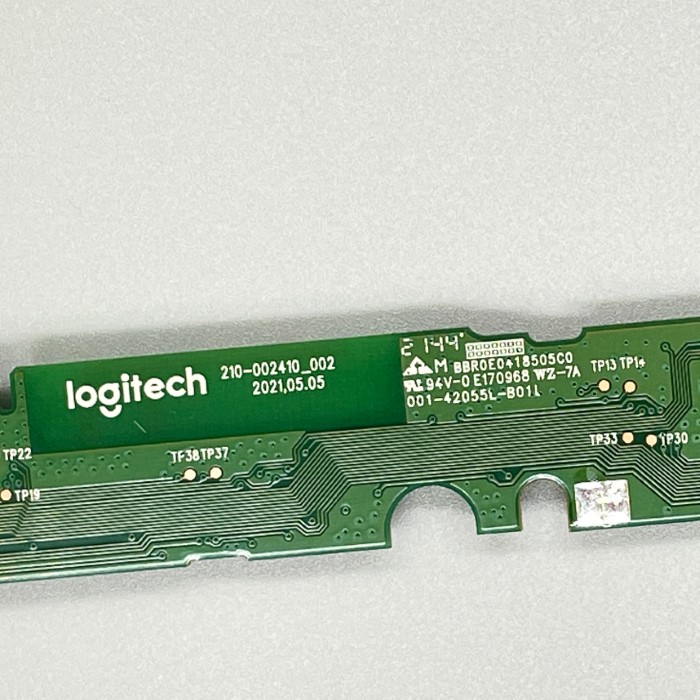
MX Keys Mini motherboard AZERTY (FR)
€14.99
MX Keys Mini motherboard QWERTY (UK)
€14.99
MX Keys Mini motherboard QWERTY (US)
€14.99
Motherboard MX Keys QWERTY (EN) — Mac
€14.99
Motherboard MX Keys QWERTY (EN) — PC
€14.99