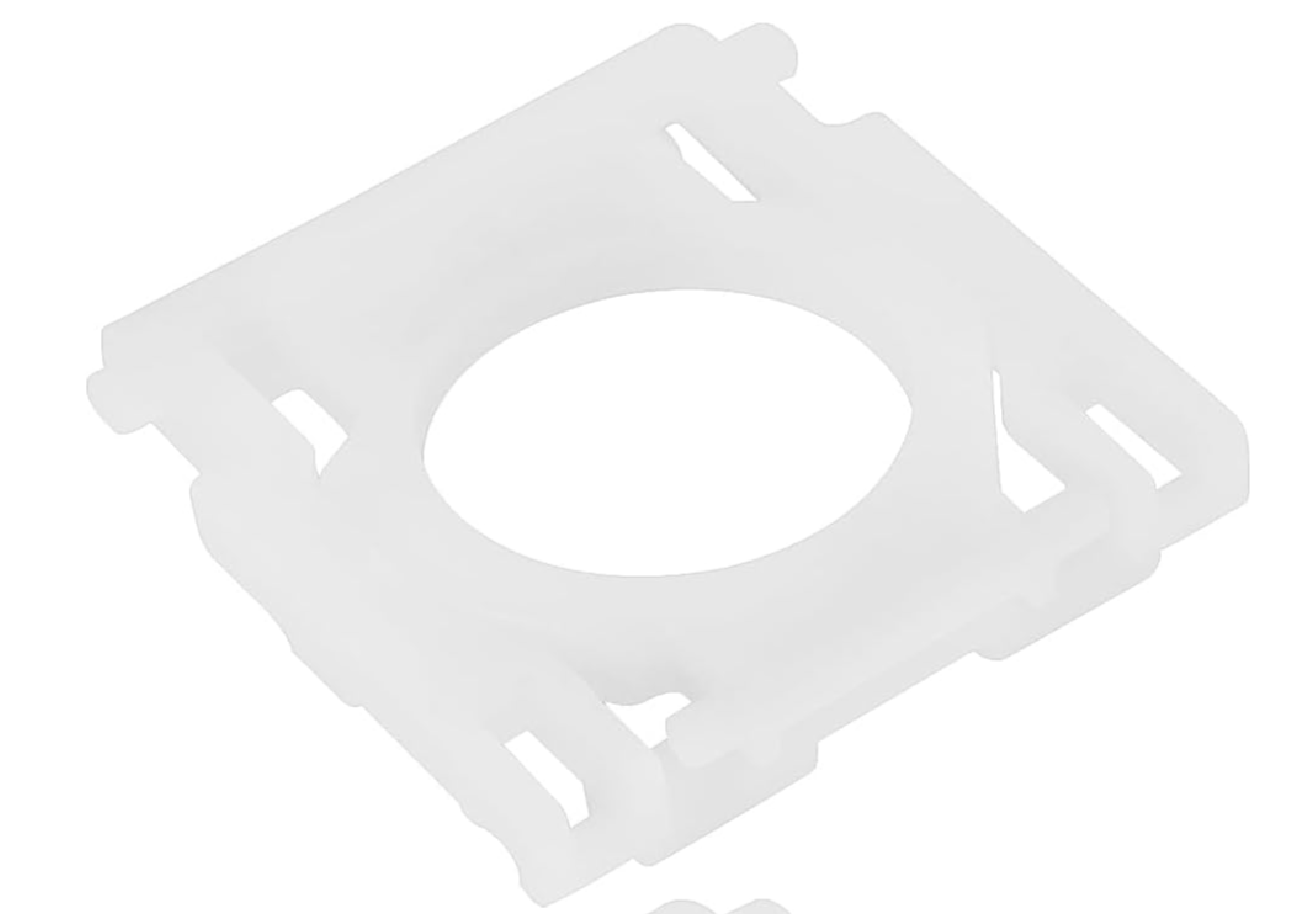
MX Keys key hinge
Spare parts
In stock
Not sure?
Not sure this is the right key, or have another question? Ask us on the chat, we'll reply as soon as possible.
Ask a questionSpecifications
- Category
- Spare parts
Overview
MX Keys key hinge: the X-shaped plastic hinge that sits under an MX Keys keycap and guides its vertical travel. It is the part that breaks most often, well before the cap: a key that goes down crooked, tilts, stops clicking or comes off almost always has a cracked hinge or a torn clip. The hinges are pulled from used MX Keys keyboards we take apart.
Compatibility
The standard hinge fits regular-size keys — letters, digits, the function row — across the whole MX Keys, MX Keys S, MX Keys Mini and MX Keys for Mac family, whatever the layout: AZERTY, QWERTY or QWERTZ, the mechanism under the cap is the same. Wide keys (Shift, Enter, spacebar) have a mechanism of their own: for those, order the key itself, which ships with its own.
When to replace the hinge
The key goes down on one side only, rocks under your finger, no longer clicks or pops off at the slightest touch: that is the hinge. If the cap is intact and still has its pegs, the hinge alone is enough, with no need to buy the key again. If the cap is cracked or has lost a peg, order the key instead: it ships with its hinge. One hinge repairs one key; if several keys lean or pop off, the packs of 3 and 5 save ordering again each time.
How to fit it
Lift the cap straight up from one corner with a fingernail or a plastic spudger. Clear out what is left of the old hinge, clip the new one flat onto its anchor points, facing the same way as the old one, then set the cap back on and press the centre until it clicks. The repair is purely mechanical: no update, no re-pairing of the keyboard.
Frequently asked questions
- Is a single hinge enough to repair my key?
- Yes: each regular-size key needs one hinge. If several keys lean or pop off, count one for each; the packs of 3 and 5 are there for that.
- Do I need to buy the whole key when only the hinge is broken?
- No. As long as the cap is intact and keeps its pegs, it clips back onto a replacement hinge. The whole key is only needed when the cap itself is cracked or damaged.
- Does this hinge fit an MX Keys Mini?
- Yes. The standard hinge is the same across the whole MX Keys, MX Keys S, MX Keys Mini and MX Keys for Mac family, whatever the layout.
- How do I tell whether it is the hinge or the rubber dome?
- The hinge guides the key: when it breaks, the key tilts, goes down crooked or comes off. The rubber dome underneath pushes it back up: when it is damaged, the key feels mushy, returns slowly or stops typing while it still moves normally.
Other spare parts
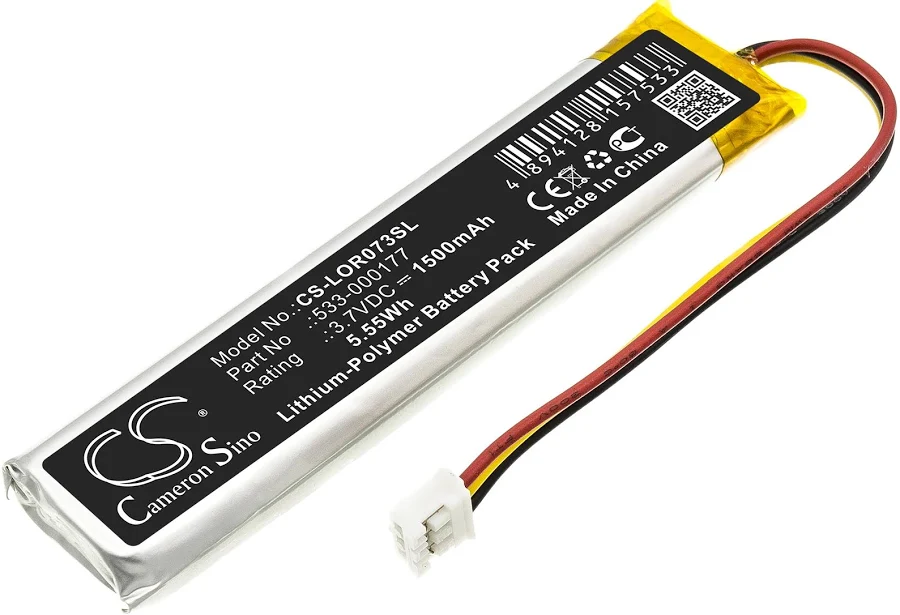
MX Keys battery (PC + Mac)
€9.99
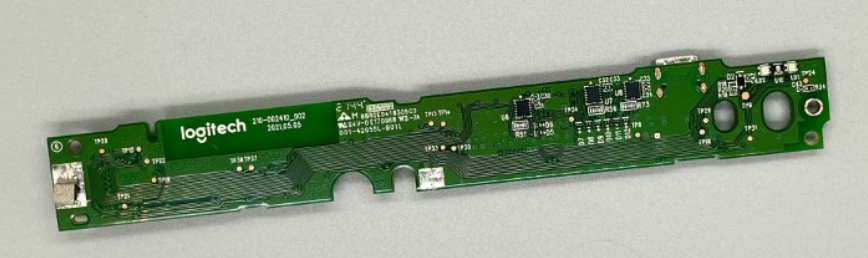
Motherboard MX Keys AZERTY (FR) — Mac
€14.99
Motherboard MX Keys AZERTY (FR) — PC
€14.99
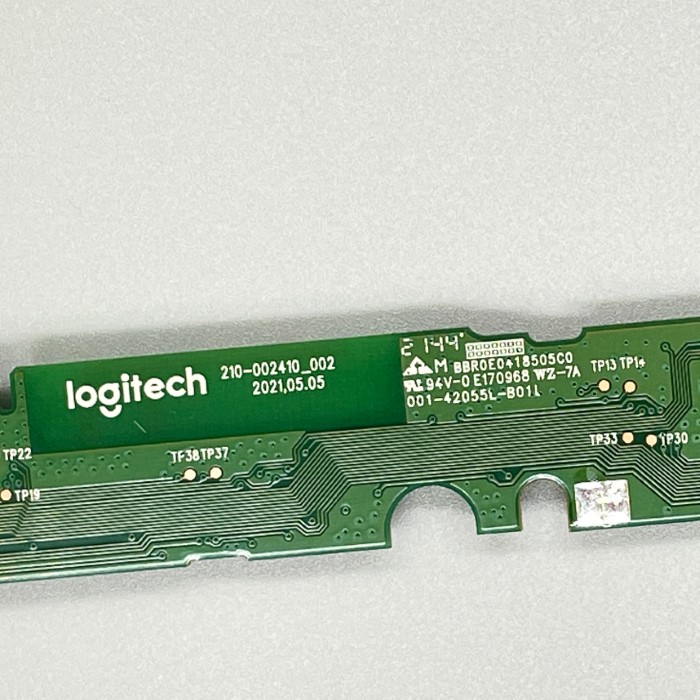
MX Keys Mini motherboard AZERTY (FR)
€14.99
MX Keys Mini motherboard QWERTY (UK)
€14.99
MX Keys Mini motherboard QWERTY (US)
€14.99
Motherboard MX Keys QWERTY (EN) — Mac
€14.99
Motherboard MX Keys QWERTY (EN) — PC
€14.99