B7000 adhesive glue — 3 ml tube
Spare parts
In stock

Not sure?
Not sure this is the right key, or have another question? Ask us on the chat, we'll reply as soon as possible.
Ask a questionSpecifications
- Category
- Spare parts
Compatibility
Check the keyboard model, the layout (AZERTY, QWERTY, QWERTZ) and the colour before ordering. On an Apple Magic Keyboard, the model number engraved underneath the case (A1644, A2450, A2449, A3118, A3203, A1843, A2520, A3119) is the only reliable compatibility criterion.
How to install the key
1) Gently lift the old key from a corner using a fingernail or a flat tool. 2) Remove the old hinge (the small X-shaped plastic support) if it is broken and clip the new one onto the keyboard. 3) Place the new keycap on top and press firmly until it clicks. The whole operation takes less than a minute, no tools, no disassembly required.
Other spare parts
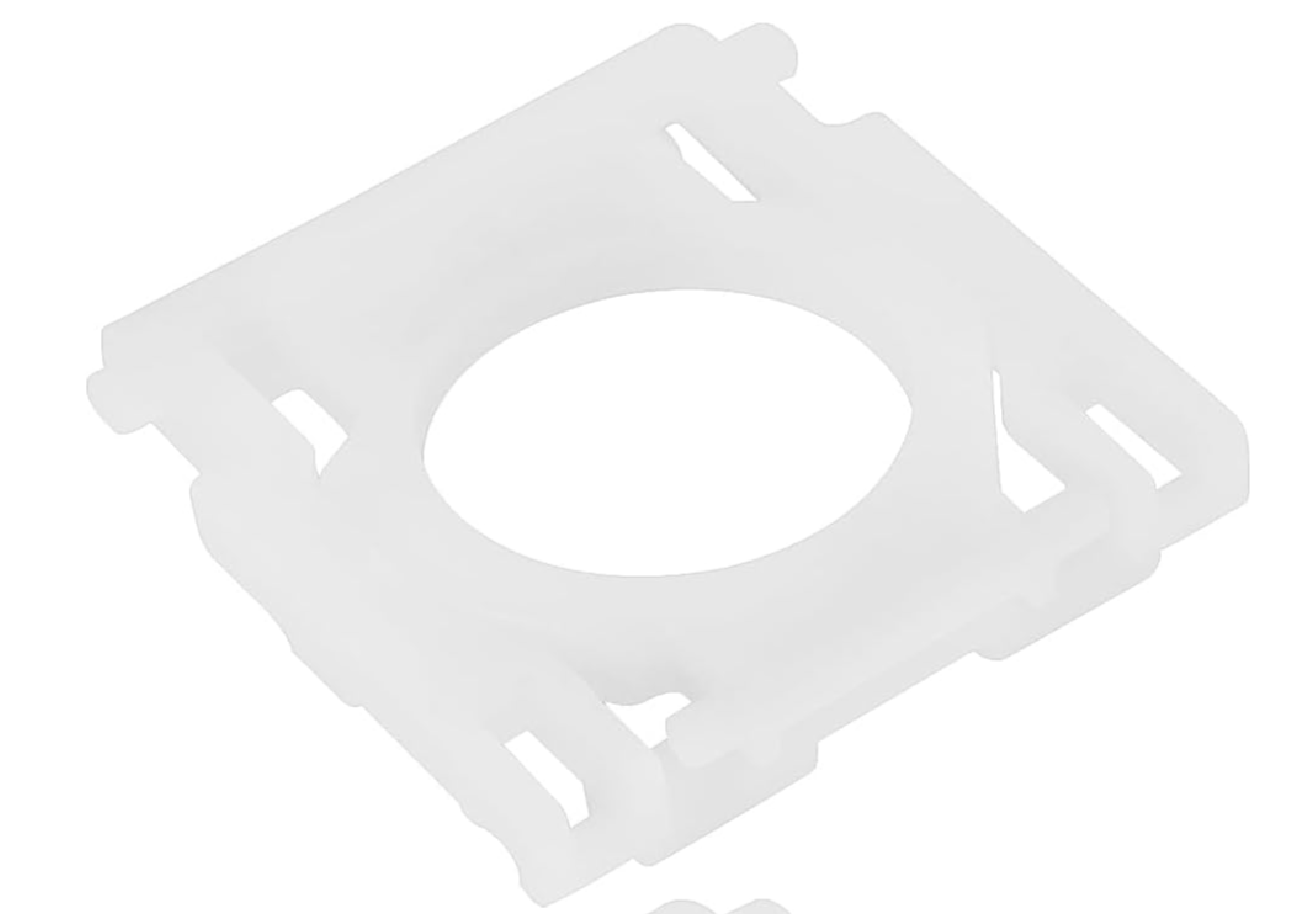
MX Keys key hinge
€6.99
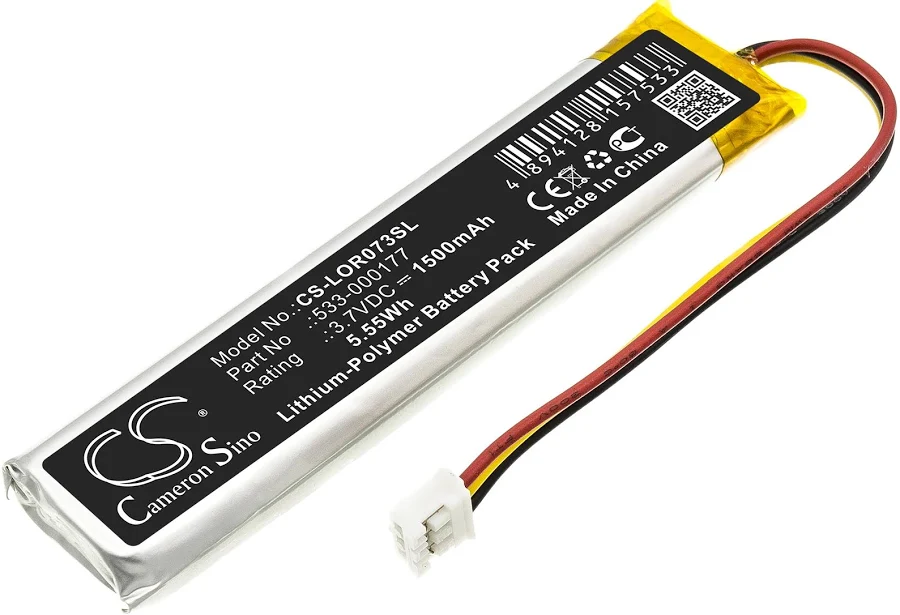
MX Keys battery (PC + Mac)
€9.99
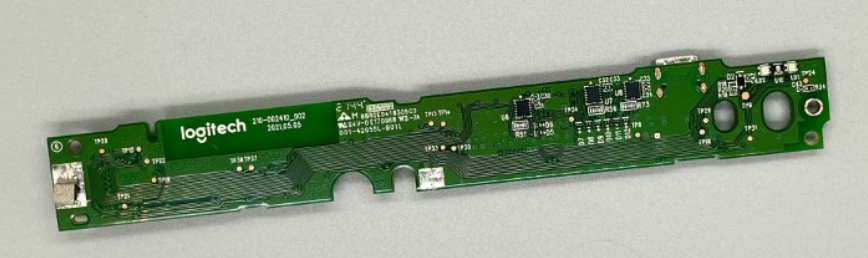
Motherboard MX Keys AZERTY (FR) — Mac
€14.99
Motherboard MX Keys AZERTY (FR) — PC
€14.99
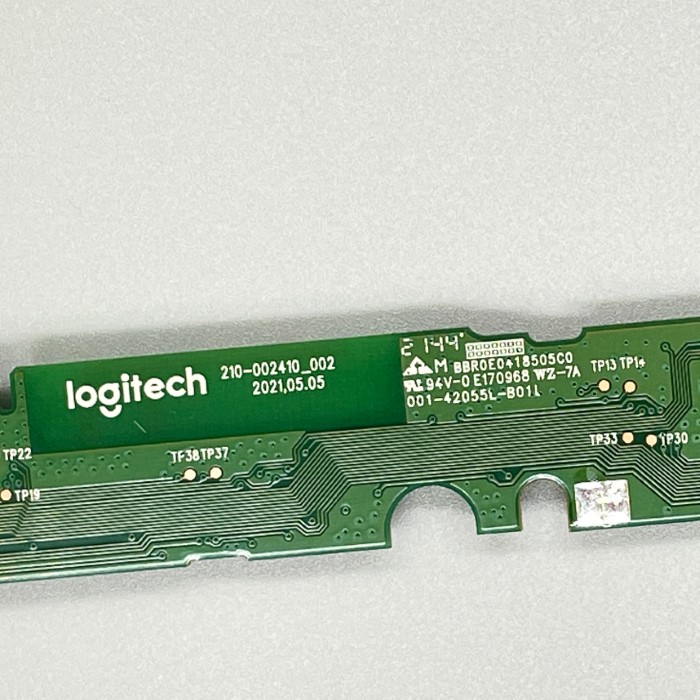
MX Keys Mini motherboard AZERTY (FR)
€14.99
MX Keys Mini motherboard QWERTY (UK)
€14.99
MX Keys Mini motherboard QWERTY (US)
€14.99
Motherboard MX Keys QWERTY (EN) — Mac
€14.99