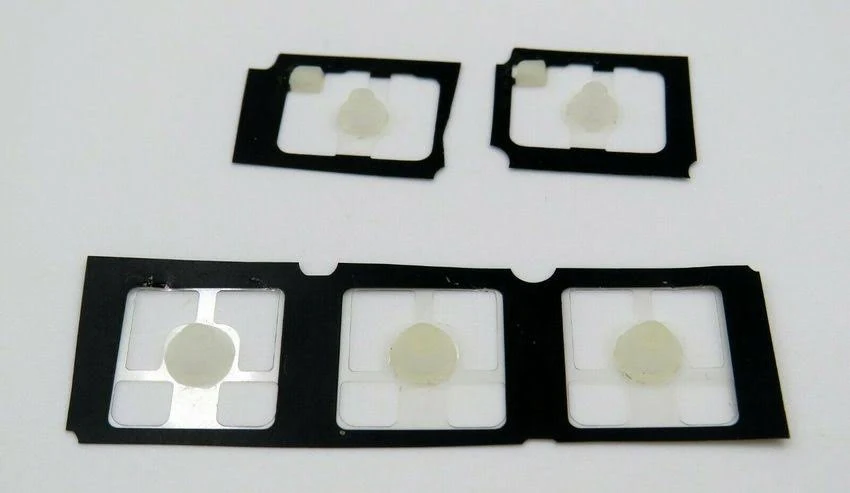
Set of 5 MX Keys rubber domes
Spare parts
Restocking soon
Not sure?
Not sure this is the right key, or have another question? Ask us on the chat, we'll reply as soon as possible.
Ask a questionSpecifications
- Category
- Spare parts
Overview
Set of 5 MX Keys rubber domes: 5 rubber domes, the small soft cup that sits under the hinge of every key. It pushes the key back up after each press and presses down on the keyboard contact. The domes are pulled from used MX Keys keyboards we take apart.
Compatibility
The domes fit the whole MX Keys, MX Keys S, MX Keys Mini and MX Keys for Mac family, whatever the layout: they carry no character.
When do you need rubber domes?
When a key goes down straight but feels mushy, returns slowly or not at all, or has to be pushed all the way down to type: its dome is flattened, torn or unstuck. The same goes for a key that stays sticky after a spill, even once cleaned, and for a dome damaged or lost while taking a key off. The set of 5 covers several keys, or a fitting you need to redo. A key that tilts, goes down crooked or comes off, on the other hand, needs a hinge, not a dome.
How to fit it
Lift the cap from one corner with a fingernail or a plastic spudger, then unclip the hinge. Remove the old dome, place the new one exactly where it sat, well centred, then refit the hinge and the cap. Check the key travel before moving on to the next one: an off-centre dome makes the key catch.
Replacing a rubber dome, on video
Video “How to replace a rubber cup / dome for most keyboard keys (here: Logitech MX Keys) Gummikontakt” by apfeltasten, published on YouTube under the standard YouTube licence: all rights reserved by its author. Keyspares is neither its author nor affiliated with apfeltasten. The player only loads when you click; YouTube may then set cookies (Google privacy policy).
Frequently asked questions
- How do I tell whether it is the hinge or the rubber dome?
- The hinge guides the key: when it breaks, the key tilts, goes down crooked or comes off. The rubber dome underneath pushes it back up: when it is damaged, the key feels mushy, returns slowly or stops typing while it still moves normally.
- When will a new dome not help?
- If the key tilts, goes down crooked or comes off, it is the hinge. If the cap is cracked, it is the key. If several keys or a whole row stop responding, the fault lies in the keyboard's electronics, not in the domes.
- Do these domes fit an MX Keys Mini?
- Yes. They fit the whole MX Keys, MX Keys S, MX Keys Mini and MX Keys for Mac family, whatever the layout.
Other spare parts
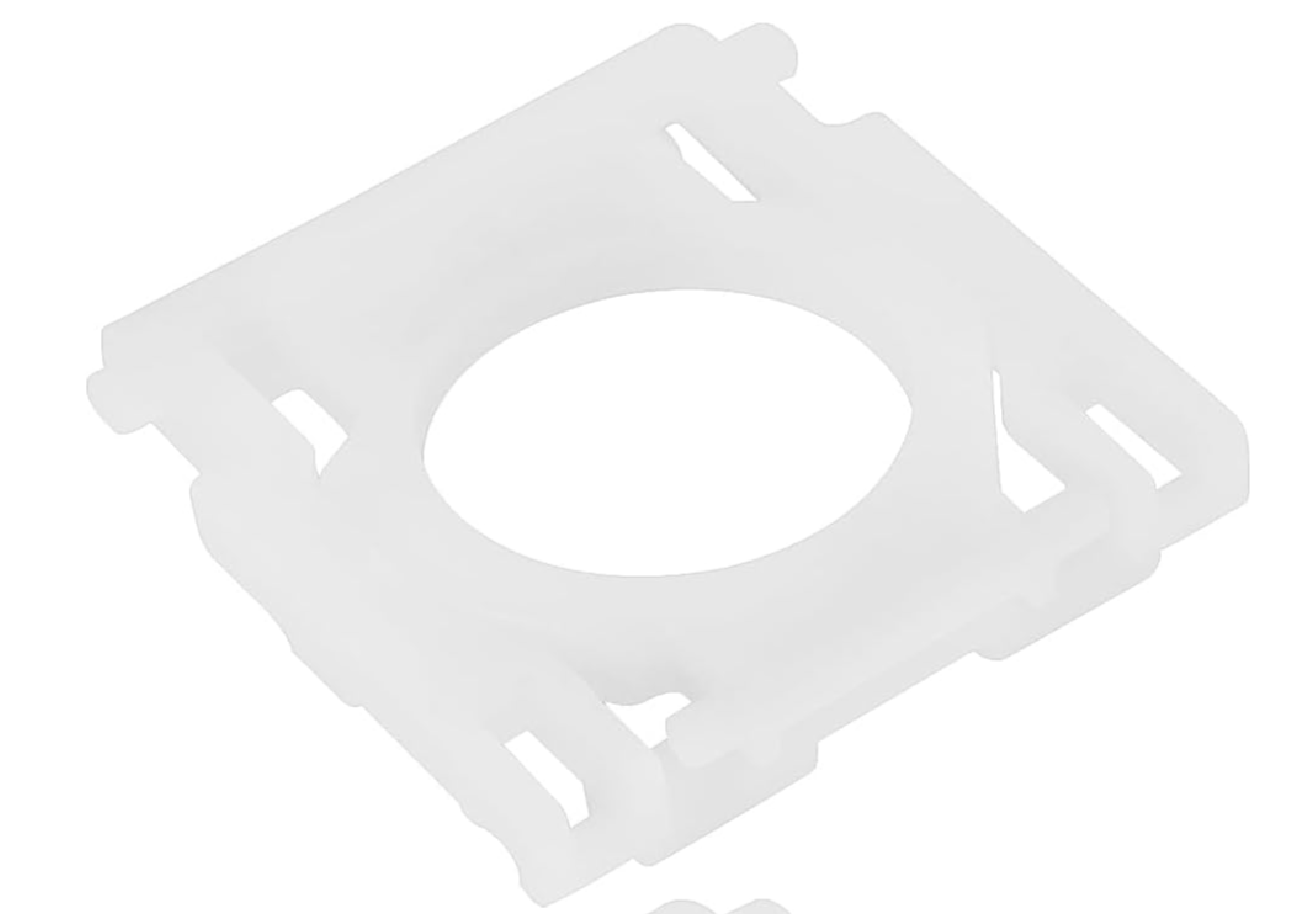
MX Keys key hinge
€6.99
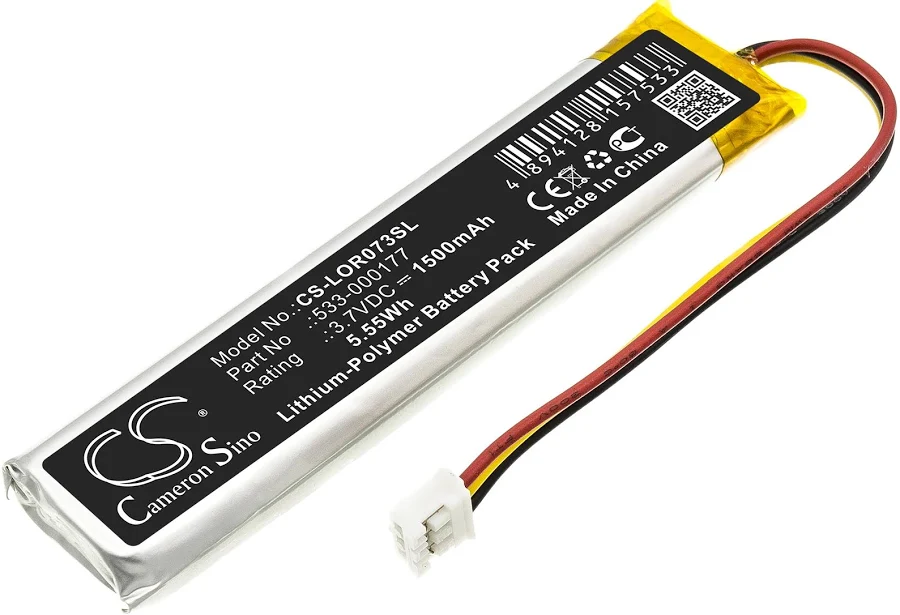
MX Keys battery (PC + Mac)
€9.99
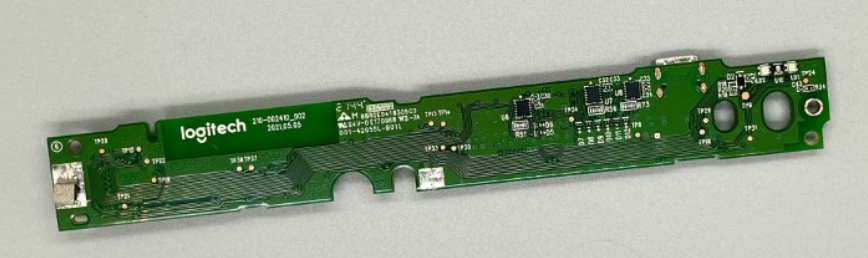
Motherboard MX Keys AZERTY (FR) — Mac
€14.99
Motherboard MX Keys AZERTY (FR) — PC
€14.99
MX Keys Mini motherboard AZERTY (FR)
€14.99
MX Keys Mini motherboard QWERTY (UK)
€14.99
MX Keys Mini motherboard QWERTY (US)
€14.99
Motherboard MX Keys QWERTY (EN) — Mac
€14.99