Jeden zepsuty klawisz nie przekreśla klawiatury premium
Napraw swoją klawiaturę Logitech lub Apple, klawisz po klawiszu
Katalog
1 · Twoja klawiatura
2 · Twój klawisz
Klawiatura otwiera się strefami, z klawiszami wielkości palca.
Znajdź klawisz na klawiaturze
135 klawiszy
Nie możesz znaleźć klawisza? Być może mamy go w magazynie. (szybka odpowiedź)Napisz do nasCzęści i narzędzia27
 Zawias klawisza MX Keysuniversel-hinge-x16,99 €
 Zestaw 4 losowych klawiszy MX Keys (bez zawiasów)universel-touche-aleatoire-x54,90 €
 Płyta główna MX Keys QWERTY (EN) — PCuniversel-carte-mere-en-pcLogitechUzupełniamy zapasy14,99 €
- Losowy klawisz MX Keysuniversel-touche-aleatoire1,50 €
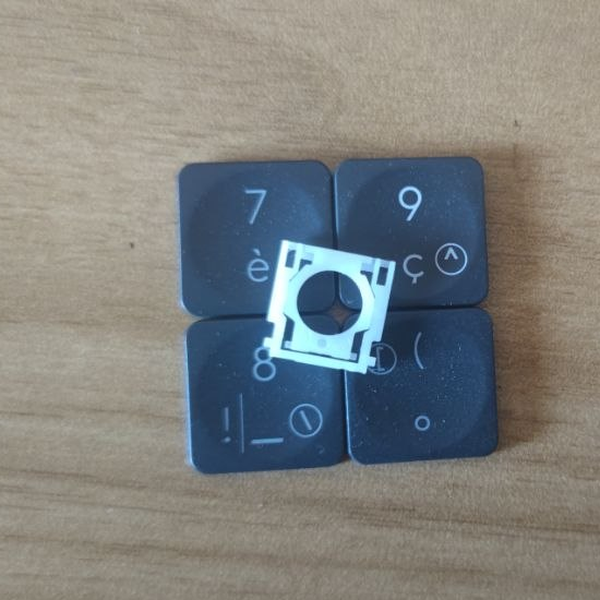 Losowy klawisz MX Keys + zawiasuniversel-touche-aleatoire-hinge1 szt. dostępne8,50 €
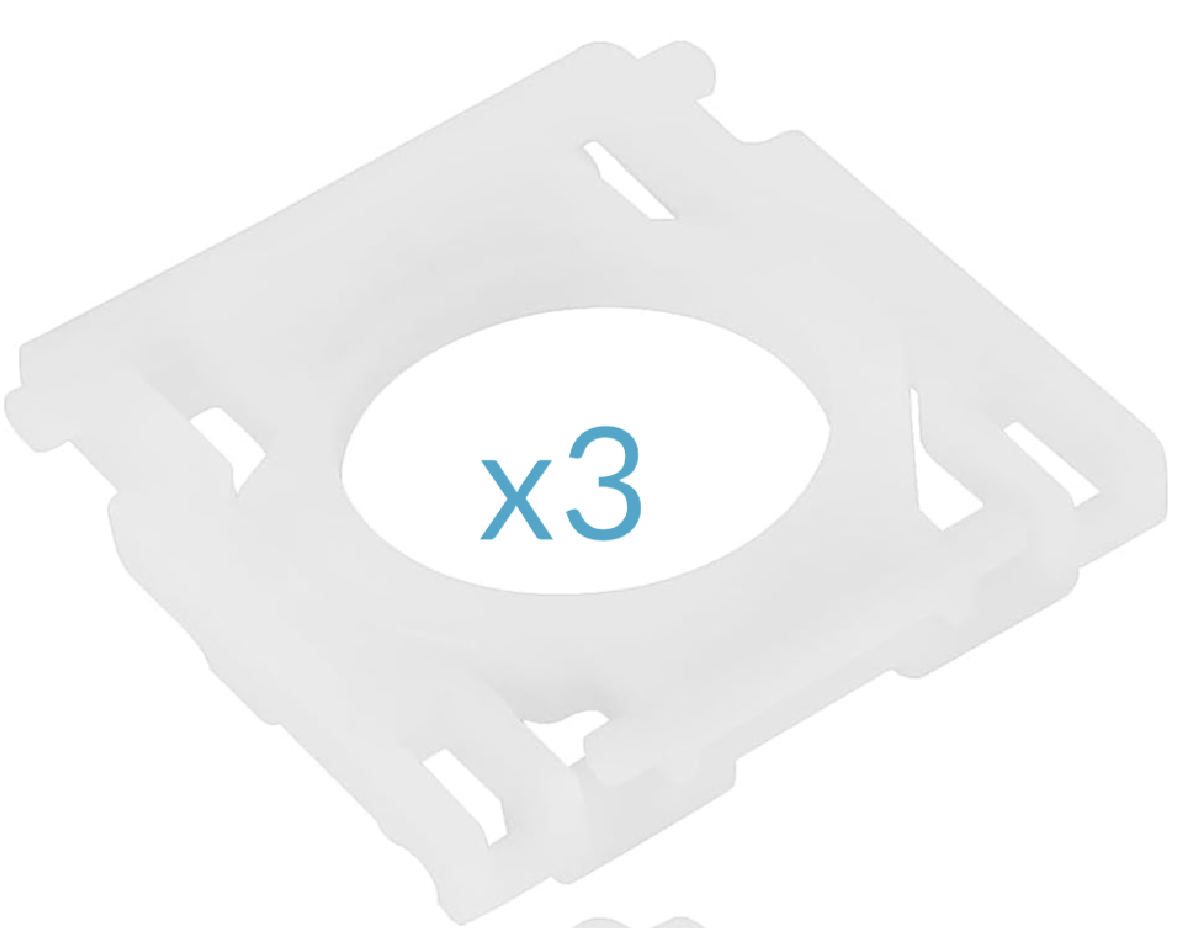 Zestaw 3 zawiasów MX Keysuniversel-hinge-x314,99 €
- Zestaw ratunkowy MX Keys (2 mini zawiasy, 2 zawiasy, 5 losowych klawiszy, 1 spudger)universel-kit-secours-mx-keys14,99 €
 Spudger, plastikowe narzędzie do otwieraniauniversel-spudger2,50 €
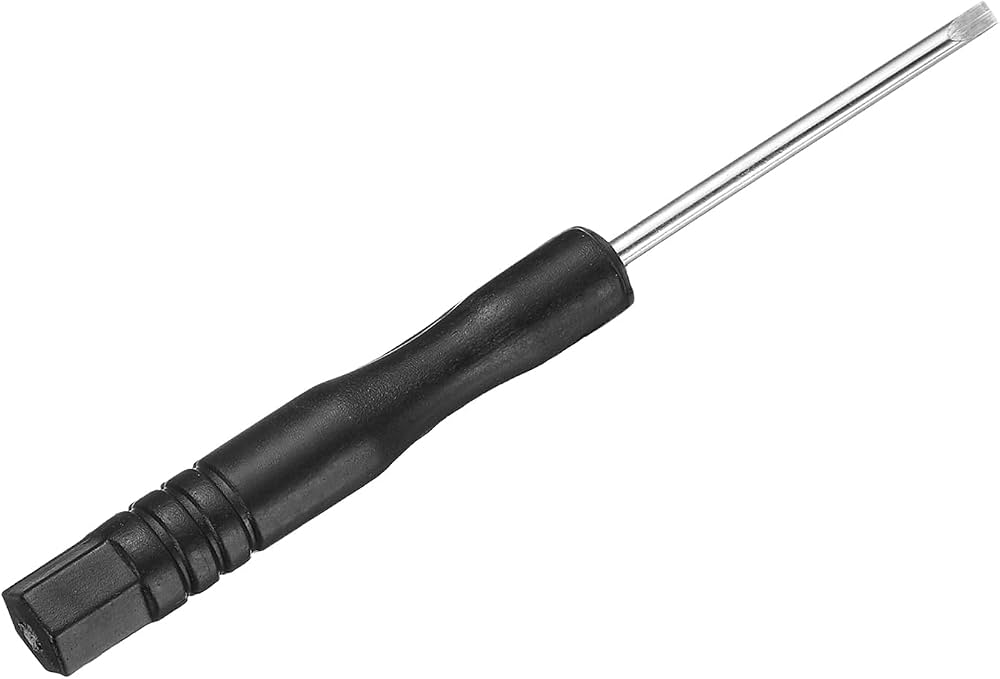 Precyzyjny mini wkrętak płaskiuniversel-tournevis-plat1,99 €
 Klej B7000 — tubka 3 mluniversel-colle-b70000,99 €
 Ściereczka czyszcząca z mikrofibryuniversel-chiffon-nettoyage1,99 €
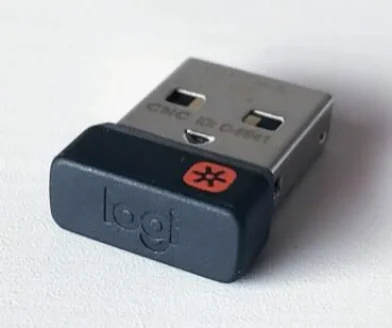 Odbiornik USB Logitech Unifyinguniversel-usb-unifying5 szt. dostępne5,99 €
- Zestaw 5 losowych klawiszy MX Keys + zawiasyuniversel-touche-aleatoire-hinge-x519,90 €
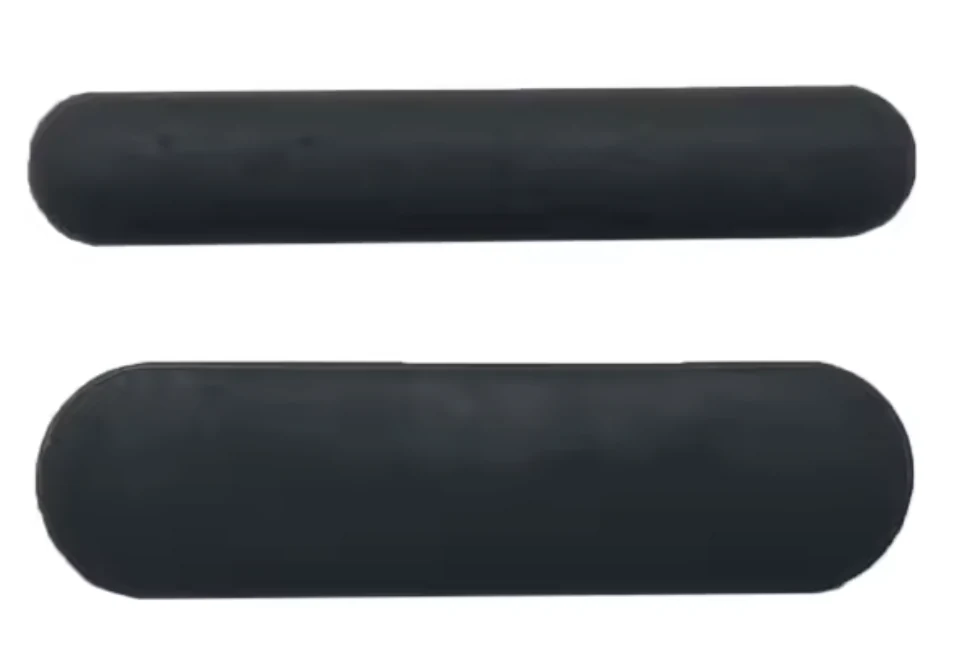 Komplet 6 gumowych nóżek — MX Keysuniversel-caoutchouc-complet5,99 €
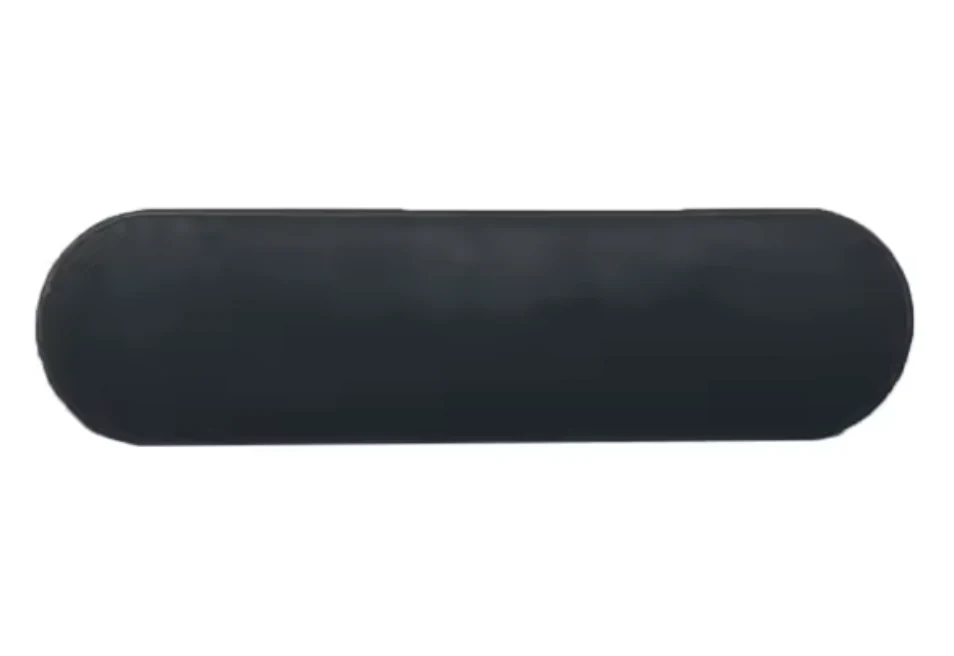 Zestaw 3 gumowych nóżek (góra, gruby) — MX Keysuniversel-caoutchouc-hautUzupełniamy zapasy4,99 €
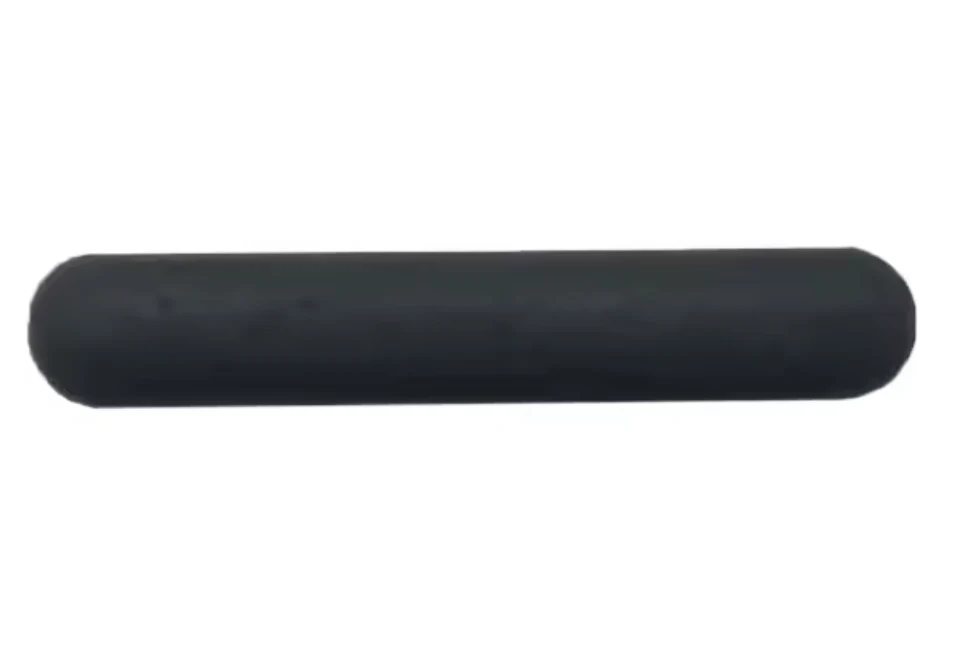 Zestaw 3 gumowych nóżek (dół, cienki) — MX Keysuniversel-caoutchouc-basUzupełniamy zapasy4,99 €
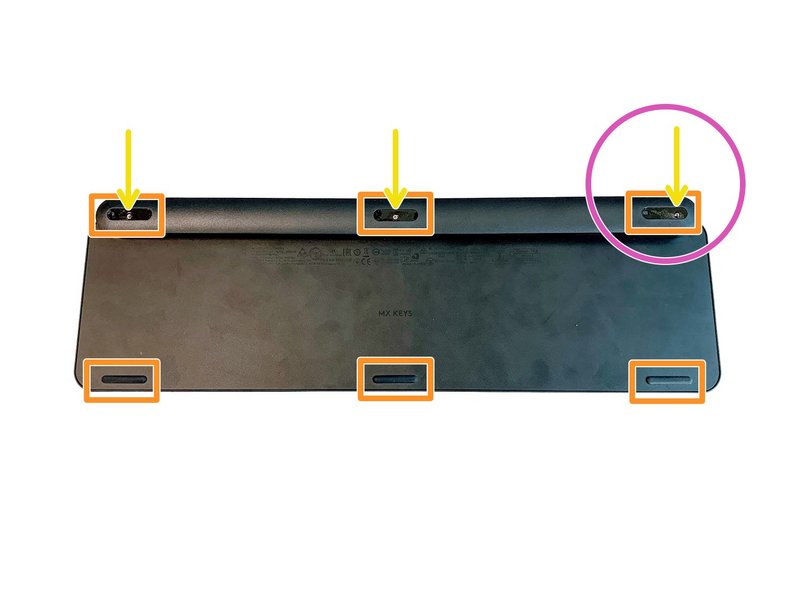 Komplet 6 śrubek do klawiatury MX Keysuniversel-vis-x61 szt. dostępne3,99 €
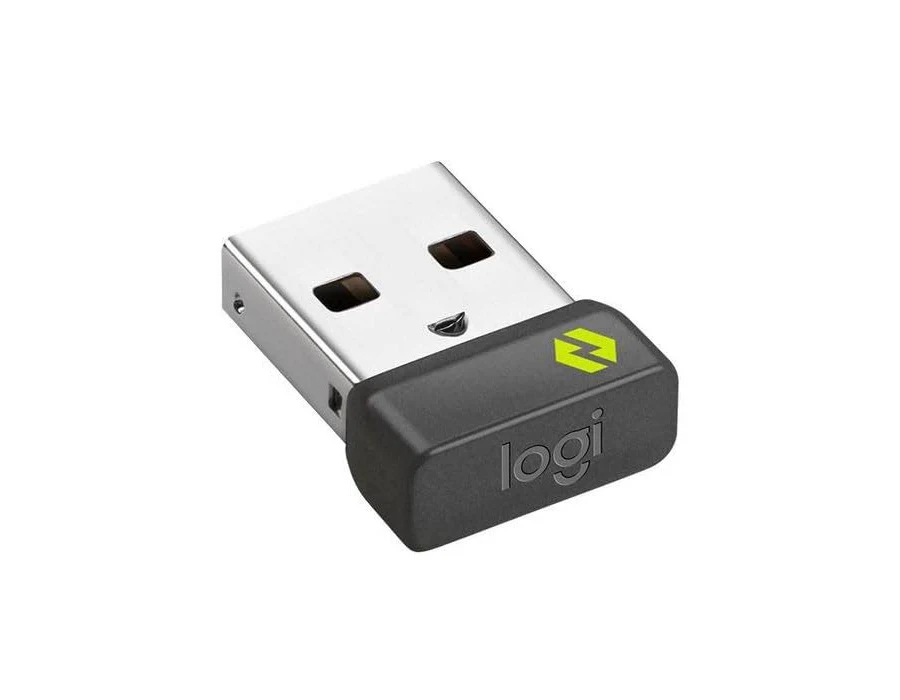 Odbiornik USB Logitech Boltuniversel-usb-boltUzupełniamy zapasy10,99 €
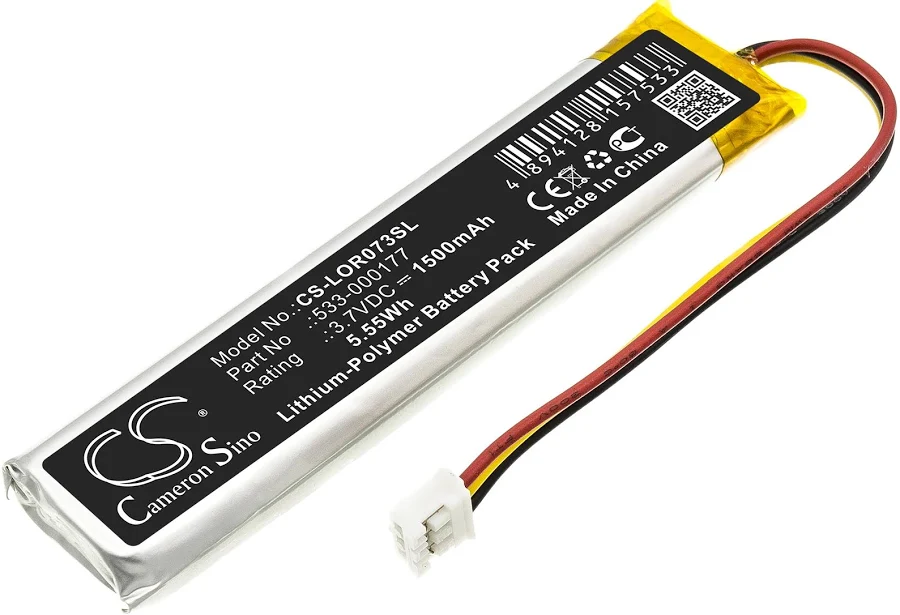 Bateria MX Keys (PC + Mac)universel-batterieUzupełniamy zapasy9,99 €
- Płyta główna MX Keys AZERTY (FR) — PCuniversel-carte-mere-fr-pcLogitech14,99 €
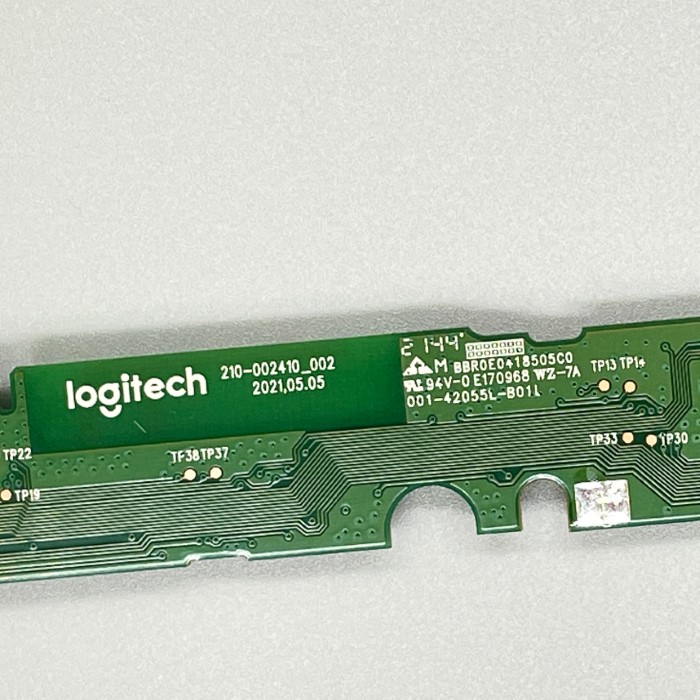 Płyta główna MX Keys Mini AZERTY (FR)universel-carte-mere-mini-fr2 szt. dostępne14,99 €
- Płyta główna MX Keys Mini QWERTY (UK)universel-carte-mere-mini-ukUzupełniamy zapasy14,99 €
- Płyta główna MX Keys Mini QWERTY (US)universel-carte-mere-mini-usUzupełniamy zapasy14,99 €
- Zestaw warsztatowy 20 losowych klawiszy MX Keysuniversel-touche-aleatoire-x2019,90 €
- Zestaw 10 losowych klawiszy MX Keys (bez zawiasów)universel-touche-aleatoire-x108,99 €
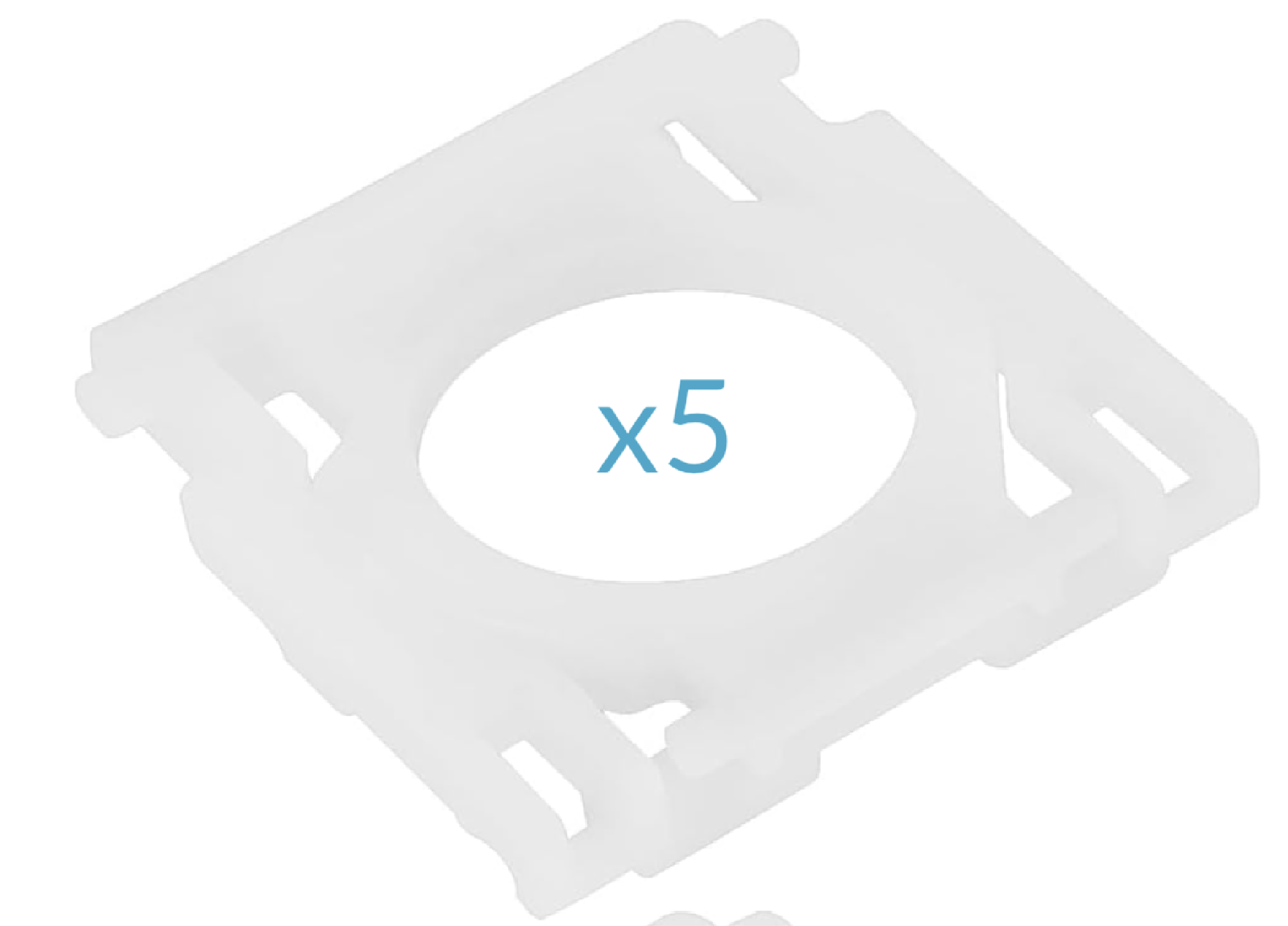 Zestaw 5 zawiasów MX Keysuniversel-hinge-x517,99 €
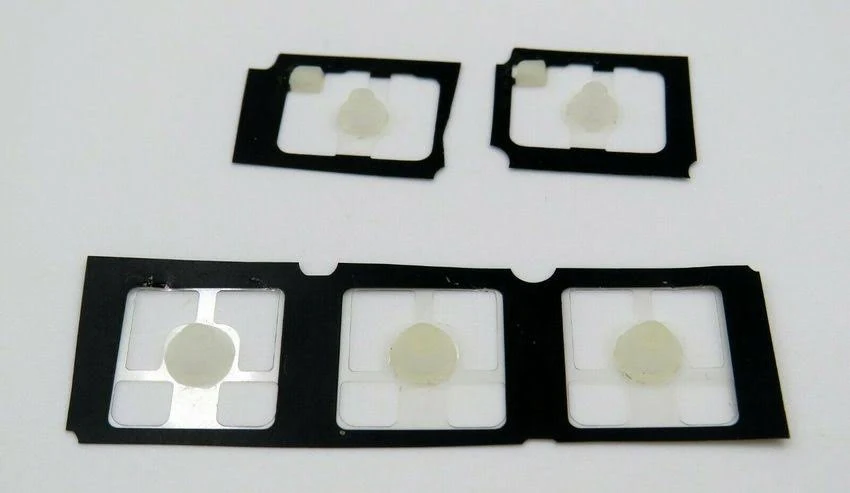 Zestaw 5 gumowych kopułek MX Keysuniversel-rubber-pad-x5Uzupełniamy zapasy2,99 €
Litery26
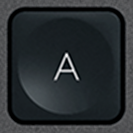 ALogitech·MX Keys·QWERTY EN1 szt. dostępne8,99 €
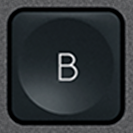 BLogitech·MX Keys·QWERTY EN2 szt. dostępne8,99 €
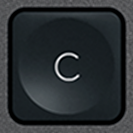 CLogitech·MX Keys·QWERTY EN8,99 €
 DLogitech·MX Keys·QWERTY EN8,99 €
 ELogitech·MX Keys·QWERTY ENBrak na stanie8,99 €
 FLogitech·MX Keys·QWERTY EN2 szt. dostępne8,99 €
 GLogitech·MX Keys·QWERTY EN1 szt. dostępne8,99 €
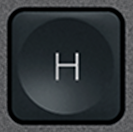 HLogitech·MX Keys·QWERTY EN3 szt. dostępne8,99 €
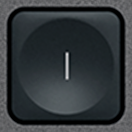 ILogitech·MX Keys·QWERTY EN8,99 €
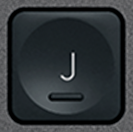 JLogitech·MX Keys·QWERTY EN3 szt. dostępne8,99 €
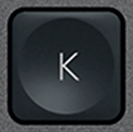 KLogitech·MX Keys·QWERTY EN2 szt. dostępne8,99 €
 LLogitech·MX Keys·QWERTY EN1 szt. dostępne8,99 €
 MLogitech·MX Keys·QWERTY EN1 szt. dostępne8,99 €
 NLogitech·MX Keys·QWERTY EN1 szt. dostępne8,99 €
 OLogitech·MX Keys·QWERTY EN8,99 €
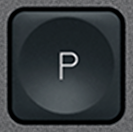 PLogitech·MX Keys·QWERTY EN2 szt. dostępne8,99 €
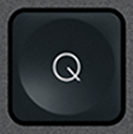 QLogitech·MX Keys·QWERTY EN2 szt. dostępne8,99 €
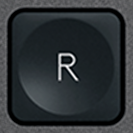 RLogitech·MX Keys·QWERTY EN2 szt. dostępne8,99 €
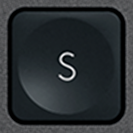 SLogitech·MX Keys·QWERTY EN1 szt. dostępne9,99 €
 TLogitech·MX Keys·QWERTY EN8,99 €
 ULogitech·MX Keys·QWERTY EN2 szt. dostępne8,99 €
 VLogitech·MX Keys·QWERTY EN8,99 €
 WLogitech·MX Keys·QWERTY EN1 szt. dostępne8,99 €
 XLogitech·MX Keys·QWERTY EN2 szt. dostępne8,99 €
 YLogitech·MX Keys·QWERTY EN4 szt. dostępne8,99 €
 ZLogitech·MX Keys·QWERTY EN1 szt. dostępne8,99 €
Cyfry10
 0 / )BiałyLogitech·MX Keys·QWERTY EN3 szt. dostępne8,99 €
 1 / !BiałyLogitech·MX Keys·QWERTY EN2 szt. dostępne8,99 €
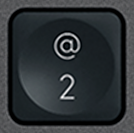 2 / @BiałyLogitech·MX Keys·QWERTY EN3 szt. dostępne8,99 €
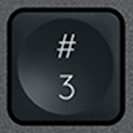 3 / £BiałyLogitech·MX Keys·QWERTY EN1 szt. dostępne8,99 €
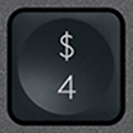 4 / $BiałyLogitech·MX Keys·QWERTY EN3 szt. dostępne8,99 €
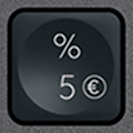 5 / %BiałyLogitech·MX Keys·QWERTY EN2 szt. dostępne8,99 €
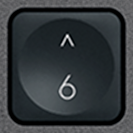 6 / ^BiałyLogitech·MX Keys·QWERTY EN3 szt. dostępne8,99 €
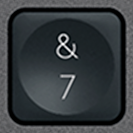 7 / &BiałyLogitech·MX Keys·QWERTY EN3 szt. dostępne8,99 €
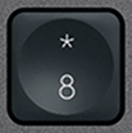 8 / *BiałyLogitech·MX Keys·QWERTY EN2 szt. dostępne8,99 €
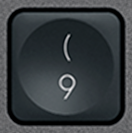 9 / (BiałyLogitech·MX Keys·QWERTY EN3 szt. dostępne8,99 €
Funkcyjne21
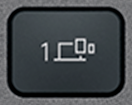 Bluetooth 1BiałyLogitech·MX Keys·QWERTY EN3 szt. dostępne6,99 €
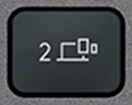 Bluetooth 2BiałyLogitech·MX Keys·QWERTY EN2 szt. dostępne6,99 €
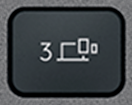 Bluetooth 3BiałyLogitech·MX Keys·QWERTY EN3 szt. dostępne6,99 €
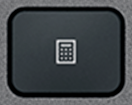 CalculatorBiałyLogitech·MX Keys·QWERTY EN3 szt. dostępne7,99 €
 Context menuBiałyLogitech·MX Keys·QWERTY EN3 szt. dostępne7,99 €
 EscBiałyLogitech·MX Keys·QWERTY EN1 szt. dostępne12,90 €
 F1BiałyLogitech·MX Keys·QWERTY EN3 szt. dostępne6,99 €
 F10BiałyLogitech·MX Keys·QWERTY EN3 szt. dostępne6,99 €
 F11BiałyLogitech·MX Keys·QWERTY EN3 szt. dostępne6,99 €
 F12BiałyLogitech·MX Keys·QWERTY EN3 szt. dostępne6,99 €
 F2BiałyLogitech·MX Keys·QWERTY EN3 szt. dostępne6,99 €
 F3BiałyLogitech·MX Keys·QWERTY EN3 szt. dostępne6,99 €
 F4BiałyLogitech·MX Keys·QWERTY EN3 szt. dostępne6,99 €
 F5BiałyLogitech·MX Keys·QWERTY EN3 szt. dostępne6,99 €
 F6BiałyLogitech·MX Keys·QWERTY EN2 szt. dostępne6,99 €
 F7BiałyLogitech·MX Keys·QWERTY EN3 szt. dostępne6,99 €
 F8BiałyLogitech·MX Keys·QWERTY EN2 szt. dostępne6,99 €
 F9BiałyLogitech·MX Keys·QWERTY EN3 szt. dostępne6,99 €
 ScreenshotBiałyLogitech·MX Keys·QWERTY EN2 szt. dostępne7,99 €
 StandbyBiałyLogitech·MX Keys·QWERTY EN3 szt. dostępne7,99 €
 Volume +BiałyLogitech·MX Keys·QWERTY EN3 szt. dostępne7,99 €
Modyfikatory12
 Alt Gr (R)BiałyLogitech·MX Keys·QWERTY EN3 szt. dostępne10,99 €
 BackspaceBiałyLogitech·MX Keys·QWERTY EN2 szt. dostępne10,99 €
 Caps LockBiałyLogitech·MX Keys·QWERTY EN3 szt. dostępne10,99 €
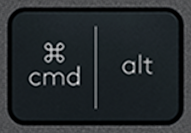 Cmd / Alt (L)BiałyLogitech·MX Keys·QWERTY EN12,99 €
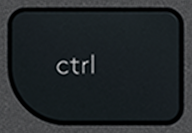 CtrlBiałyLogitech·MX Keys·QWERTY ENBrak na stanie19,99 €
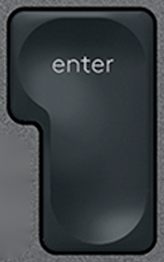 EnterBiałyLogitech·MX Keys·QWERTY EN1 szt. dostępne10,99 €
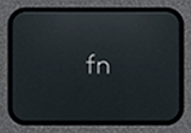 FnBiałyLogitech·MX Keys·QWERTY EN1 szt. dostępne10,99 €
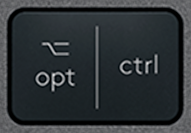 Opt / Ctrl (R)BiałyLogitech·MX Keys·QWERTY EN1 szt. dostępne10,99 €
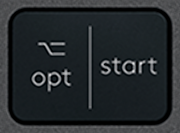 Opt / Win (L)BiałyLogitech·MX Keys·QWERTY EN2 szt. dostępne12,90 €
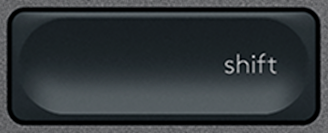 Shift (R)BiałyLogitech·MX Keys·QWERTY EN3 szt. dostępne10,99 €
 SpaceBiałyLogitech·MX Keys·QWERTY ENBrak na stanie21,90 €
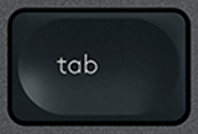 TabBiałyLogitech·MX Keys·QWERTY EN1 szt. dostępne10,99 €
Nawigacja10
 Arrow DownBiałyLogitech·MX Keys·QWERTY EN1 szt. dostępne9,99 €
 Arrow LeftBiałyLogitech·MX Keys·QWERTY EN1 szt. dostępne9,99 €
 Arrow RightBiałyLogitech·MX Keys·QWERTY EN1 szt. dostępne11,99 €
 Arrow UpBiałyLogitech·MX Keys·QWERTY EN3 szt. dostępne9,99 €
 DeleteBiałyLogitech·MX Keys·QWERTY EN2 szt. dostępne9,99 €
 EndBiałyLogitech·MX Keys·QWERTY EN3 szt. dostępne9,99 €
 HomeBiałyLogitech·MX Keys·QWERTY EN3 szt. dostępne9,99 €
 InsertBiałyLogitech·MX Keys·QWERTY EN2 szt. dostępne9,99 €
 Page downBiałyLogitech·MX Keys·QWERTY EN3 szt. dostępne9,99 €
 Page upBiałyLogitech·MX Keys·QWERTY EN2 szt. dostępne9,99 €
Specjalne12
 / |BiałyLogitech·MX Keys·QWERTY EN2 szt. dostępne9,99 €
 ' / "BiałyLogitech·MX Keys·QWERTY EN2 szt. dostępne9,99 €
 , / ≤BiałyLogitech·MX Keys·QWERTY EN3 szt. dostępne9,99 €
 - / _BiałyLogitech·MX Keys·QWERTY EN2 szt. dostępne9,99 €
 . / >BiałyLogitech·MX Keys·QWERTY EN2 szt. dostępne9,99 €
 / / ?BiałyLogitech·MX Keys·QWERTY EN3 szt. dostępne9,99 €
 ; / :BiałyLogitech·MX Keys·QWERTY EN3 szt. dostępne9,99 €
 = / +BiałyLogitech·MX Keys·QWERTY EN1 szt. dostępne9,99 €
 [ / {BiałyLogitech·MX Keys·QWERTY EN3 szt. dostępne9,99 €
![] / } Klawisz zapasowy QWERTY (US) Czarny Logitech MX Keys](/images/keys/us/pc-v2/touche-close-bracket.png) ] / }BiałyLogitech·MX Keys·QWERTY EN2 szt. dostępne9,99 €
] / }BiałyLogitech·MX Keys·QWERTY EN2 szt. dostępne9,99 € ` / ~BiałyLogitech·MX Keys·QWERTY EN3 szt. dostępne9,99 €
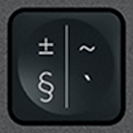 § / ±BiałyLogitech·MX Keys·QWERTY EN3 szt. dostępne9,99 €
Klawiatura numeryczna17
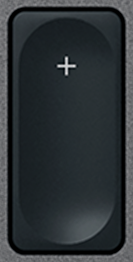 + (Num)BiałyLogitech·MX Keys·QWERTY EN3 szt. dostępne9,99 €
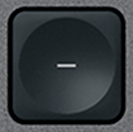 - (Num)BiałyLogitech·MX Keys·QWERTY EN1 szt. dostępne9,99 €
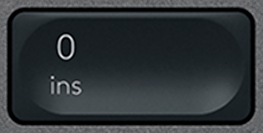 0 (Num)BiałyLogitech·MX Keys·QWERTY EN2 szt. dostępne9,99 €
 1 (Num)BiałyLogitech·MX Keys·QWERTY EN2 szt. dostępne9,99 €
 2 (Num)BiałyLogitech·MX Keys·QWERTY EN9,99 €
 3 (Num)BiałyLogitech·MX Keys·QWERTY EN1 szt. dostępne9,99 €
 4 (Num)BiałyLogitech·MX Keys·QWERTY EN1 szt. dostępne9,99 €
 5 (Num)BiałyLogitech·MX Keys·QWERTY EN1 szt. dostępne9,99 €
 6 (Num)BiałyLogitech·MX Keys·QWERTY EN1 szt. dostępne9,99 €
 7 (Num)BiałyLogitech·MX Keys·QWERTY EN3 szt. dostępne9,99 €
 8 (Num)BiałyLogitech·MX Keys·QWERTY EN1 szt. dostępne9,99 €
 9 (Num)BiałyLogitech·MX Keys·QWERTY EN3 szt. dostępne9,99 €
 Del (Num)BiałyLogitech·MX Keys·QWERTY EN1 szt. dostępne9,99 €
 Enter (Num)BiałyLogitech·MX Keys·QWERTY EN1 szt. dostępne9,99 €
 Num LockBiałyLogitech·MX Keys·QWERTY EN3 szt. dostępne9,99 €
 × (Num)BiałyLogitech·MX Keys·QWERTY EN1 szt. dostępne9,99 €
 ÷ (Num)BiałyLogitech·MX Keys·QWERTY EN3 szt. dostępne9,99 €
Wyświetlanie 1–10 z 108
Nie ma klawisza w katalogu? Mamy dostęp do wielu klawiatur premium i rozpatrujemy każde zapytanie. Napisz do nas e-mail z modelem klawiatury i brakującym klawiszem — szybko odpowiemy z odpowiednim rozwiązaniem.
contact@keyspares.comNasze gwarancje
Zawias w komplecie
Plastikowy element, który inni sprzedawcy pomijają, dołączamy do każdego klawisza.
Wysyłka w 24 h
Zamówienie wychodzi w ciągu 24 godzin roboczych, wysyłka ze śledzeniem za 2 € do Francji, 5 € do reszty Europy i 9 € poza Europę.
30 dni gwarancji
Darmowy zwrot, jeśli część nie odpowiada opisowi lub dotrze uszkodzona.
Frequently asked questions
Where to buy a replacement key for a Logitech MX Keys?
Logitech does not sell MX Keys keys individually: when one breaks, its only answer is a new keyboard. Keyspares, formerly MX Keys Parts (mxkeysparts.com), sells every key separately, taken from a dismantled second-hand MX Keys and shipped with its X-shaped hinge. A letter or digit costs from €8.99, a function key from €6.99, a modifier from €10.99 and the spacebar €21.90; the second key in the order is 20% off and every one after it 10% off. Orders ship within 24 working hours by tracked letter: €2 to France, €5 within Europe, €9 outside Europe, free within Europe from €30. Each product page shows the real stock at that moment.
Which key should you order for a Logitech MX Keys keyboard?
Three things are enough, and all of them can be read off the keyboard: the character engraved on the broken key, the layout (AZERTY, QWERTY or QWERTZ) and the colour, graphite or white. An AZERTY key clips onto a QWERTY keyboard, but will not show the right character. Letters, digits and special characters are interchangeable between the MX Keys, the MX Keys S and the MX Keys Mini, which share the same scissor mechanism. Function keys, arrows and modifiers on the Mini are shorter, though: for those, the model has to match.
Why does the hinge ship with the key?
Under the keycap sits an X-shaped plastic hinge, clipped onto four metal hooks, which guides the key and springs it back up. That hinge is what breaks most often, far more than the cap. A key sold without its hinge therefore misses the most common failure: if the X is cracked, the new key will hold no better than the old one. Every key here ships with its hinge, while most sellers supply the cap alone. The hinge is also sold on its own, at €6.99, when the original cap is undamaged.
Can you repair a Logitech MX Keys keyboard yourself?
Yes, usually without tools or taking it apart. The most common fault, a key that has come off or presses down crooked, comes from a broken hinge. Lift the cap with a fingernail or a plastic spudger, remove the pieces of the old hinge, clip the new one onto the four hooks, then press the cap down until it clicks: the keyboard works straight away. A key that clicks but types nothing points to the rubber return pad, a keyboard that no longer holds a charge needs a battery (€9.99), and one that will not turn on at all, even plugged in, a motherboard (€14.99). Every fault has its own step-by-step MX Keys repair guide.
Browse the catalogue by layout
Each page lists every key available in that layout, with its price and availability.