Ένα σπασμένο πλήκτρο δεν καταδικάζει ένα premium πληκτρολόγιο
Επισκευάστε το πληκτρολόγιό σας Logitech ή Apple, πλήκτρο προς πλήκτρο
Κατάλογος
1 · Το πληκτρολόγιό σας
2 · Το πλήκτρο σας
Το πληκτρολόγιο ανοίγει ανά ζώνη, με πλήκτρα στο μέγεθος του δακτύλου.
Βρείτε το πλήκτρο στο πληκτρολόγιο
Κάντε κλικ στο σπασμένο πλήκτρο για να ανοίξετε τη σελίδα του.
135 πλήκτρα
Δεν βρίσκετε το πλήκτρο σας; Ίσως το έχουμε σε απόθεμα. (γρήγορη απάντηση)Συνομιλήστε μαζί μαςΑνταλλακτικά και εργαλεία27
 Μεντεσές πλήκτρου MX Keysuniversel-hinge-x16,99 €
 Σετ 4 τυχαίων πλήκτρων MX Keys (χωρίς μεντεσέ)universel-touche-aleatoire-x54,90 €
 Μητρική MX Keys QWERTY (EN) — PCuniversel-carte-mere-en-pcLogitechΑνανέωση αποθέματος σε εξέλιξη14,99 €
- Τυχαίο πλήκτρο MX Keysuniversel-touche-aleatoire1,50 €
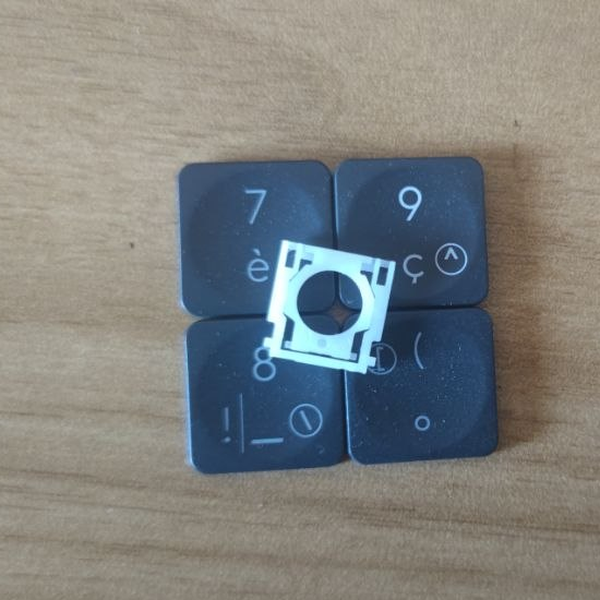 Τυχαίο πλήκτρο MX Keys + μεντεσέςuniversel-touche-aleatoire-hinge1 σε απόθεμα8,50 €
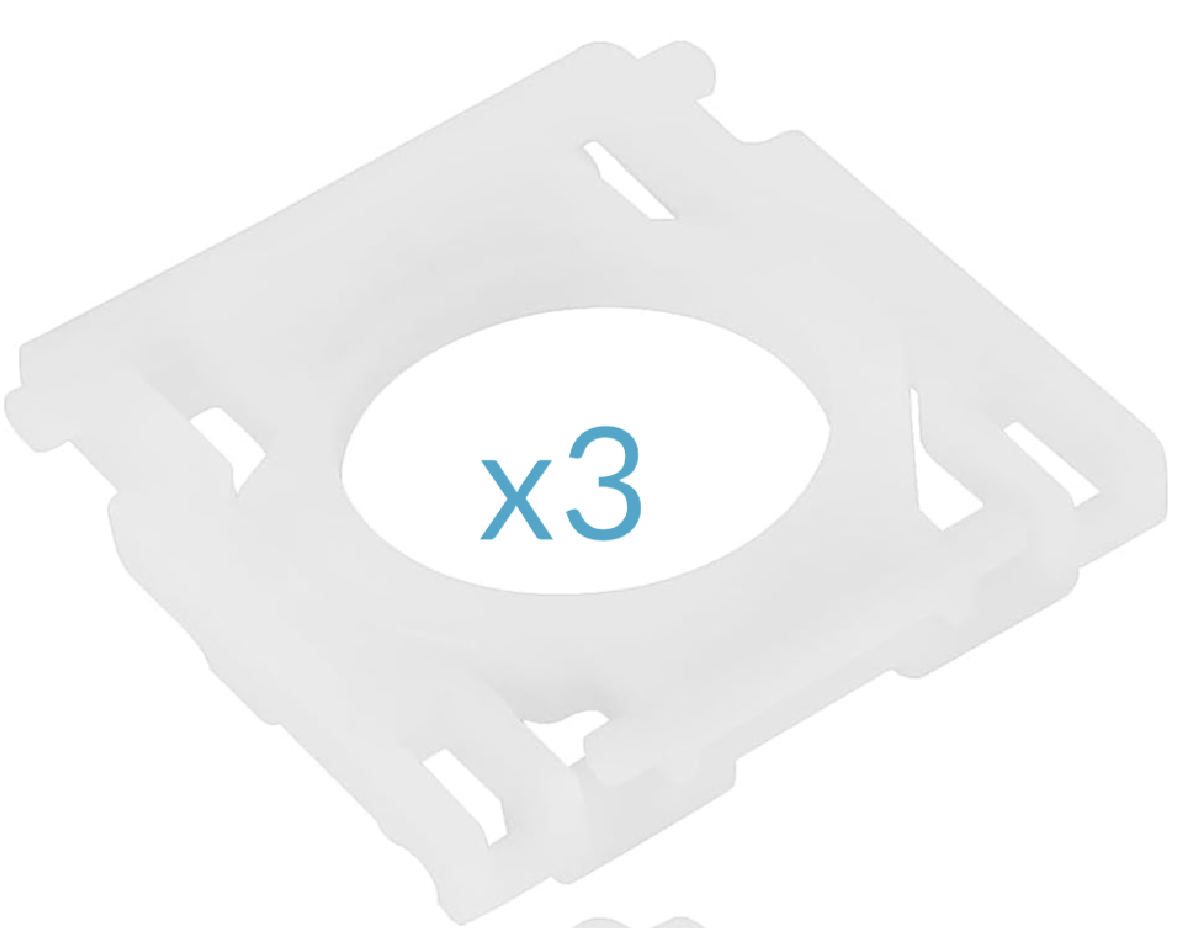 Σετ 3 μεντεσέδων MX Keysuniversel-hinge-x314,99 €
- Κιτ έκτακτης ανάγκης MX Keys (2 μίνι μεντεσέδες, 2 μεντεσέδες, 5 τυχαία πλήκτρα, 1 spudger)universel-kit-secours-mx-keys14,99 €
 Spudger, πλαστικό εργαλείο ανοίγματοςuniversel-spudger2,50 €
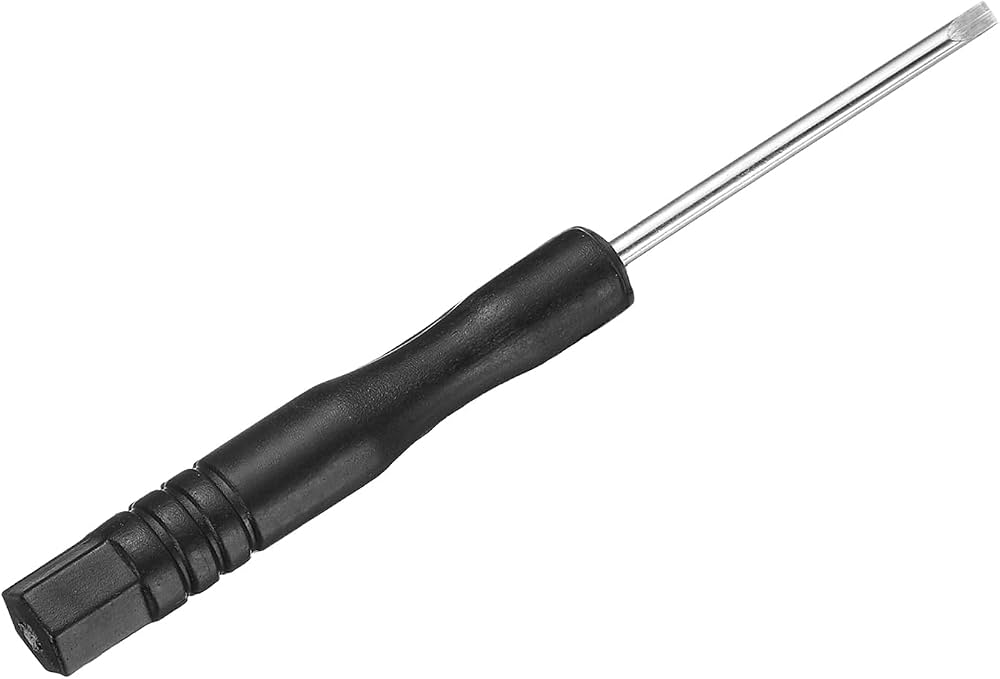 Μίνι επίπεδο κατσαβίδι ακριβείαςuniversel-tournevis-plat1,99 €
 Κόλλα B7000 — σωληνάριο 3 mluniversel-colle-b70000,99 €
 Πανί καθαρισμού μικροϊνώνuniversel-chiffon-nettoyage1,99 €
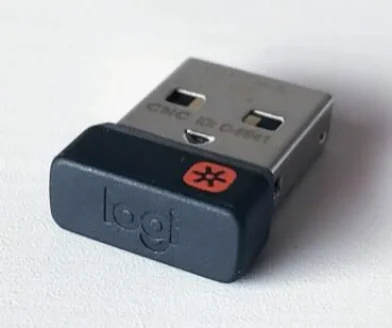 Δέκτης USB Logitech Unifyinguniversel-usb-unifying5 σε απόθεμα5,99 €
- Σετ 5 τυχαίων πλήκτρων MX Keys + μεντεσέδεςuniversel-touche-aleatoire-hinge-x519,90 €
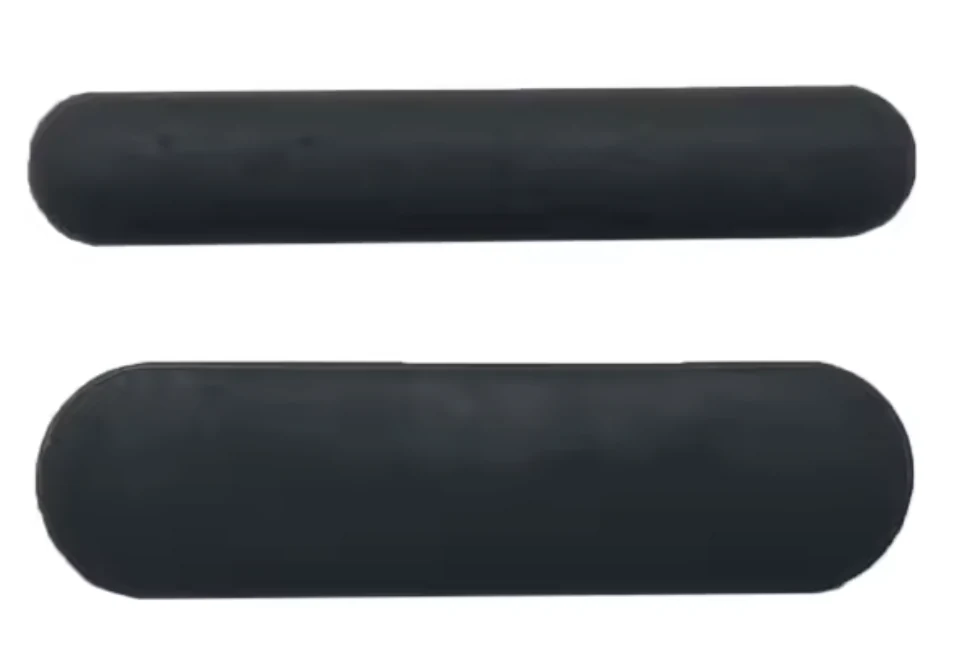 Πλήρες σετ 6 ελαστικών ποδιών — MX Keysuniversel-caoutchouc-complet5,99 €
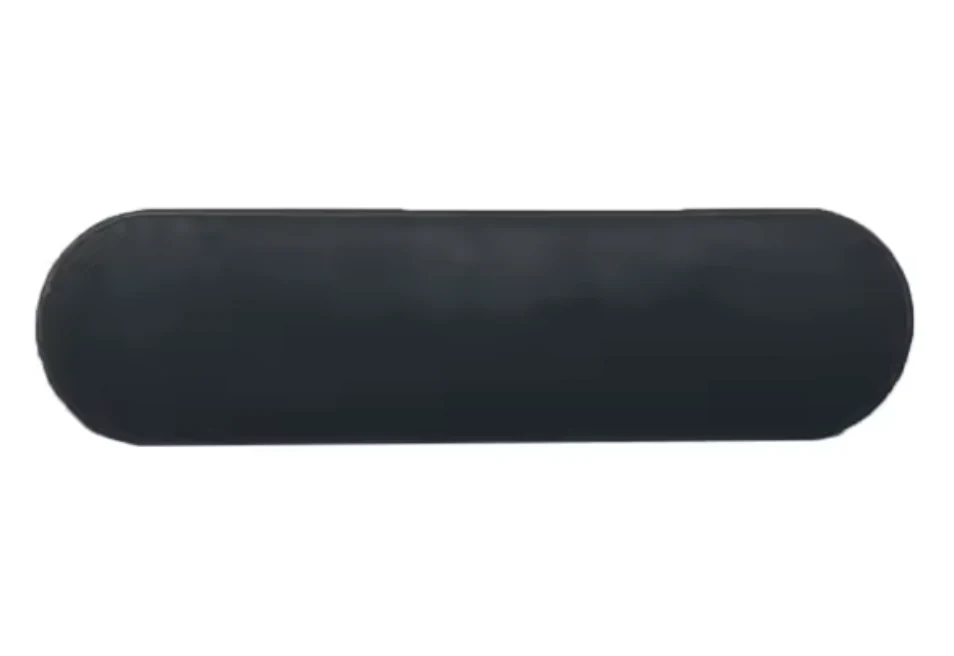 Σετ 3 ελαστικών ποδιών (πάνω, χοντρό) — MX Keysuniversel-caoutchouc-hautΑνανέωση αποθέματος σε εξέλιξη4,99 €
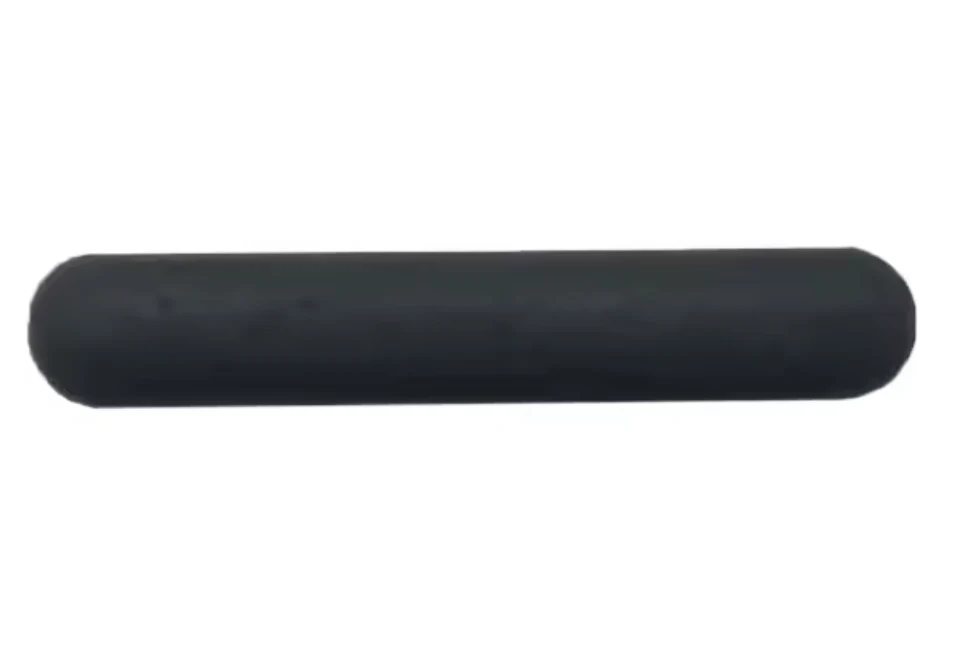 Σετ 3 ελαστικών ποδιών (κάτω, λεπτό) — MX Keysuniversel-caoutchouc-basΑνανέωση αποθέματος σε εξέλιξη4,99 €
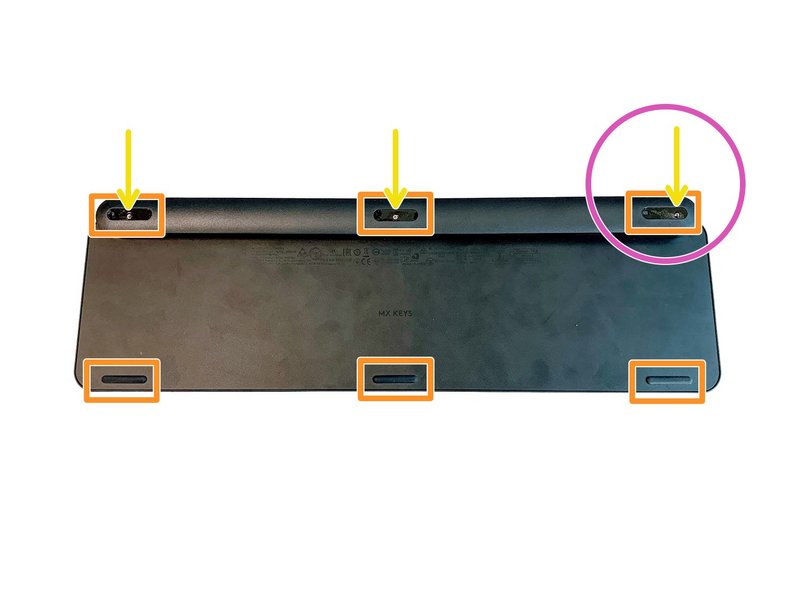 Πλήρες σετ 6 βιδών πληκτρολογίου MX Keysuniversel-vis-x61 σε απόθεμα3,99 €
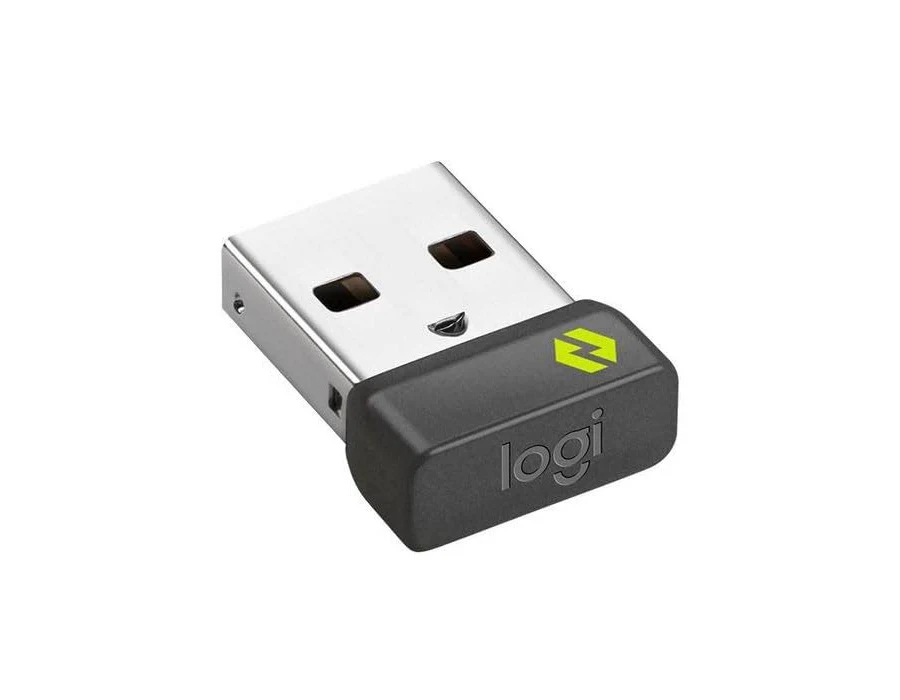 Δέκτης USB Logitech Boltuniversel-usb-boltΑνανέωση αποθέματος σε εξέλιξη10,99 €
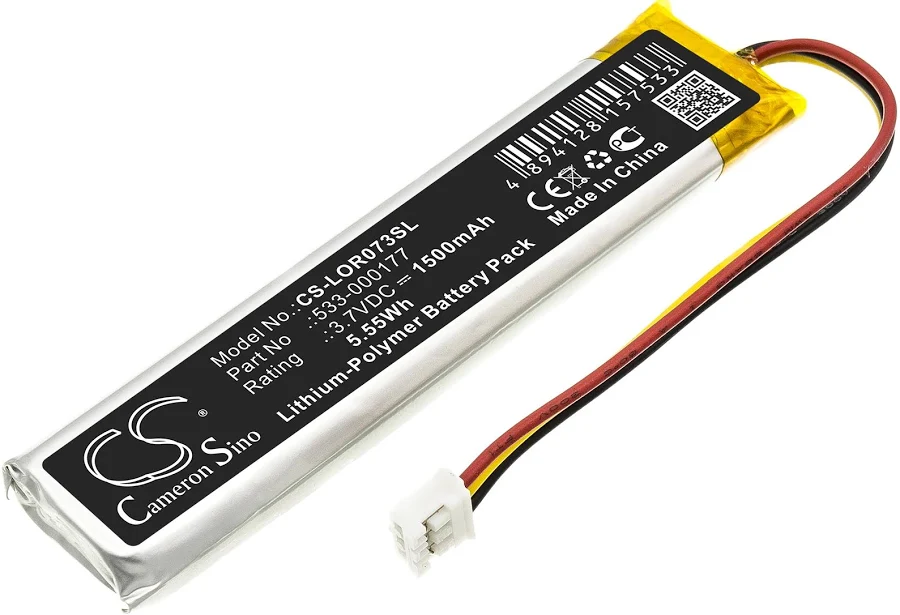 Μπαταρία MX Keys (PC + Mac)universel-batterieΑνανέωση αποθέματος σε εξέλιξη9,99 €
- Μητρική MX Keys AZERTY (FR) — PCuniversel-carte-mere-fr-pcLogitech14,99 €
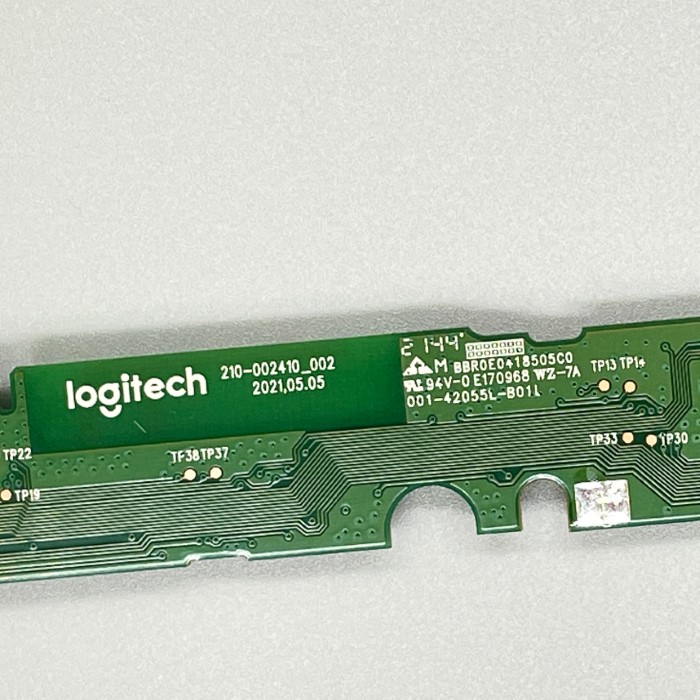 Μητρική MX Keys Mini AZERTY (FR)universel-carte-mere-mini-fr2 σε απόθεμα14,99 €
- Μητρική MX Keys Mini QWERTY (UK)universel-carte-mere-mini-ukΑνανέωση αποθέματος σε εξέλιξη14,99 €
- Μητρική MX Keys Mini QWERTY (US)universel-carte-mere-mini-usΑνανέωση αποθέματος σε εξέλιξη14,99 €
- Πακέτο εργαστηρίου 20 τυχαίων πλήκτρων MX Keysuniversel-touche-aleatoire-x2019,90 €
- Σετ 10 τυχαίων πλήκτρων MX Keys (χωρίς μεντεσέ)universel-touche-aleatoire-x108,99 €
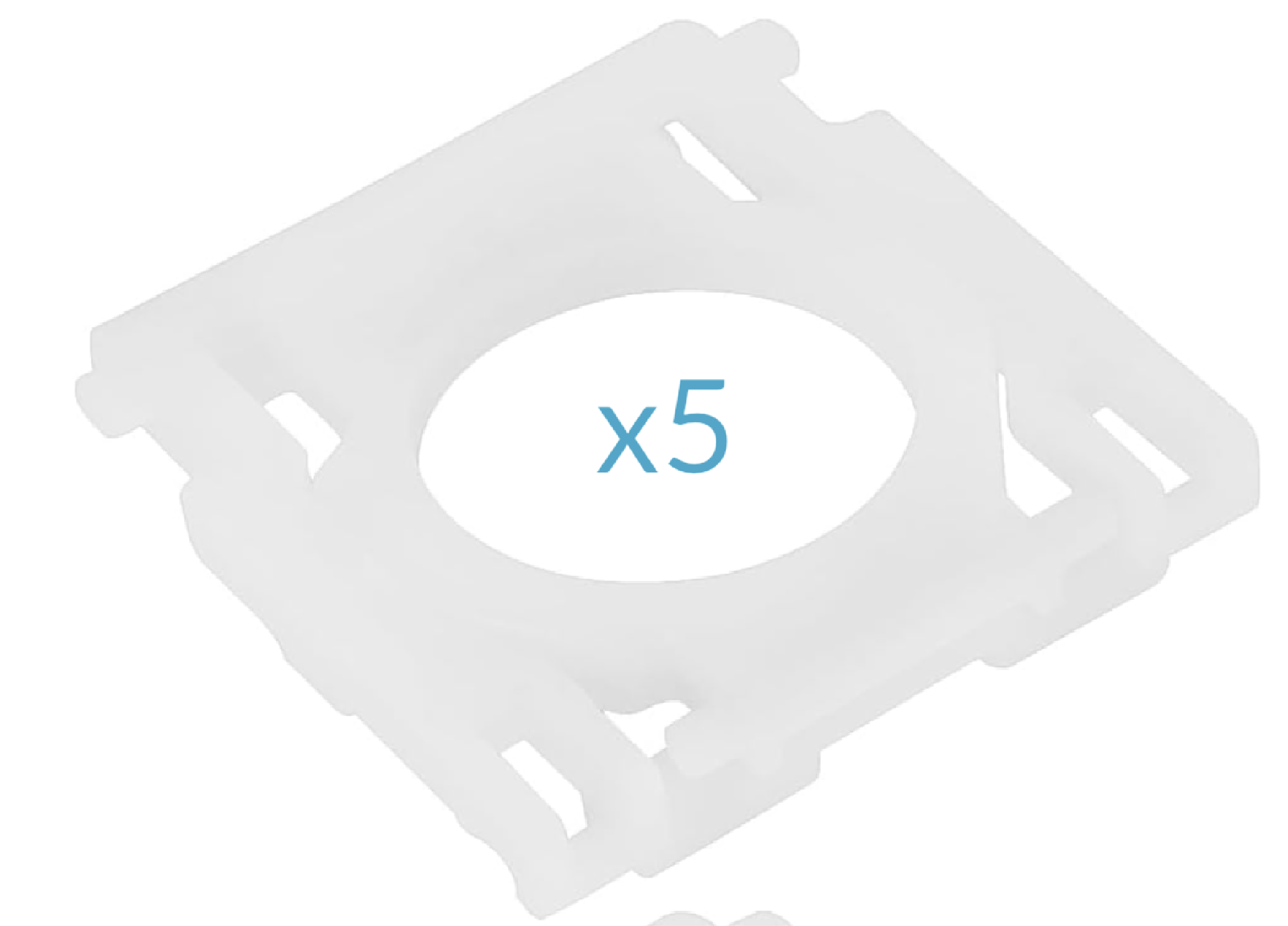 Σετ 5 μεντεσέδων MX Keysuniversel-hinge-x517,99 €
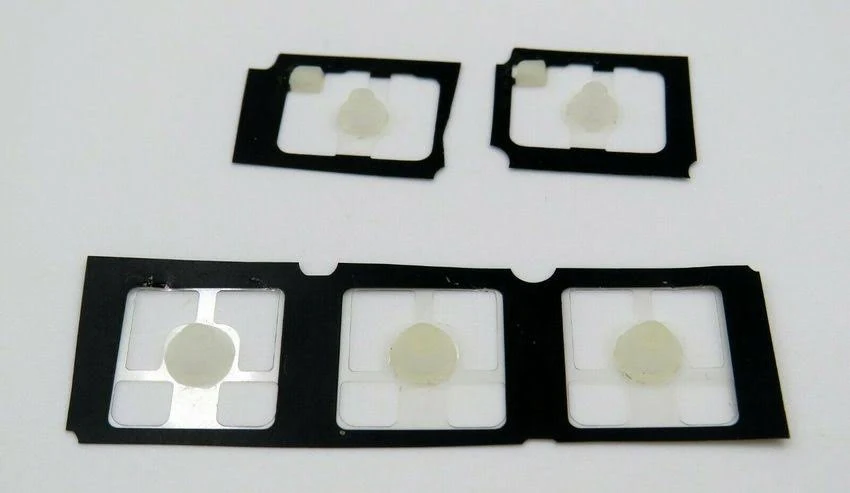 Σετ 5 ελαστικών θόλων MX Keysuniversel-rubber-pad-x5Ανανέωση αποθέματος σε εξέλιξη2,99 €
Γράμματα26
 ALogitech·MX Keys·QWERTY EN1 σε απόθεμα8,99 €
 BLogitech·MX Keys·QWERTY EN2 σε απόθεμα8,99 €
 CLogitech·MX Keys·QWERTY EN8,99 €
 DLogitech·MX Keys·QWERTY EN8,99 €
 ELogitech·MX Keys·QWERTY ENΕξαντλημένο8,99 €
 FLogitech·MX Keys·QWERTY EN2 σε απόθεμα8,99 €
 GLogitech·MX Keys·QWERTY EN1 σε απόθεμα8,99 €
 HLogitech·MX Keys·QWERTY EN3 σε απόθεμα8,99 €
 ILogitech·MX Keys·QWERTY EN8,99 €
 JLogitech·MX Keys·QWERTY EN3 σε απόθεμα8,99 €
 KLogitech·MX Keys·QWERTY EN2 σε απόθεμα8,99 €
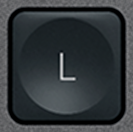 LLogitech·MX Keys·QWERTY EN1 σε απόθεμα8,99 €
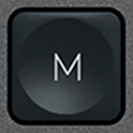 MLogitech·MX Keys·QWERTY EN1 σε απόθεμα8,99 €
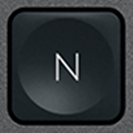 NLogitech·MX Keys·QWERTY EN1 σε απόθεμα8,99 €
 OLogitech·MX Keys·QWERTY EN8,99 €
 PLogitech·MX Keys·QWERTY EN2 σε απόθεμα8,99 €
 QLogitech·MX Keys·QWERTY EN2 σε απόθεμα8,99 €
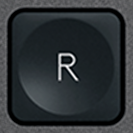 RLogitech·MX Keys·QWERTY EN2 σε απόθεμα8,99 €
 SLogitech·MX Keys·QWERTY EN1 σε απόθεμα9,99 €
 TLogitech·MX Keys·QWERTY EN8,99 €
 ULogitech·MX Keys·QWERTY EN2 σε απόθεμα8,99 €
 VLogitech·MX Keys·QWERTY EN8,99 €
 WLogitech·MX Keys·QWERTY EN1 σε απόθεμα8,99 €
 XLogitech·MX Keys·QWERTY EN2 σε απόθεμα8,99 €
 YLogitech·MX Keys·QWERTY EN4 σε απόθεμα8,99 €
 ZLogitech·MX Keys·QWERTY EN1 σε απόθεμα8,99 €
Αριθμοί10
 0 / )ΛευκόLogitech·MX Keys·QWERTY EN3 σε απόθεμα8,99 €
 1 / !ΛευκόLogitech·MX Keys·QWERTY EN2 σε απόθεμα8,99 €
 2 / @ΛευκόLogitech·MX Keys·QWERTY EN3 σε απόθεμα8,99 €
 3 / £ΛευκόLogitech·MX Keys·QWERTY EN1 σε απόθεμα8,99 €
 4 / $ΛευκόLogitech·MX Keys·QWERTY EN3 σε απόθεμα8,99 €
 5 / %ΛευκόLogitech·MX Keys·QWERTY EN2 σε απόθεμα8,99 €
 6 / ^ΛευκόLogitech·MX Keys·QWERTY EN3 σε απόθεμα8,99 €
 7 / &ΛευκόLogitech·MX Keys·QWERTY EN3 σε απόθεμα8,99 €
 8 / *ΛευκόLogitech·MX Keys·QWERTY EN2 σε απόθεμα8,99 €
 9 / (ΛευκόLogitech·MX Keys·QWERTY EN3 σε απόθεμα8,99 €
Λειτουργιών21
 Bluetooth 1ΛευκόLogitech·MX Keys·QWERTY EN3 σε απόθεμα6,99 €
 Bluetooth 2ΛευκόLogitech·MX Keys·QWERTY EN2 σε απόθεμα6,99 €
 Bluetooth 3ΛευκόLogitech·MX Keys·QWERTY EN3 σε απόθεμα6,99 €
 CalculatorΛευκόLogitech·MX Keys·QWERTY EN3 σε απόθεμα7,99 €
 Context menuΛευκόLogitech·MX Keys·QWERTY EN3 σε απόθεμα7,99 €
 EscΛευκόLogitech·MX Keys·QWERTY EN1 σε απόθεμα12,90 €
 F1ΛευκόLogitech·MX Keys·QWERTY EN3 σε απόθεμα6,99 €
 F10ΛευκόLogitech·MX Keys·QWERTY EN3 σε απόθεμα6,99 €
 F11ΛευκόLogitech·MX Keys·QWERTY EN3 σε απόθεμα6,99 €
 F12ΛευκόLogitech·MX Keys·QWERTY EN3 σε απόθεμα6,99 €
 F2ΛευκόLogitech·MX Keys·QWERTY EN3 σε απόθεμα6,99 €
 F3ΛευκόLogitech·MX Keys·QWERTY EN3 σε απόθεμα6,99 €
 F4ΛευκόLogitech·MX Keys·QWERTY EN3 σε απόθεμα6,99 €
 F5ΛευκόLogitech·MX Keys·QWERTY EN3 σε απόθεμα6,99 €
 F6ΛευκόLogitech·MX Keys·QWERTY EN2 σε απόθεμα6,99 €
 F7ΛευκόLogitech·MX Keys·QWERTY EN3 σε απόθεμα6,99 €
 F8ΛευκόLogitech·MX Keys·QWERTY EN2 σε απόθεμα6,99 €
 F9ΛευκόLogitech·MX Keys·QWERTY EN3 σε απόθεμα6,99 €
 ScreenshotΛευκόLogitech·MX Keys·QWERTY EN2 σε απόθεμα7,99 €
 StandbyΛευκόLogitech·MX Keys·QWERTY EN3 σε απόθεμα7,99 €
 Volume +ΛευκόLogitech·MX Keys·QWERTY EN3 σε απόθεμα7,99 €
Τροποποιητές12
 Alt Gr (R)ΛευκόLogitech·MX Keys·QWERTY EN3 σε απόθεμα10,99 €
 BackspaceΛευκόLogitech·MX Keys·QWERTY EN2 σε απόθεμα10,99 €
 Caps LockΛευκόLogitech·MX Keys·QWERTY EN3 σε απόθεμα10,99 €
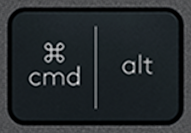 Cmd / Alt (L)ΛευκόLogitech·MX Keys·QWERTY EN12,99 €
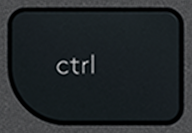 CtrlΛευκόLogitech·MX Keys·QWERTY ENΕξαντλημένο19,99 €
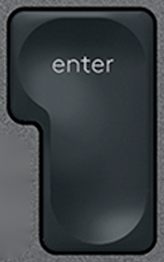 EnterΛευκόLogitech·MX Keys·QWERTY EN1 σε απόθεμα10,99 €
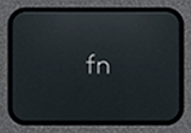 FnΛευκόLogitech·MX Keys·QWERTY EN1 σε απόθεμα10,99 €
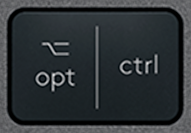 Opt / Ctrl (R)ΛευκόLogitech·MX Keys·QWERTY EN1 σε απόθεμα10,99 €
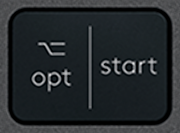 Opt / Win (L)ΛευκόLogitech·MX Keys·QWERTY EN2 σε απόθεμα12,90 €
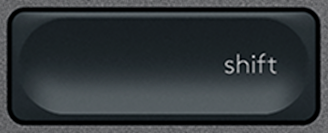 Shift (R)ΛευκόLogitech·MX Keys·QWERTY EN3 σε απόθεμα10,99 €
 SpaceΛευκόLogitech·MX Keys·QWERTY ENΕξαντλημένο21,90 €
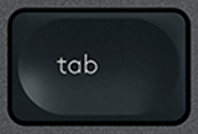 TabΛευκόLogitech·MX Keys·QWERTY EN1 σε απόθεμα10,99 €
Πλοήγηση10
 Arrow DownΛευκόLogitech·MX Keys·QWERTY EN1 σε απόθεμα9,99 €
 Arrow LeftΛευκόLogitech·MX Keys·QWERTY EN1 σε απόθεμα9,99 €
 Arrow RightΛευκόLogitech·MX Keys·QWERTY EN1 σε απόθεμα11,99 €
 Arrow UpΛευκόLogitech·MX Keys·QWERTY EN3 σε απόθεμα9,99 €
 DeleteΛευκόLogitech·MX Keys·QWERTY EN2 σε απόθεμα9,99 €
 EndΛευκόLogitech·MX Keys·QWERTY EN3 σε απόθεμα9,99 €
 HomeΛευκόLogitech·MX Keys·QWERTY EN3 σε απόθεμα9,99 €
 InsertΛευκόLogitech·MX Keys·QWERTY EN2 σε απόθεμα9,99 €
 Page downΛευκόLogitech·MX Keys·QWERTY EN3 σε απόθεμα9,99 €
 Page upΛευκόLogitech·MX Keys·QWERTY EN2 σε απόθεμα9,99 €
Ειδικά12
 / |ΛευκόLogitech·MX Keys·QWERTY EN2 σε απόθεμα9,99 €
 ' / "ΛευκόLogitech·MX Keys·QWERTY EN2 σε απόθεμα9,99 €
 , / ≤ΛευκόLogitech·MX Keys·QWERTY EN3 σε απόθεμα9,99 €
 - / _ΛευκόLogitech·MX Keys·QWERTY EN2 σε απόθεμα9,99 €
 . / >ΛευκόLogitech·MX Keys·QWERTY EN2 σε απόθεμα9,99 €
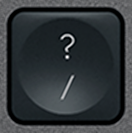 / / ?ΛευκόLogitech·MX Keys·QWERTY EN3 σε απόθεμα9,99 €
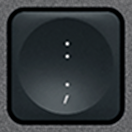 ; / :ΛευκόLogitech·MX Keys·QWERTY EN3 σε απόθεμα9,99 €
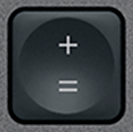 = / +ΛευκόLogitech·MX Keys·QWERTY EN1 σε απόθεμα9,99 €
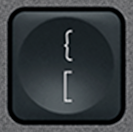 [ / {ΛευκόLogitech·MX Keys·QWERTY EN3 σε απόθεμα9,99 €
![] / } Πλήκτρο αντικατάστασης QWERTY (US) Μαύρο Logitech MX Keys](/images/keys/us/pc-v2/touche-close-bracket.png) ] / }ΛευκόLogitech·MX Keys·QWERTY EN2 σε απόθεμα9,99 €
] / }ΛευκόLogitech·MX Keys·QWERTY EN2 σε απόθεμα9,99 € ` / ~ΛευκόLogitech·MX Keys·QWERTY EN3 σε απόθεμα9,99 €
 § / ±ΛευκόLogitech·MX Keys·QWERTY EN3 σε απόθεμα9,99 €
Αριθμητικό πληκτρολόγιο17
 + (Num)ΛευκόLogitech·MX Keys·QWERTY EN3 σε απόθεμα9,99 €
 - (Num)ΛευκόLogitech·MX Keys·QWERTY EN1 σε απόθεμα9,99 €
 0 (Num)ΛευκόLogitech·MX Keys·QWERTY EN2 σε απόθεμα9,99 €
 1 (Num)ΛευκόLogitech·MX Keys·QWERTY EN2 σε απόθεμα9,99 €
 2 (Num)ΛευκόLogitech·MX Keys·QWERTY EN9,99 €
 3 (Num)ΛευκόLogitech·MX Keys·QWERTY EN1 σε απόθεμα9,99 €
 4 (Num)ΛευκόLogitech·MX Keys·QWERTY EN1 σε απόθεμα9,99 €
 5 (Num)ΛευκόLogitech·MX Keys·QWERTY EN1 σε απόθεμα9,99 €
 6 (Num)ΛευκόLogitech·MX Keys·QWERTY EN1 σε απόθεμα9,99 €
 7 (Num)ΛευκόLogitech·MX Keys·QWERTY EN3 σε απόθεμα9,99 €
 8 (Num)ΛευκόLogitech·MX Keys·QWERTY EN1 σε απόθεμα9,99 €
 9 (Num)ΛευκόLogitech·MX Keys·QWERTY EN3 σε απόθεμα9,99 €
 Del (Num)ΛευκόLogitech·MX Keys·QWERTY EN1 σε απόθεμα9,99 €
 Enter (Num)ΛευκόLogitech·MX Keys·QWERTY EN1 σε απόθεμα9,99 €
 Num LockΛευκόLogitech·MX Keys·QWERTY EN3 σε απόθεμα9,99 €
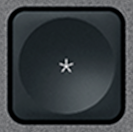 × (Num)ΛευκόLogitech·MX Keys·QWERTY EN1 σε απόθεμα9,99 €
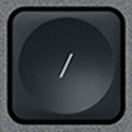 ÷ (Num)ΛευκόLogitech·MX Keys·QWERTY EN3 σε απόθεμα9,99 €
Εμφάνιση 1–10 από 108
Δεν βρίσκετε το πλήκτρο στον κατάλογο; Έχουμε πρόσβαση σε πολλά πληκτρολόγια premium και εξετάζουμε κάθε αίτημα. Επικοινωνήστε μαζί μας με e-mail αναφέροντας το μοντέλο του πληκτρολογίου σας και το πλήκτρο που λείπει: θα σας απαντήσουμε σύντομα με κατάλληλη λύση.
contact@keyspares.comΟι εγγυήσεις μας
Μεντεσές περιλαμβάνεται
Το πλαστικό εξάρτημα που παραλείπουν οι άλλοι πωλητές συνοδεύει κάθε πλήκτρο.
Αποστολή σε 24 ώρες
Η παραγγελία φεύγει εντός 24 εργάσιμων ωρών, αποστολή με παρακολούθηση 2 € στη Γαλλία, 5 € στην υπόλοιπη Ευρώπη και 9 € εκτός Ευρώπης.
Εγγύηση 30 ημερών
Δωρεάν επιστροφή αν το εξάρτημα δεν αντιστοιχεί στην περιγραφή ή φτάσει ελαττωματικό.
Frequently asked questions
Where to buy a replacement key for a Logitech MX Keys?
Logitech does not sell MX Keys keys individually: when one breaks, its only answer is a new keyboard. Keyspares, formerly MX Keys Parts (mxkeysparts.com), sells every key separately, taken from a dismantled second-hand MX Keys and shipped with its X-shaped hinge. A letter or digit costs from €8.99, a function key from €6.99, a modifier from €10.99 and the spacebar €21.90; the second key in the order is 20% off and every one after it 10% off. Orders ship within 24 working hours by tracked letter: €2 to France, €5 within Europe, €9 outside Europe, free within Europe from €30. Each product page shows the real stock at that moment.
Which key should you order for a Logitech MX Keys keyboard?
Three things are enough, and all of them can be read off the keyboard: the character engraved on the broken key, the layout (AZERTY, QWERTY or QWERTZ) and the colour, graphite or white. An AZERTY key clips onto a QWERTY keyboard, but will not show the right character. Letters, digits and special characters are interchangeable between the MX Keys, the MX Keys S and the MX Keys Mini, which share the same scissor mechanism. Function keys, arrows and modifiers on the Mini are shorter, though: for those, the model has to match.
Why does the hinge ship with the key?
Under the keycap sits an X-shaped plastic hinge, clipped onto four metal hooks, which guides the key and springs it back up. That hinge is what breaks most often, far more than the cap. A key sold without its hinge therefore misses the most common failure: if the X is cracked, the new key will hold no better than the old one. Every key here ships with its hinge, while most sellers supply the cap alone. The hinge is also sold on its own, at €6.99, when the original cap is undamaged.
Can you repair a Logitech MX Keys keyboard yourself?
Yes, usually without tools or taking it apart. The most common fault, a key that has come off or presses down crooked, comes from a broken hinge. Lift the cap with a fingernail or a plastic spudger, remove the pieces of the old hinge, clip the new one onto the four hooks, then press the cap down until it clicks: the keyboard works straight away. A key that clicks but types nothing points to the rubber return pad, a keyboard that no longer holds a charge needs a battery (€9.99), and one that will not turn on at all, even plugged in, a motherboard (€14.99). Every fault has its own step-by-step MX Keys repair guide.
Browse the catalogue by layout
Each page lists every key available in that layout, with its price and availability.