Reservetaster til Logitech MX Keys og Apple
Selges enkeltvis, hengsel inkludert · fra 7,99 € · sendes innen 24 arbeidstimer · 30 dagers pengene-tilbake-garanti
Katalog
1 · Tastaturet ditt
2 · Tasten din
Tastaturet åpnes sone for sone, med taster i fingerstørrelse.
Finn tasten min på tastaturet
Deler og verktøy25
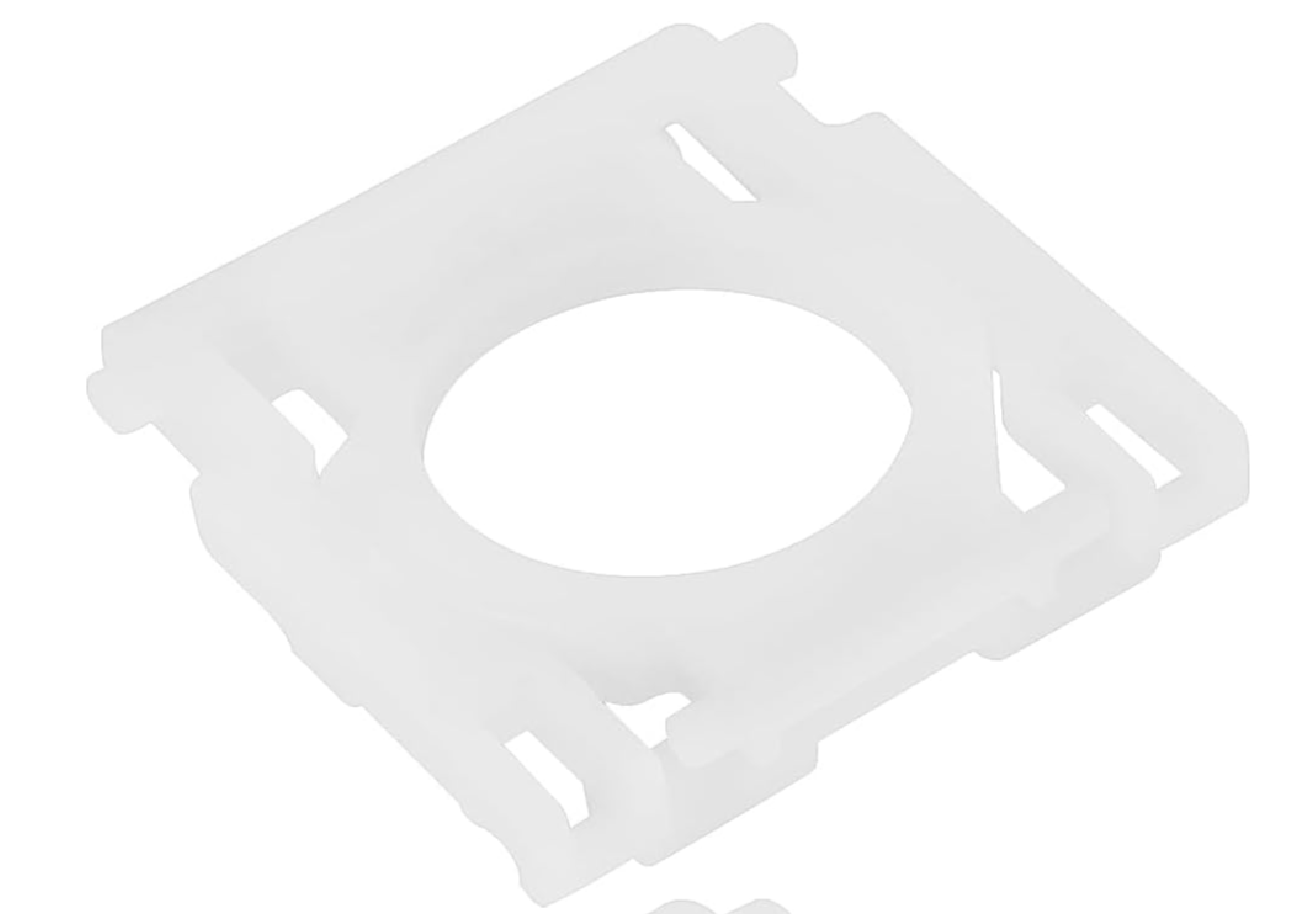 1 hengsel / standard MX Keys-klipsuniversel-hinge-x14.99 €
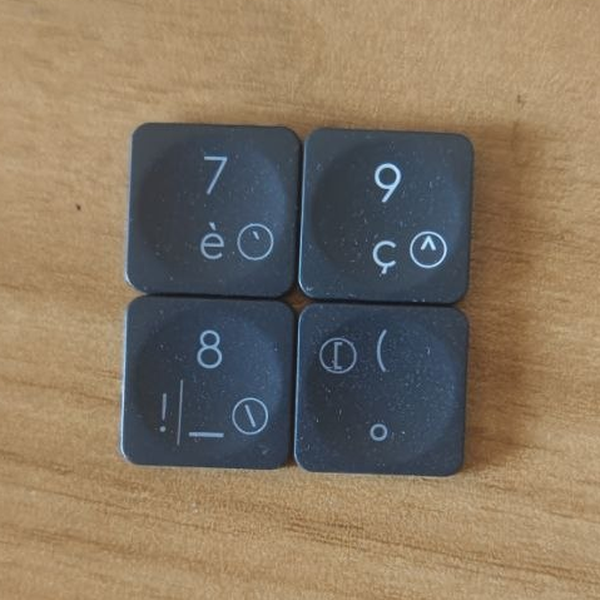 Sett med 5 tilfeldige MX Keys-tasteruniversel-touche-aleatoire-x56.9 €
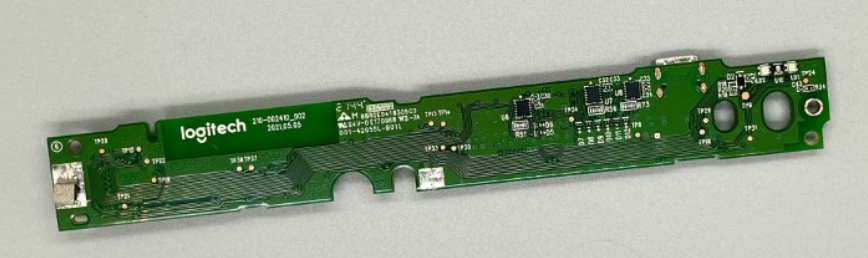 Hovedkort MX Keys QWERTY (EN) — PCuniversel-carte-mere-en-pcLogitech1 på lager14.99 €
- Tilfeldig MX Keys-tastuniversel-touche-aleatoire1 på lager1.99 €
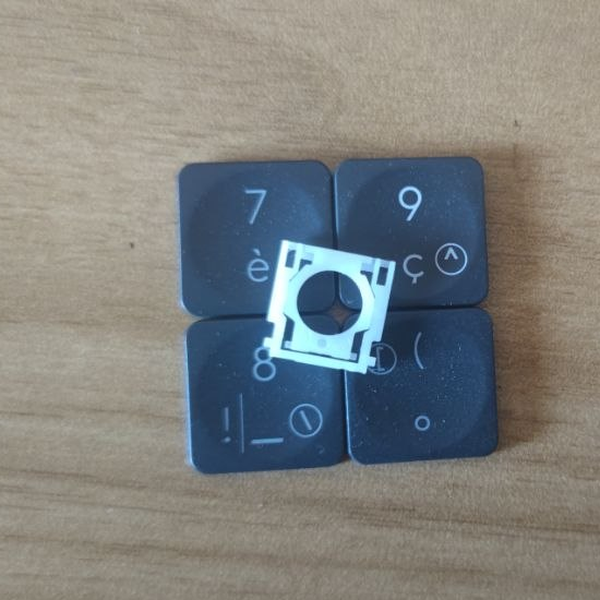 Tilfeldig MX Keys-tast + hengseluniversel-touche-aleatoire-hinge1 på lager3.99 €
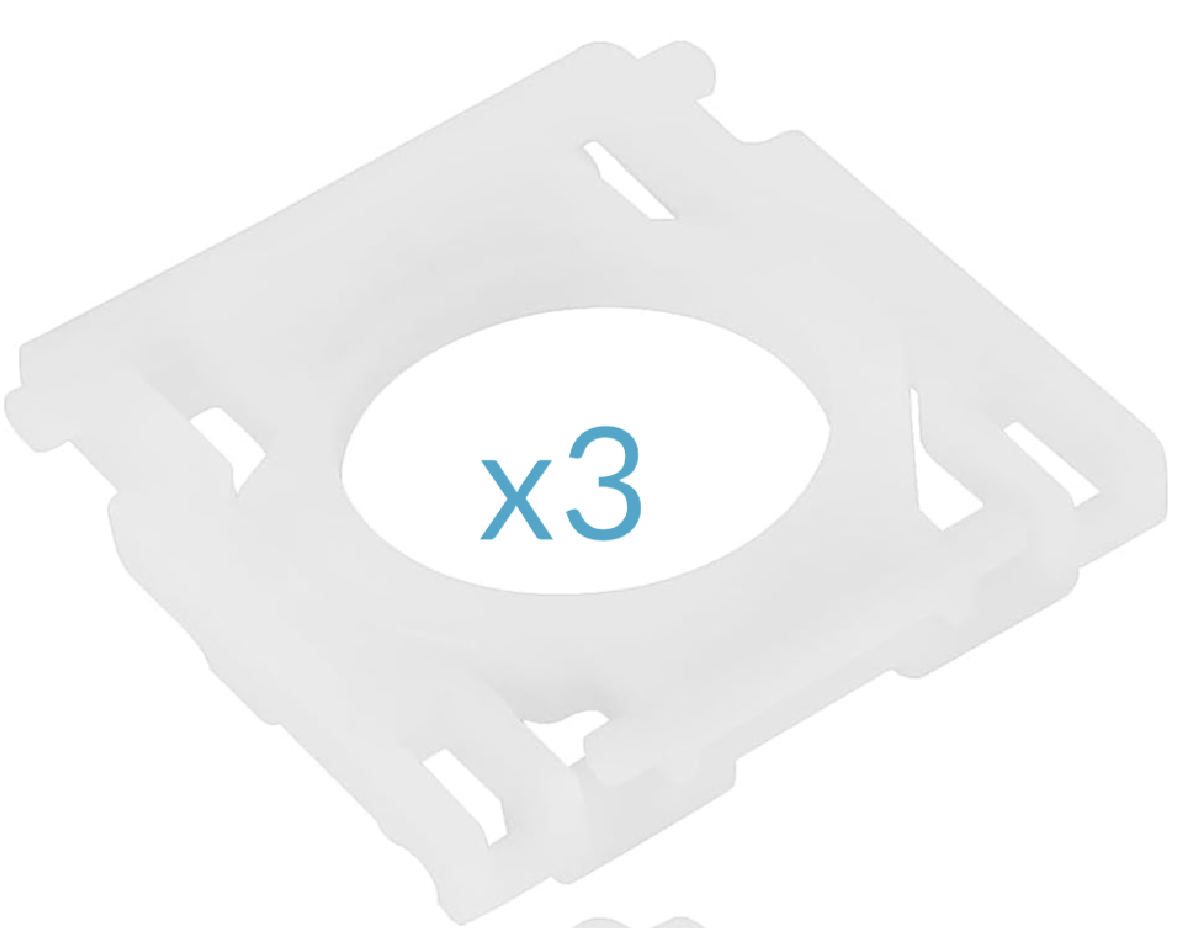 Sett med 3 hengsler / klips MX Keysuniversel-hinge-x311.99 €
- Sett med 5 tilfeldige MX Keys-taster + hengsleruniversel-touche-aleatoire-hinge-x519.9 €
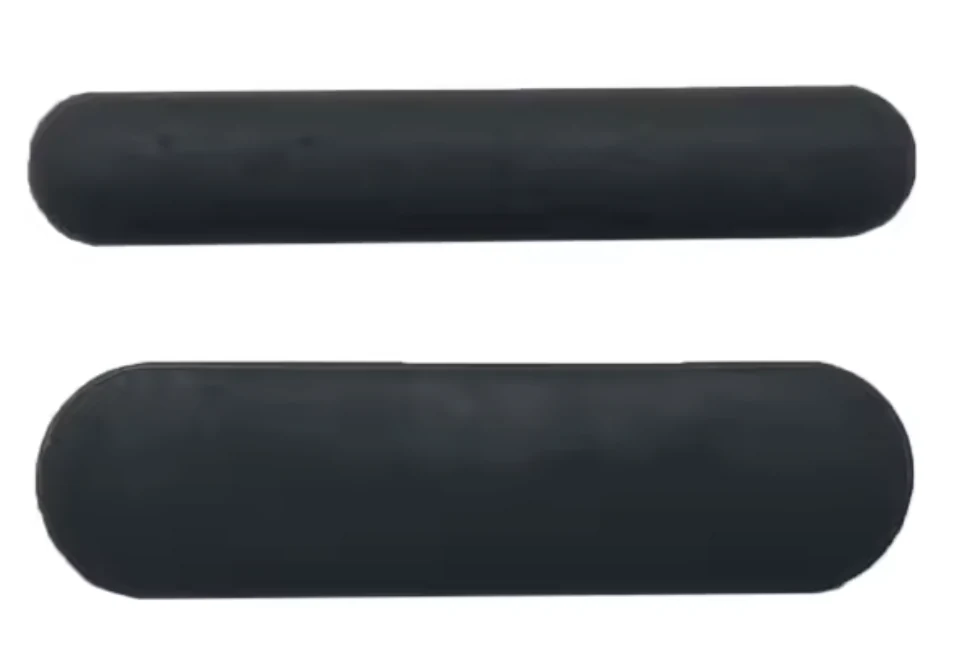 Komplett sett gummiføtter (3 øvre + 3 nedre) — MX Keysuniversel-caoutchouc-completPåfylles snart7.99 €
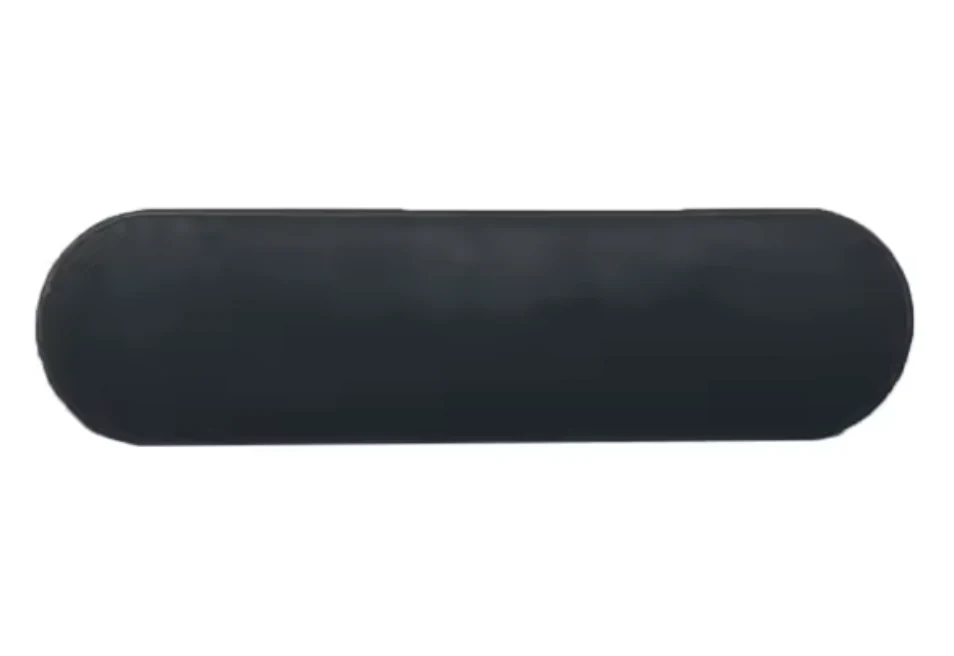 Sett med 3 gummiføtter (øvre, tykke) — MX Keysuniversel-caoutchouc-haut1 på lager4.99 €
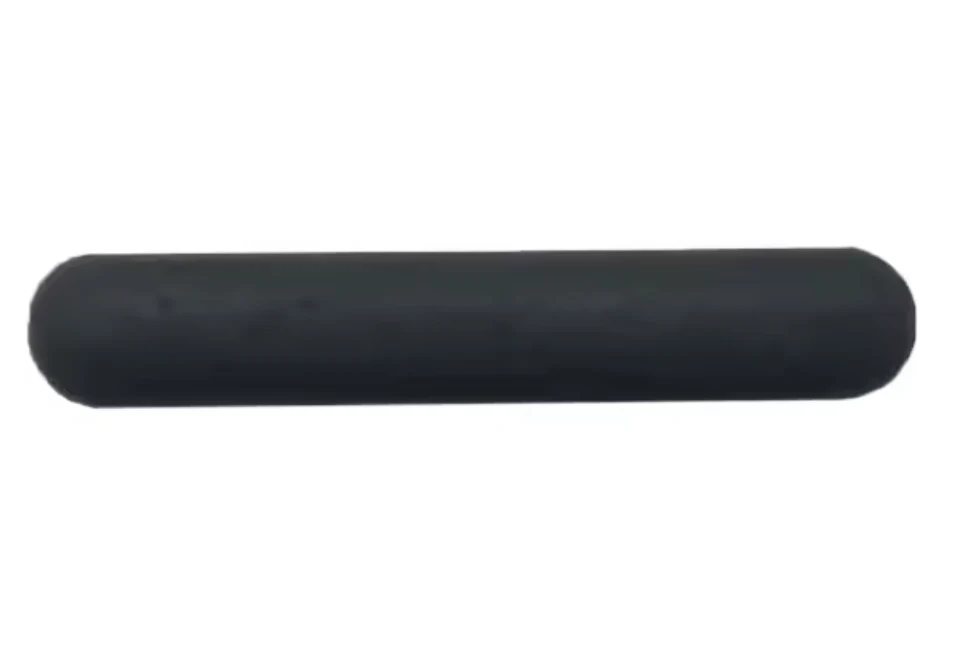 Sett med 3 gummiføtter (nedre, tynne) — MX Keysuniversel-caoutchouc-basPåfylles snart4.99 €
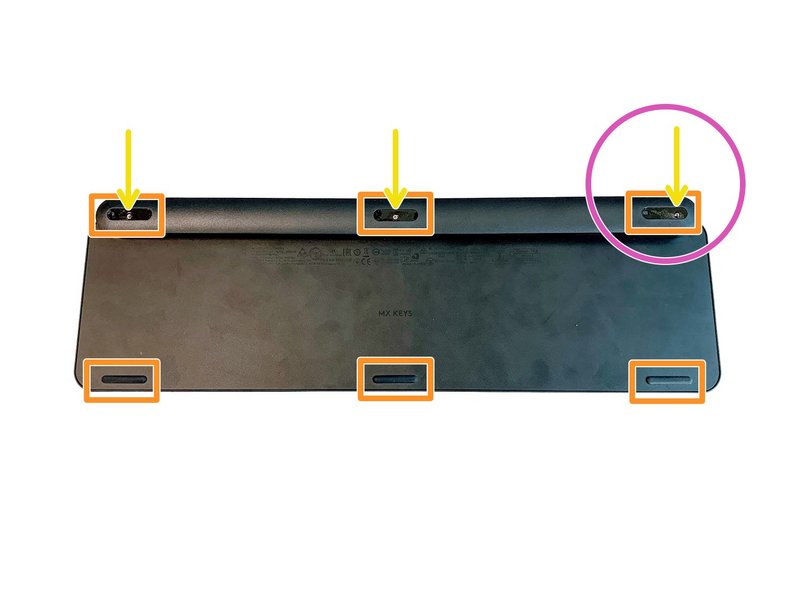 Komplett sett med 6 skruer til MX Keys-tastaturetuniversel-vis-x61 på lager4.99 €
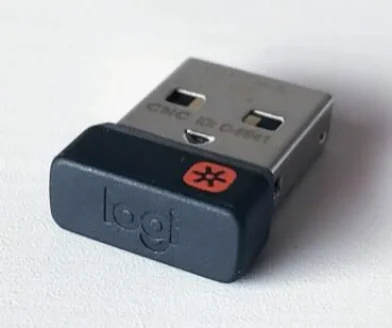 Logitech USB Unifying-mottakeruniversel-usb-unifying1 på lager8.99 €
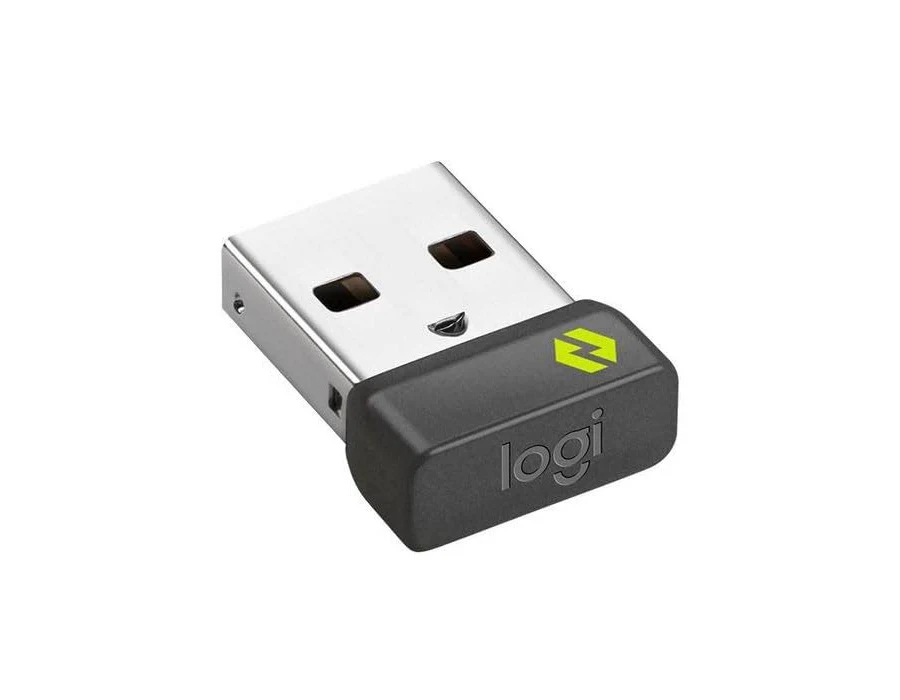 Logitech USB Bolt-mottakeruniversel-usb-bolt1 på lager10.99 €
 Spudger — universelt åpningsverktøy i plast (svart)universel-spudgerPåfylles snart1.5 €
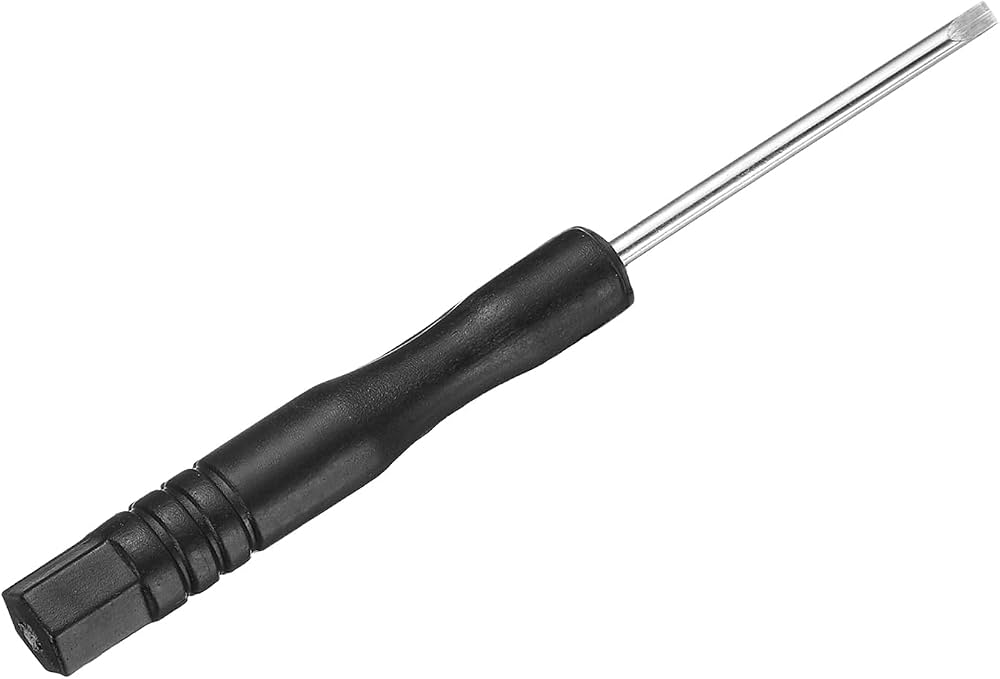 Presisjons mini-skrutrekker med flatt bladuniversel-tournevis-platPåfylles snart0.99 €
 Rengjøringsklut i mikrofiberuniversel-chiffon-nettoyagePåfylles snart0.99 €
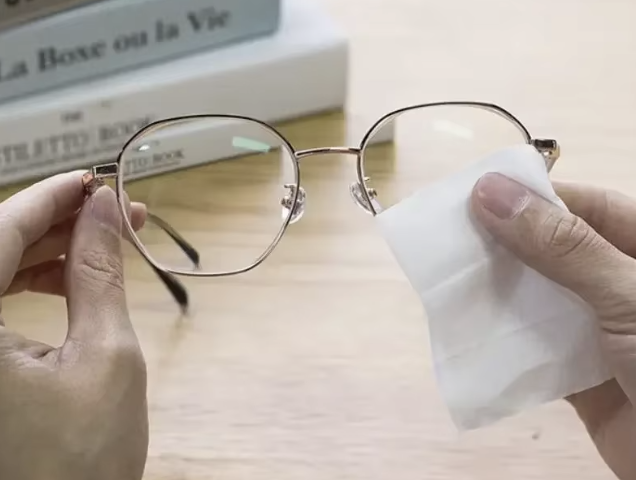 Rengjøringsserviettuniversel-lingette-nettoyantePåfylles snart0.99 €
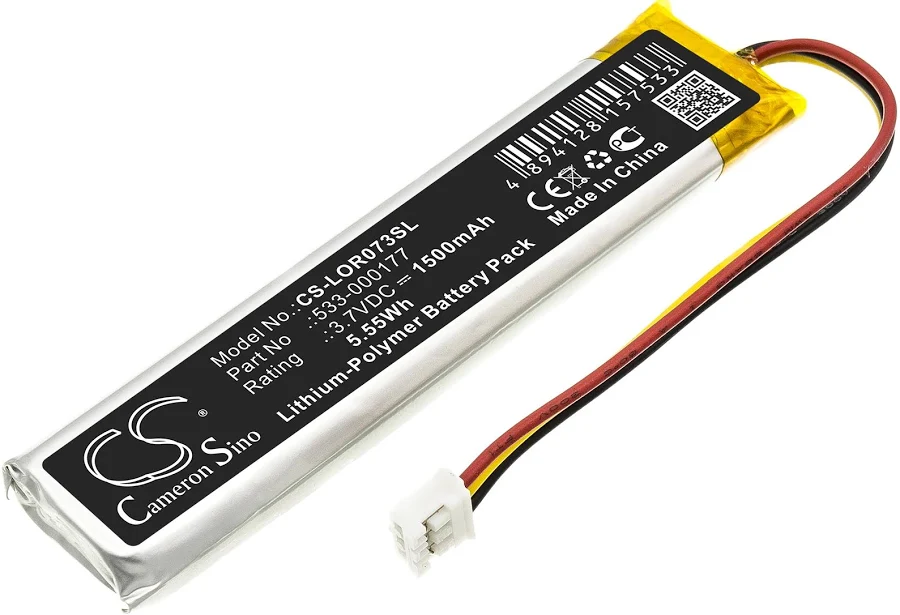 MX Keys-batteri (PC + Mac)universel-batteriePåfylles snart9.99 €
- Hovedkort MX Keys AZERTY (FR) — PCuniversel-carte-mere-fr-pcLogitech14.99 €
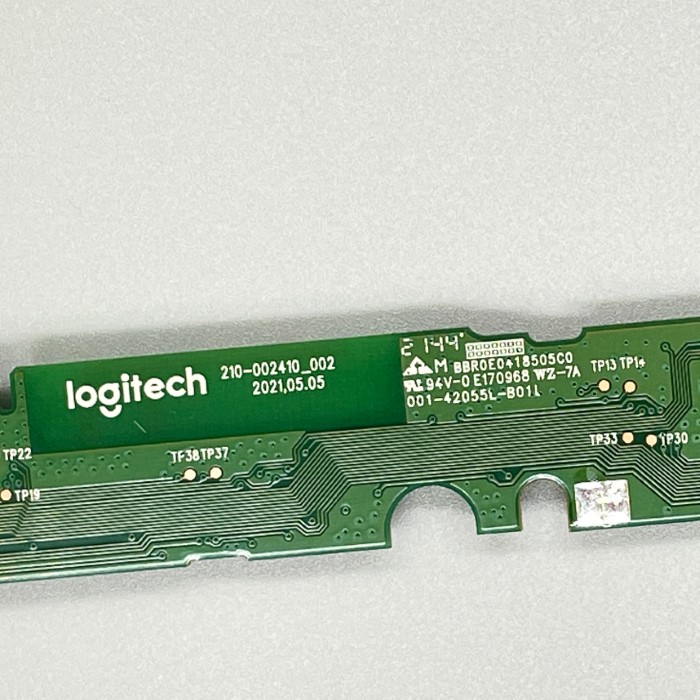 MX Keys Mini hovedkort AZERTY (FR)universel-carte-mere-mini-fr2 på lager14.99 €
- MX Keys Mini hovedkort QWERTY (UK)universel-carte-mere-mini-ukPåfylles snart14.99 €
- MX Keys Mini hovedkort QWERTY (US)universel-carte-mere-mini-usPåfylles snart14.99 €
- Verkstedparti med 20 tilfeldige MX Keys-tasteruniversel-touche-aleatoire-x2019.9 €
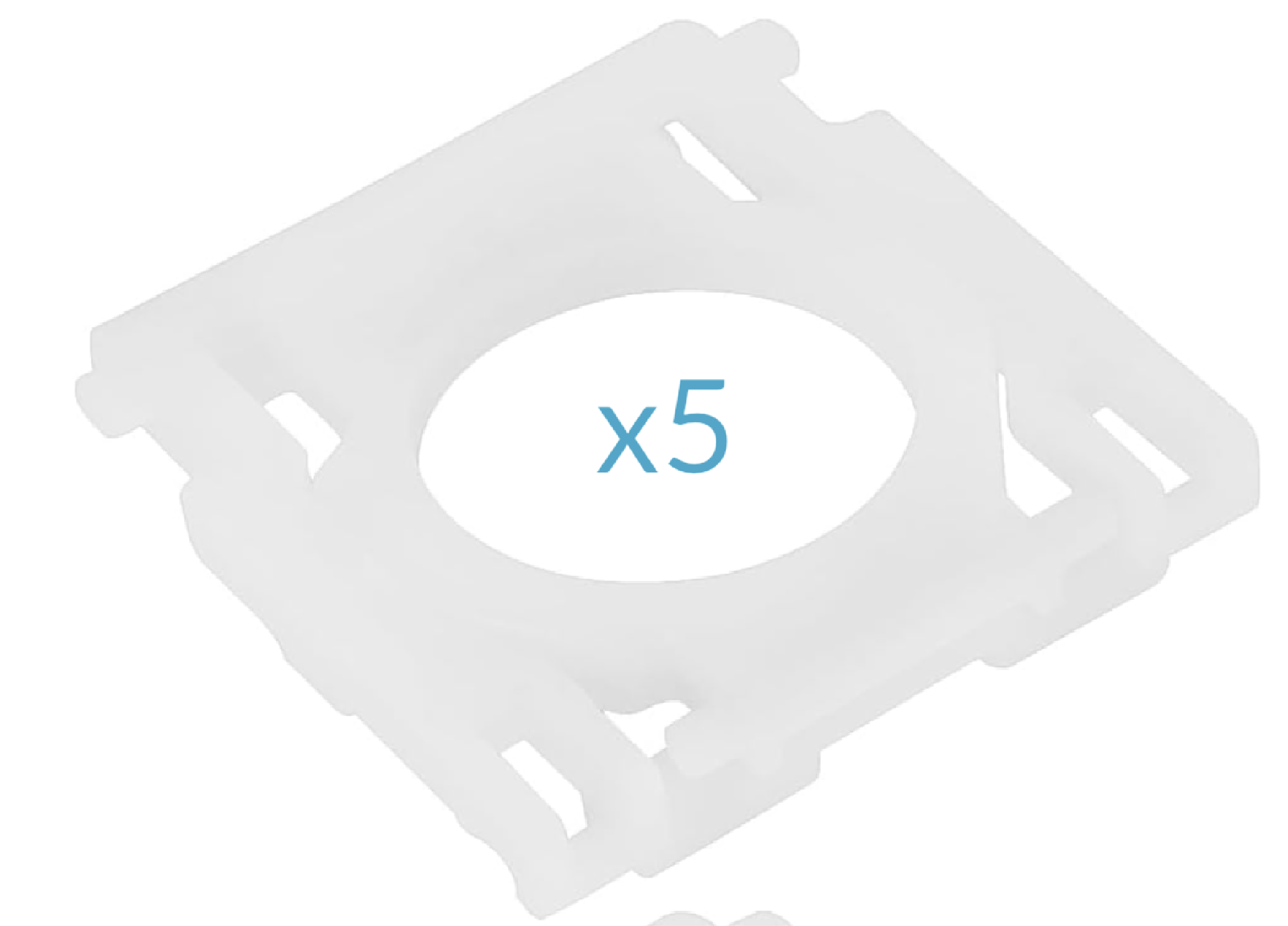 Sett med 5 hengsler / klips MX Keysuniversel-hinge-x517.99 €
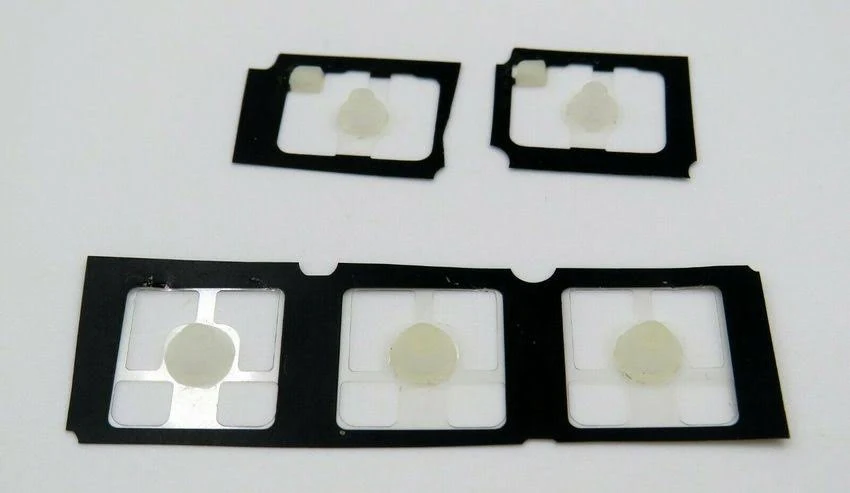 Sett med 5 gummiputer MX Keysuniversel-rubber-pad-x51 på lager2.99 €
Bokstaver26
 ALogitech·MX Keys·QWERTY NORDIC1 på lager8.99 €
 BLogitech·MX Keys·QWERTY NORDIC1 på lager8.99 €
 CLogitech·MX Keys·QWERTY NORDIC1 på lager7.99 €
 DLogitech·MX Keys·QWERTY NORDIC1 på lager7.99 €
 E / €Logitech·MX Keys·QWERTY NORDIC1 på lager7.99 €
 FLogitech·MX Keys·QWERTY NORDIC1 på lager7.99 €
 GLogitech·MX Keys·QWERTY NORDIC1 på lager7.99 €
 HLogitech·MX Keys·QWERTY NORDIC1 på lager7.99 €
 ILogitech·MX Keys·QWERTY NORDIC1 på lager8.99 €
 JLogitech·MX Keys·QWERTY NORDIC1 på lager7.99 €
 KLogitech·MX Keys·QWERTY NORDIC1 på lager7.99 €
 LLogitech·MX Keys·QWERTY NORDIC1 på lager7.99 €
 MLogitech·MX Keys·QWERTY NORDIC1 på lager7.99 €
 NLogitech·MX Keys·QWERTY NORDIC1 på lager7.99 €
 OLogitech·MX Keys·QWERTY NORDIC1 på lager7.99 €
 PLogitech·MX Keys·QWERTY NORDIC1 på lager7.99 €
 QLogitech·MX Keys·QWERTY NORDIC1 på lager7.99 €
 RLogitech·MX Keys·QWERTY NORDIC1 på lager7.99 €
 SLogitech·MX Keys·QWERTY NORDIC1 på lager9.99 €
 TLogitech·MX Keys·QWERTY NORDIC1 på lager8.99 €
 ULogitech·MX Keys·QWERTY NORDIC1 på lager7.99 €
 VLogitech·MX Keys·QWERTY NORDIC1 på lager7.99 €
 WLogitech·MX Keys·QWERTY NORDIC1 på lager7.99 €
 XLogitech·MX Keys·QWERTY NORDIC1 på lager7.99 €
 YLogitech·MX Keys·QWERTY NORDIC1 på lager7.99 €
 ZLogitech·MX Keys·QWERTY NORDIC1 på lager7.99 €
Tall10
 0 / =HvitLogitech·MX Keys·QWERTY NORDIC1 på lager7.99 €
 1 / !HvitLogitech·MX Keys·QWERTY NORDIC1 på lager7.99 €
 2 / "HvitLogitech·MX Keys·QWERTY NORDIC1 på lager7.99 €
 3 / #HvitLogitech·MX Keys·QWERTY NORDIC1 på lager7.99 €
 4 / € $ ¤HvitLogitech·MX Keys·QWERTY NORDIC1 på lager7.99 €
 5 / %HvitLogitech·MX Keys·QWERTY NORDIC1 på lager7.99 €
 6 / &HvitLogitech·MX Keys·QWERTY NORDIC1 på lager7.99 €
 7 / /HvitLogitech·MX Keys·QWERTY NORDIC1 på lager7.99 €
 8 / (HvitLogitech·MX Keys·QWERTY NORDIC1 på lager7.99 €
 9 / )HvitLogitech·MX Keys·QWERTY NORDIC1 på lager7.99 €
Funksjonstaster21
 Bluetooth 1HvitLogitech·MX Keys·QWERTY NORDIC1 på lager9.99 €
 Bluetooth 2HvitLogitech·MX Keys·QWERTY NORDIC1 på lager9.99 €
 Bluetooth 3HvitLogitech·MX Keys·QWERTY NORDIC1 på lager9.99 €
 CalculatorHvitLogitech·MX Keys·QWERTY NORDIC1 på lager9.99 €
 Context menuHvitLogitech·MX Keys·QWERTY NORDIC1 på lager9.99 €
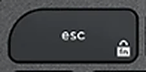 EscHvitLogitech·MX Keys·QWERTY NORDIC1 på lager12.9 €
 F1HvitLogitech·MX Keys·QWERTY NORDIC1 på lager9.99 €
 F10HvitLogitech·MX Keys·QWERTY NORDIC1 på lager9.99 €
 F11HvitLogitech·MX Keys·QWERTY NORDIC1 på lager9.99 €
 F12HvitLogitech·MX Keys·QWERTY NORDIC1 på lager9.99 €
 F2HvitLogitech·MX Keys·QWERTY NORDIC1 på lager9.99 €
 F3HvitLogitech·MX Keys·QWERTY NORDIC1 på lager9.99 €
 F4HvitLogitech·MX Keys·QWERTY NORDIC1 på lager9.99 €
 F5HvitLogitech·MX Keys·QWERTY NORDIC1 på lager9.99 €
 F6HvitLogitech·MX Keys·QWERTY NORDIC1 på lager9.99 €
 F7HvitLogitech·MX Keys·QWERTY NORDIC1 på lager9.99 €
 F8HvitLogitech·MX Keys·QWERTY NORDIC1 på lager9.99 €
 F9HvitLogitech·MX Keys·QWERTY NORDIC1 på lager9.99 €
 ScreenshotHvitLogitech·MX Keys·QWERTY NORDIC1 på lager9.99 €
 StandbyHvitLogitech·MX Keys·QWERTY NORDIC1 på lager9.99 €
 Volume +HvitLogitech·MX Keys·QWERTY NORDIC1 på lager9.99 €
Modifikatortaster13
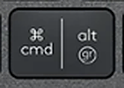 Alt Gr (R)HvitLogitech·MX Keys·QWERTY NORDIC1 på lager10.99 €
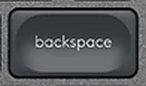 BackspaceHvitLogitech·MX Keys·QWERTY NORDIC1 på lager10.99 €
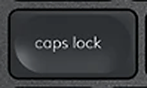 Caps LockHvitLogitech·MX Keys·QWERTY NORDIC1 på lager10.99 €
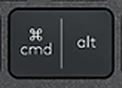 Cmd / Alt (L)HvitLogitech·MX Keys·QWERTY NORDIC1 på lager10.99 €
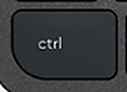 CtrlHvitLogitech·MX Keys·QWERTY NORDIC1 på lager19.99 €
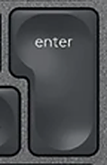 EnterHvitLogitech·MX Keys·QWERTY NORDIC1 på lager10.99 €
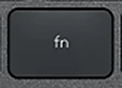 FnHvitLogitech·MX Keys·QWERTY NORDIC1 på lager10.99 €
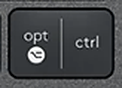 Opt / Ctrl (R)HvitLogitech·MX Keys·QWERTY NORDIC1 på lager10.99 €
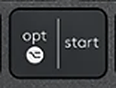 Opt / Start (L)HvitLogitech·MX Keys·QWERTY NORDIC1 på lager12.9 €
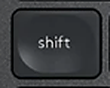 Shift (L)HvitLogitech·MX Keys·QWERTY NORDIC1 på lager19.9 €
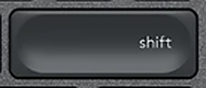 Shift (R)HvitLogitech·MX Keys·QWERTY NORDIC1 på lager10.99 €
 SpaceHvitLogitech·MX Keys·QWERTY NORDIC1 på lager21.9 €
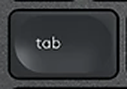 TabHvitLogitech·MX Keys·QWERTY NORDIC1 på lager10.99 €
Navigasjon10
 Arrow DownHvitLogitech·MX Keys·QWERTY NORDIC1 på lager9.99 €
 Arrow LeftHvitLogitech·MX Keys·QWERTY NORDIC1 på lager9.99 €
 Arrow RightHvitLogitech·MX Keys·QWERTY NORDIC1 på lager9.99 €
 Arrow UpHvitLogitech·MX Keys·QWERTY NORDIC1 på lager9.99 €
 DeleteHvitLogitech·MX Keys·QWERTY NORDIC1 på lager9.99 €
 EndHvitLogitech·MX Keys·QWERTY NORDIC1 på lager9.99 €
 HomeHvitLogitech·MX Keys·QWERTY NORDIC1 på lager9.99 €
 InsertHvitLogitech·MX Keys·QWERTY NORDIC1 på lager9.99 €
 Page DownHvitLogitech·MX Keys·QWERTY NORDIC1 på lager9.99 €
 Page UpHvitLogitech·MX Keys·QWERTY NORDIC1 på lager9.99 €
Spesialtegn12
 ' / *HvitLogitech·MX Keys·QWERTY NORDIC1 på lager9.99 €
 + / ?HvitLogitech·MX Keys·QWERTY NORDIC1 på lager9.99 €
 , / ;HvitLogitech·MX Keys·QWERTY NORDIC1 på lager9.99 €
 - / _HvitLogitech·MX Keys·QWERTY NORDIC1 på lager9.99 €
 . / :HvitLogitech·MX Keys·QWERTY NORDIC1 på lager9.99 €
 < / >HvitLogitech·MX Keys·QWERTY NORDIC1 på lager9.99 €
 § / ½HvitLogitech·MX Keys·QWERTY NORDIC1 på lager9.99 €
 ¨ / ^HvitLogitech·MX Keys·QWERTY NORDIC1 på lager9.99 €
 ´ / `HvitLogitech·MX Keys·QWERTY NORDIC1 på lager9.99 €
 ÅHvitLogitech·MX Keys·QWERTY NORDIC1 på lager9.99 €
 Æ / ÄHvitLogitech·MX Keys·QWERTY NORDIC1 på lager9.99 €
 Ø / ÖHvitLogitech·MX Keys·QWERTY NORDIC1 på lager9.99 €
Talltastatur17
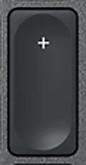 + (Num)HvitLogitech·MX Keys·QWERTY NORDIC1 på lager9.99 €
 - (Num)HvitLogitech·MX Keys·QWERTY NORDIC1 på lager9.99 €
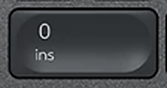 0 (Num)HvitLogitech·MX Keys·QWERTY NORDIC1 på lager9.99 €
 1 (Num)HvitLogitech·MX Keys·QWERTY NORDIC1 på lager9.99 €
 2 (Num)HvitLogitech·MX Keys·QWERTY NORDIC1 på lager9.99 €
 3 (Num)HvitLogitech·MX Keys·QWERTY NORDIC1 på lager9.99 €
 4 (Num)HvitLogitech·MX Keys·QWERTY NORDIC1 på lager9.99 €
 5 (Num)HvitLogitech·MX Keys·QWERTY NORDIC1 på lager9.99 €
 6 (Num)HvitLogitech·MX Keys·QWERTY NORDIC1 på lager9.99 €
 7 (Num)HvitLogitech·MX Keys·QWERTY NORDIC1 på lager9.99 €
 8 (Num)HvitLogitech·MX Keys·QWERTY NORDIC1 på lager9.99 €
 9 (Num)HvitLogitech·MX Keys·QWERTY NORDIC1 på lager9.99 €
 Del (Num)HvitLogitech·MX Keys·QWERTY NORDIC1 på lager9.99 €
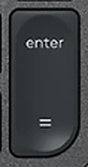 Enter (Num)HvitLogitech·MX Keys·QWERTY NORDIC1 på lager9.99 €
 Num LockHvitLogitech·MX Keys·QWERTY NORDIC1 på lager9.99 €
 × (Num)HvitLogitech·MX Keys·QWERTY NORDIC1 på lager9.99 €
 ÷ (Num)HvitLogitech·MX Keys·QWERTY NORDIC1 på lager9.99 €
Tilbehør19
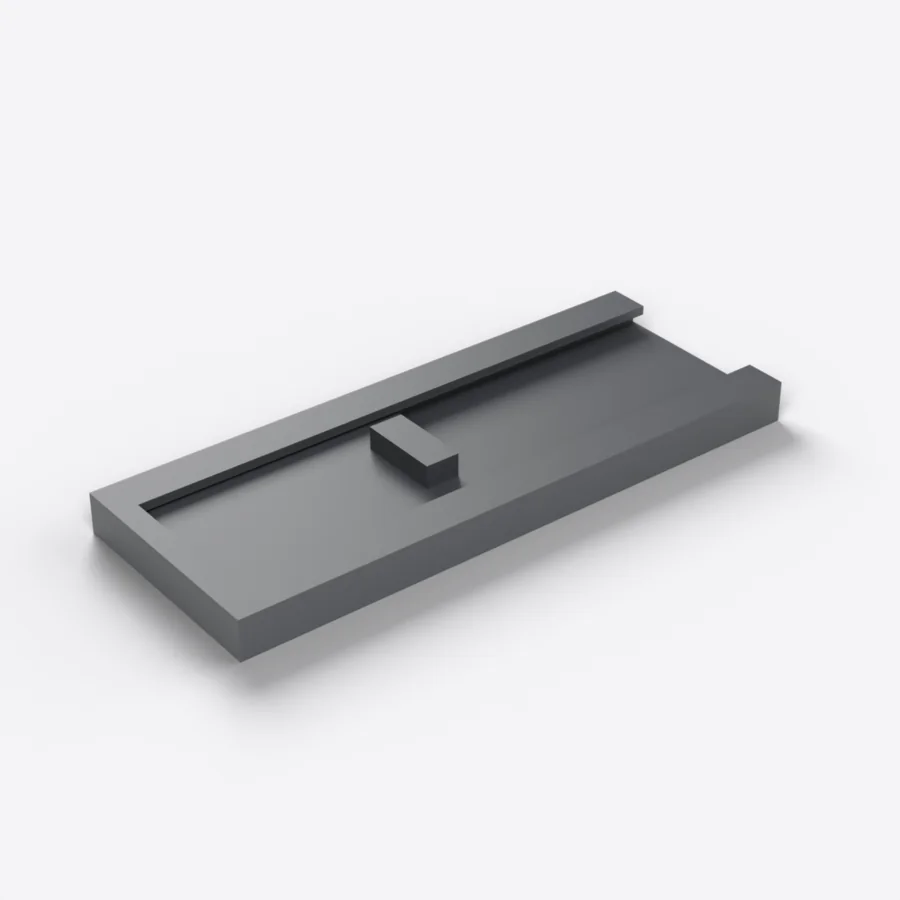 Skyvbart webkameradeksel (3-pakning)cache-webcamPåfylles snart2.9 €
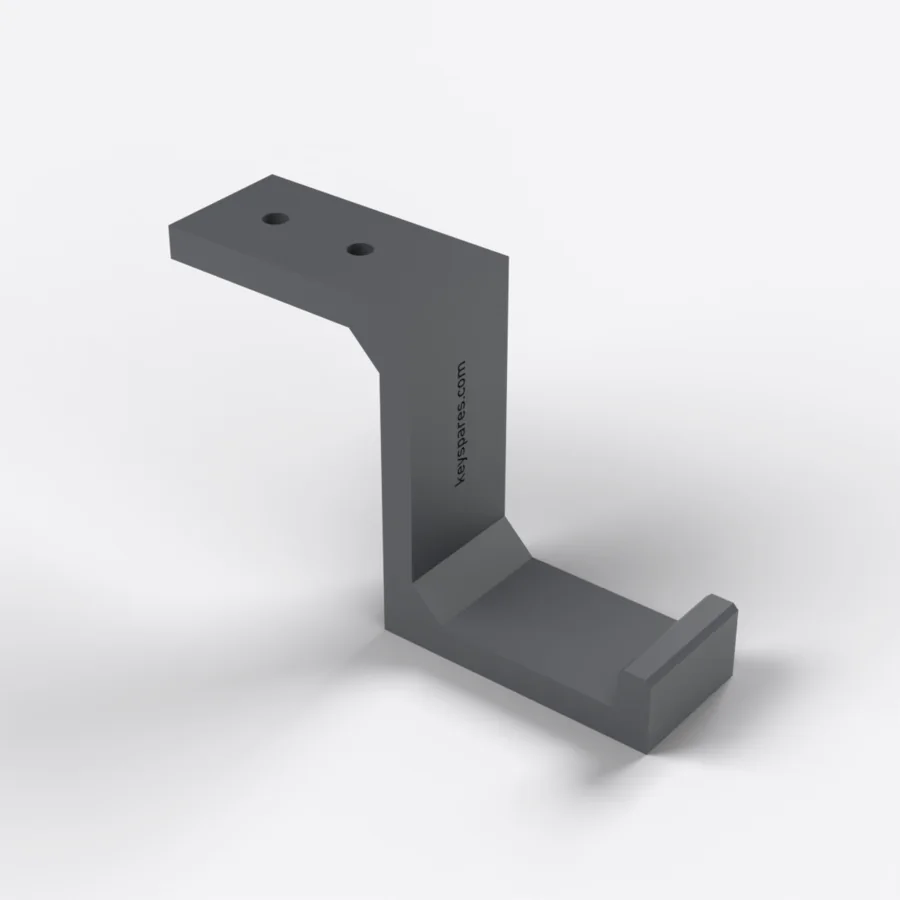 Hodetelefonkrok under skrivebordetbureau-crochet-casquePåfylles snart7.9 €
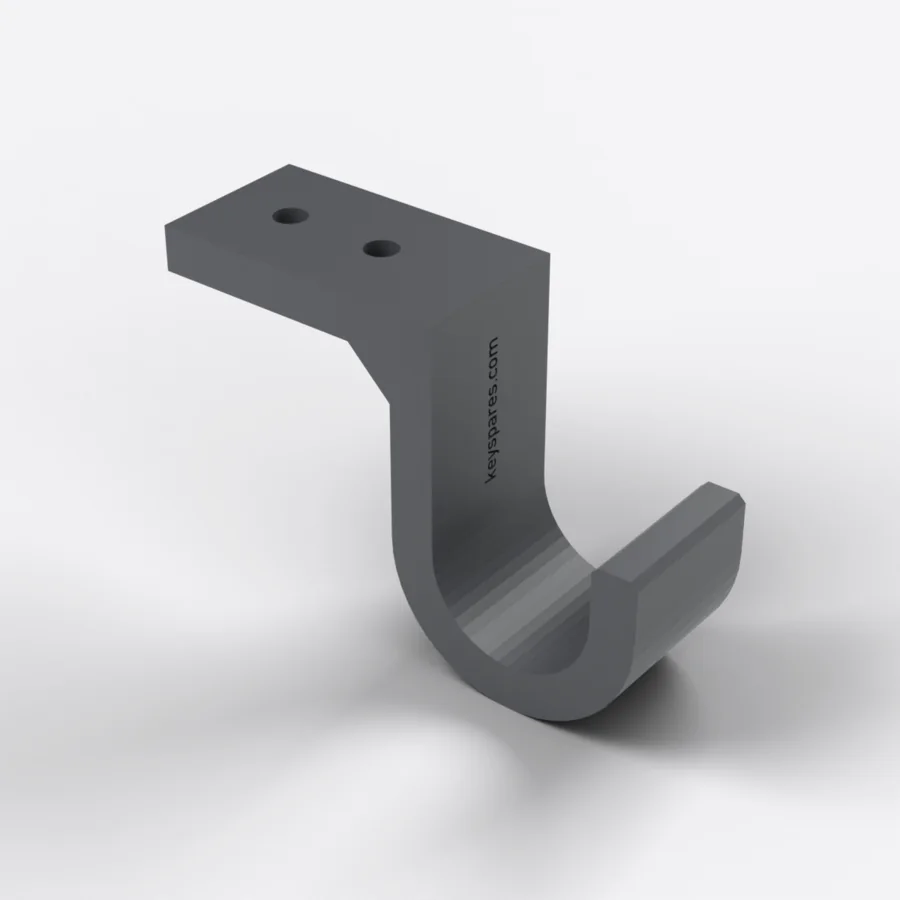 Veskekrok under skrivebordetbureau-crochet-sacPåfylles snart6.9 €
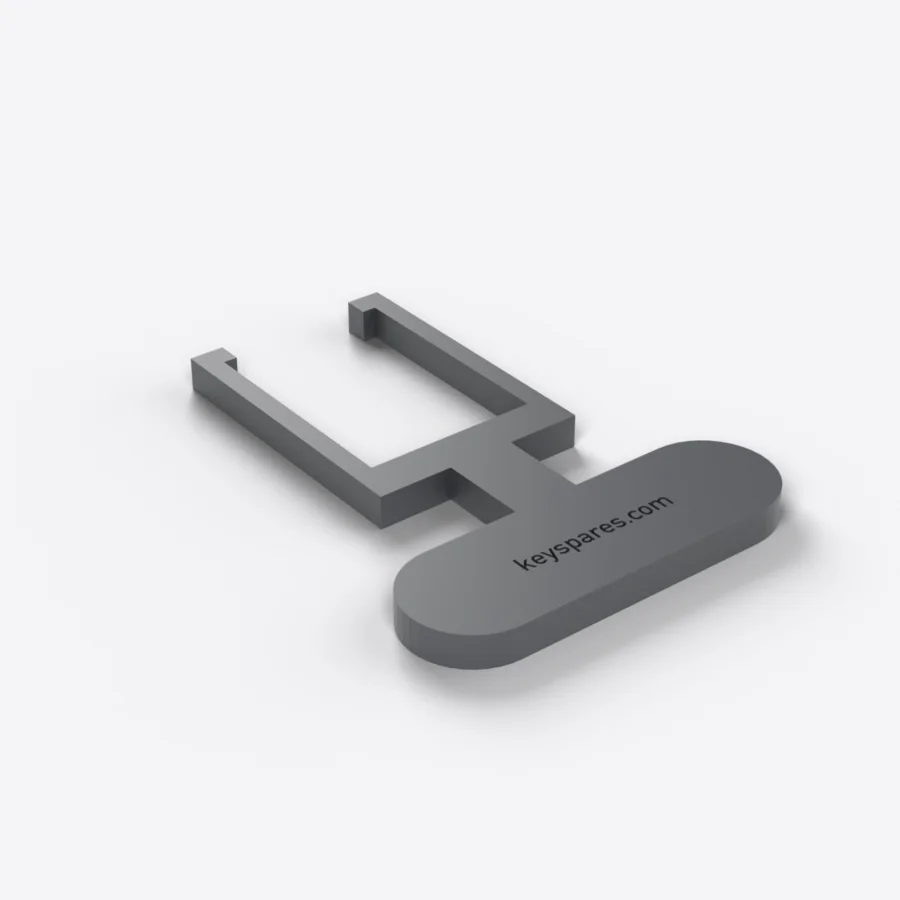 Tasteavtrekker til mekaniske tastaturerextracteur-touches-mecaniquesPåfylles snart3.9 €
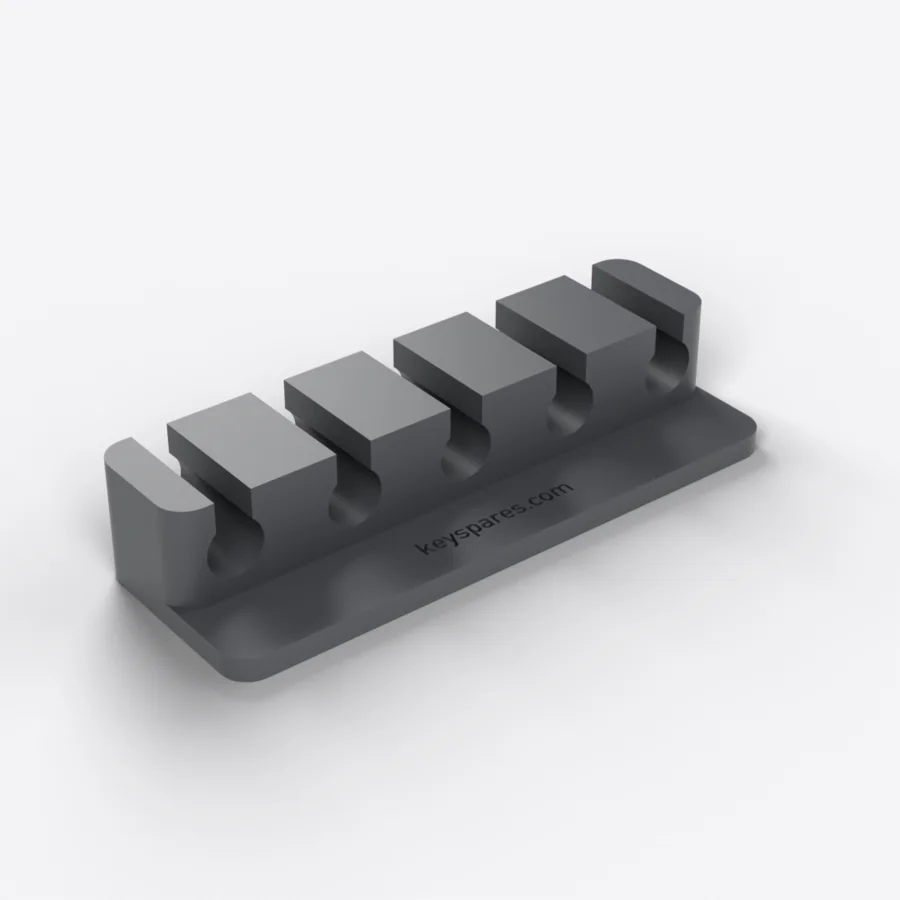 Kabelorganisator med 5 sporbureau-organiseur-cablesPåfylles snart4.9 €
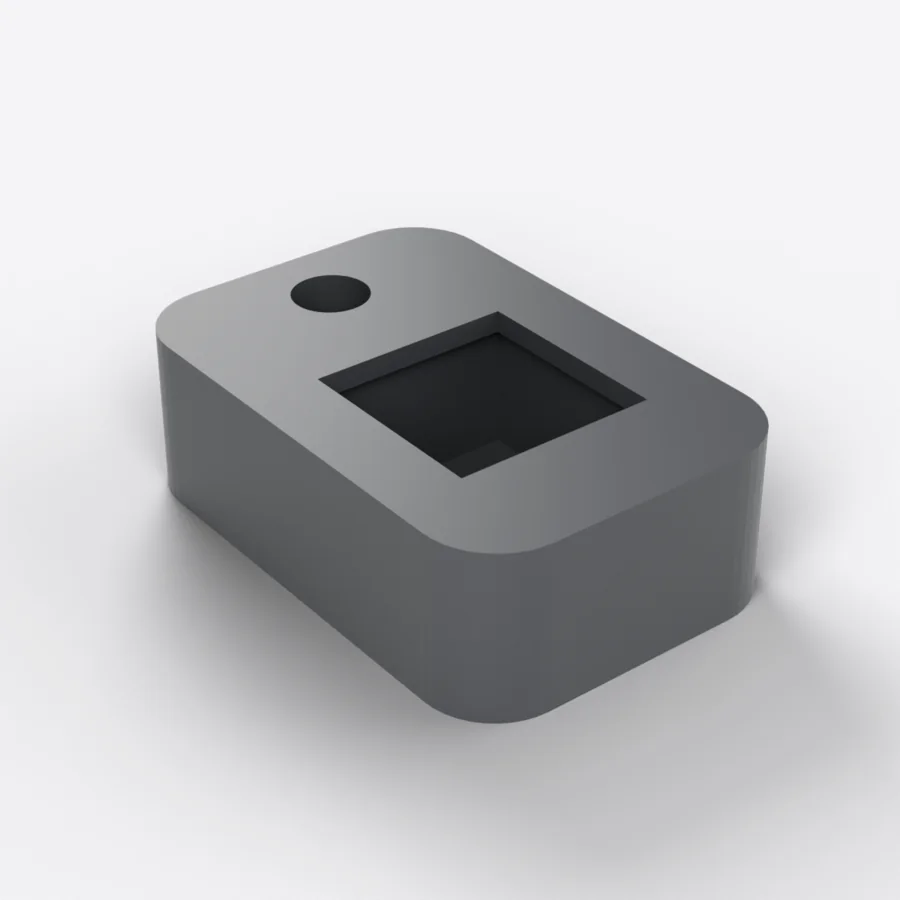 Fidget-nøkkelring med mekanisk bryterporte-cles-fidget-switchPåfylles snart4.9 €
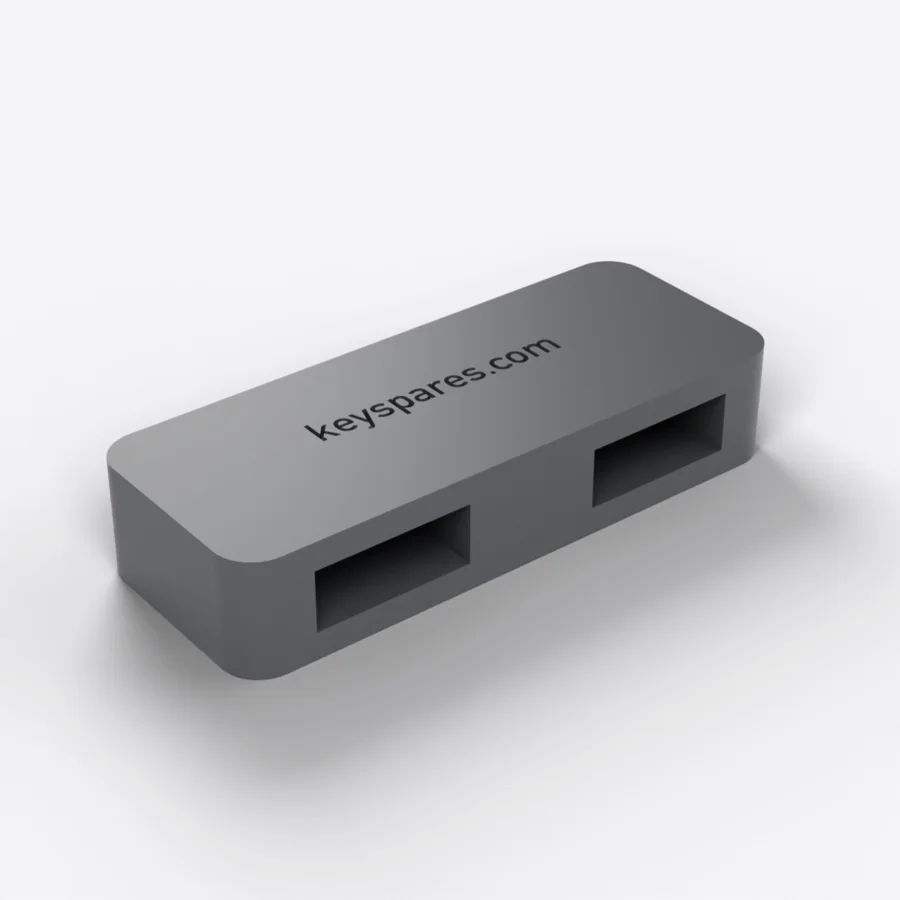 Holder for USB-mottakere til Logi Bolt og Unifyingporte-recepteurs-usbPåfylles snart4.9 €
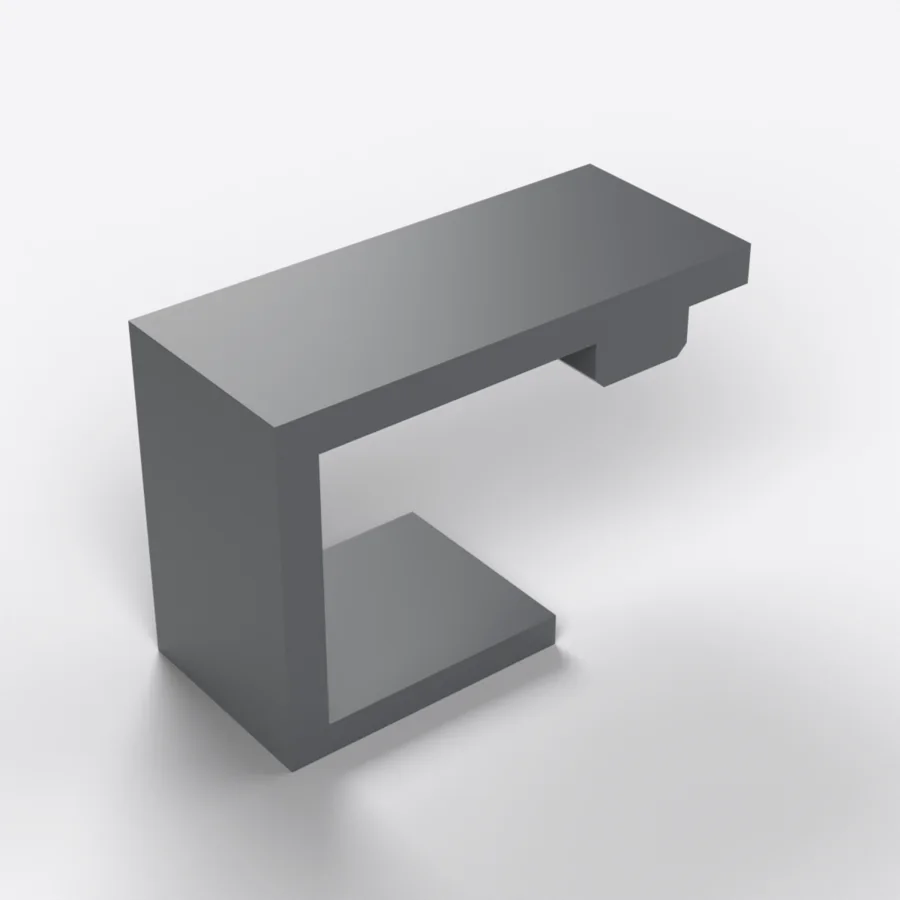 Tastetrykker mot dvale til Logitech MX Keysmx-keys-presse-toucheLogitechPåfylles snart3.9 €
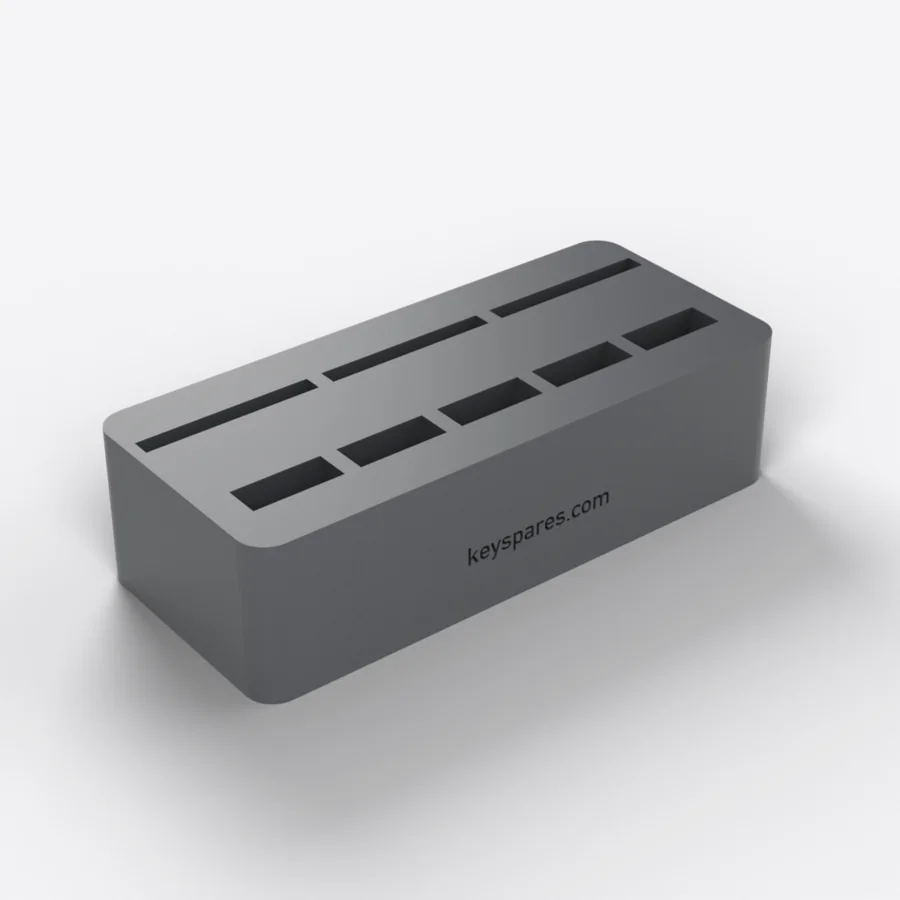 Holder for USB-pinner og SD-kortbureau-porte-usb-sdPåfylles snart6.9 €
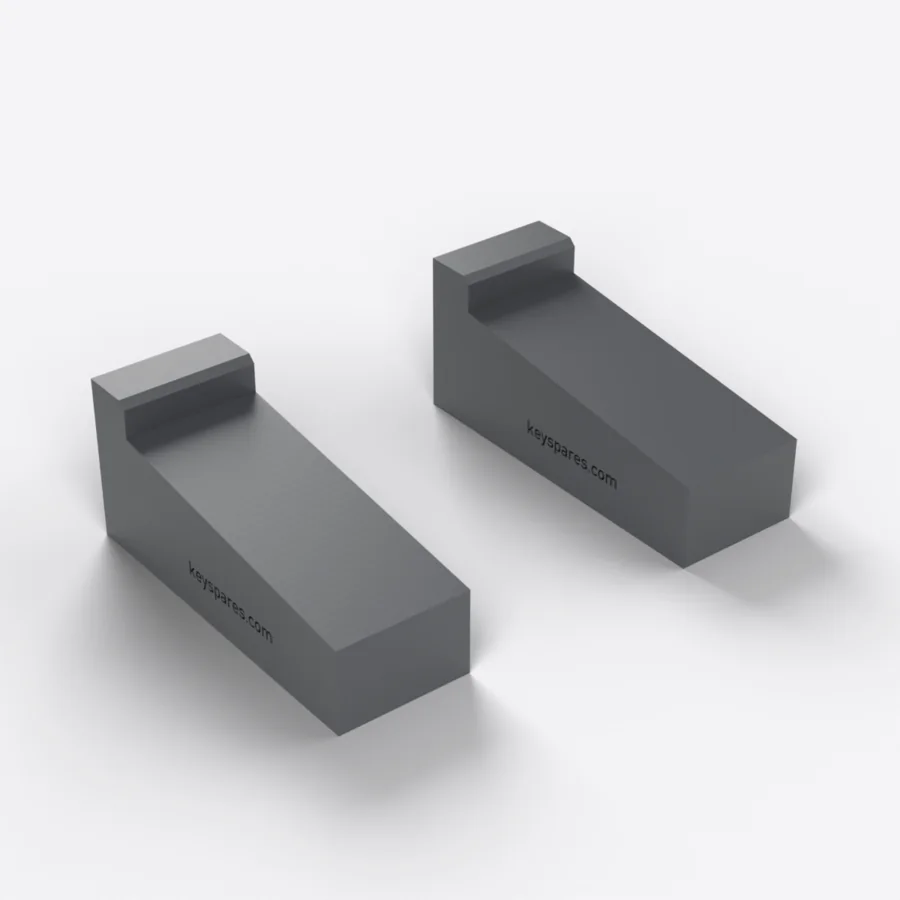 Forhøyer til bærbar PC (par med kiler)bureau-rehausse-portablePåfylles snart7.9 €
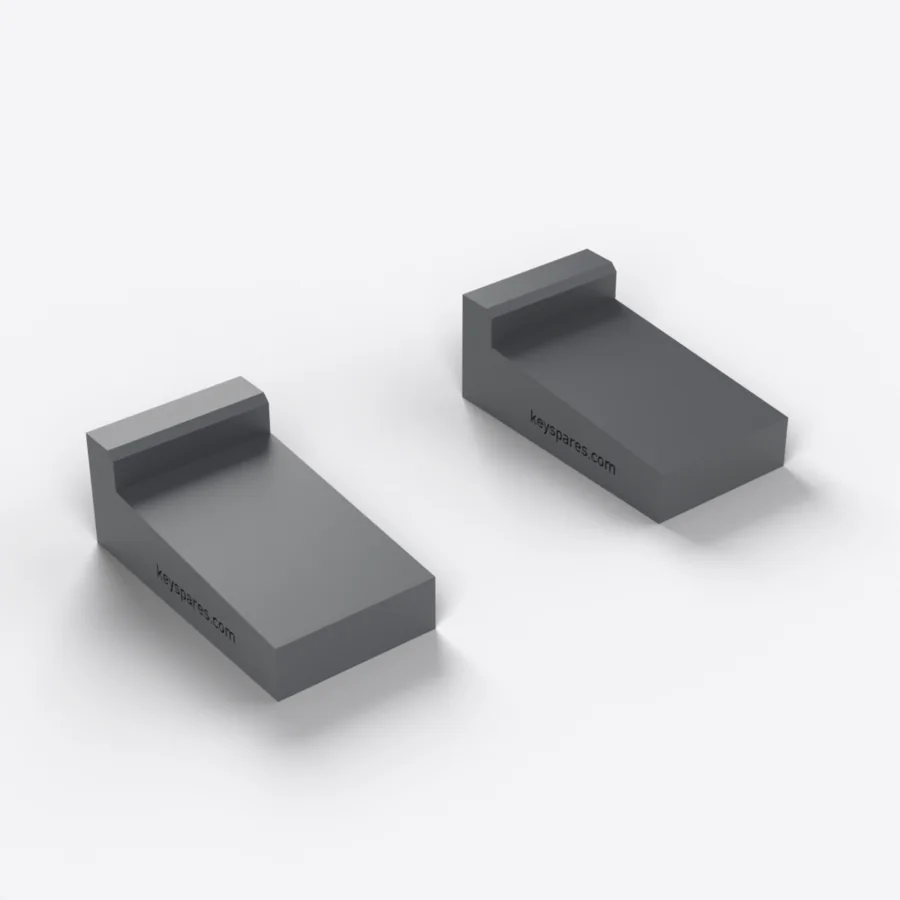 Forhøyer til Logitech MX Keys (par med kiler)mx-keys-rehausseurLogitechPåfylles snart7.9 €
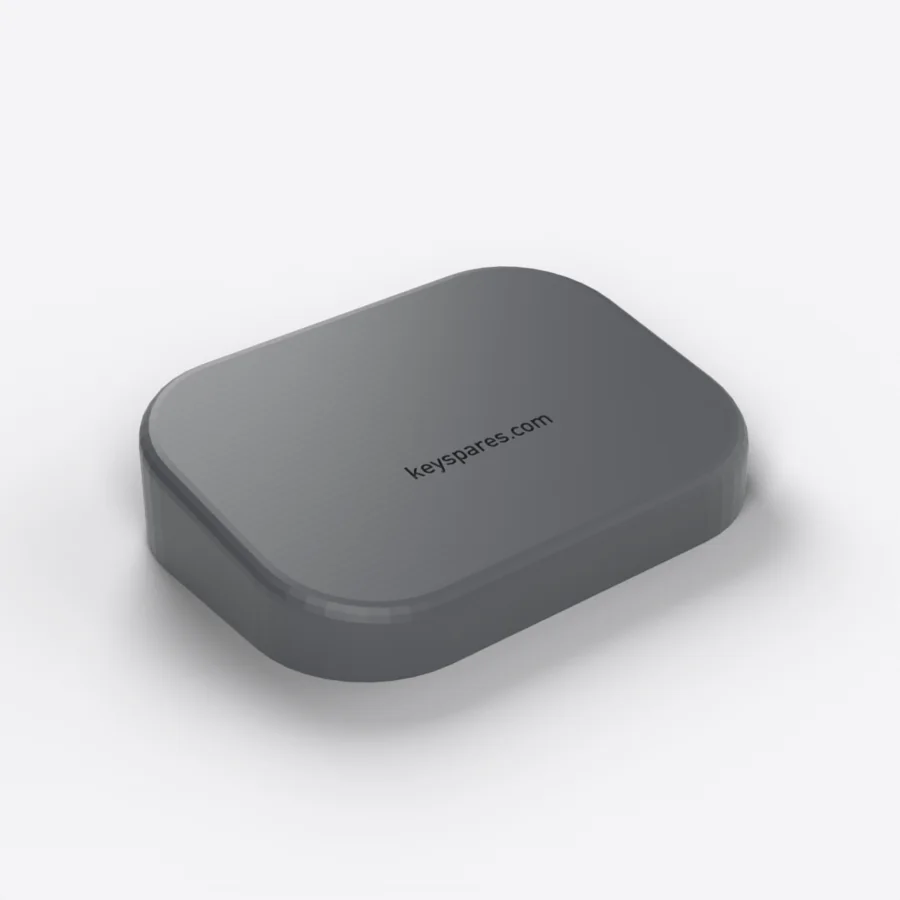 Håndleddsstøtte til musbureau-repose-poignet-sourisPåfylles snart6.9 €
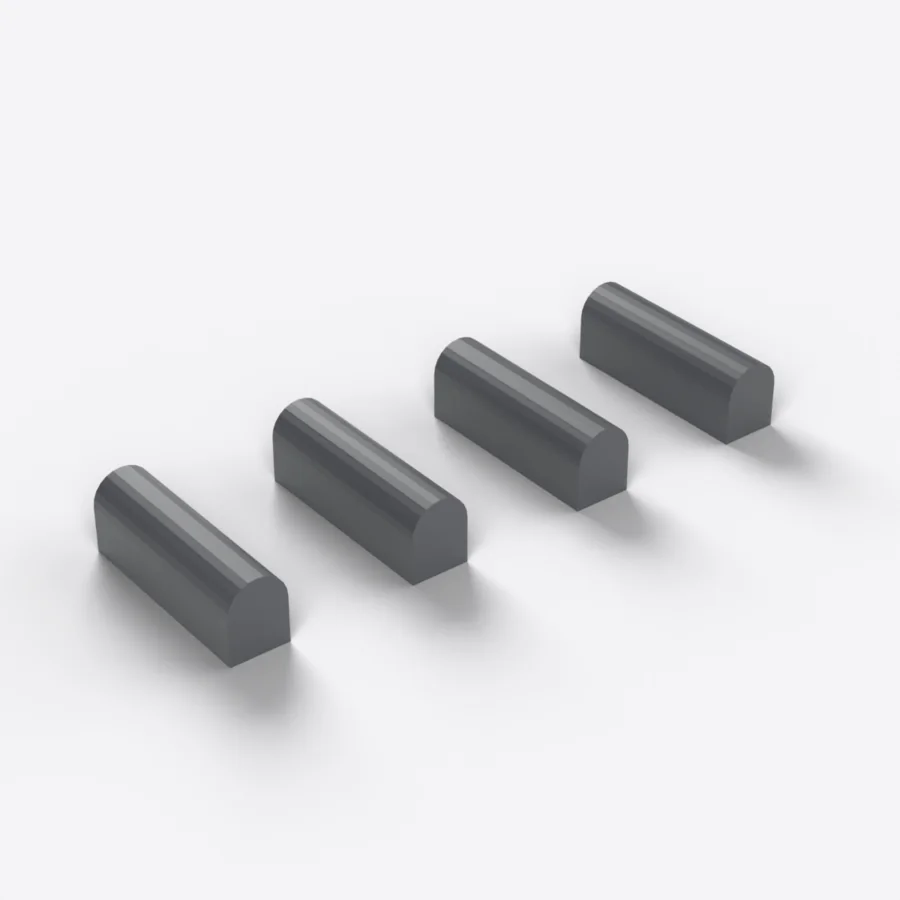 Taktile markører for F-taster til MX Keys (4-pakning)mx-keys-reperes-touches-fLogitechPåfylles snart2.9 €
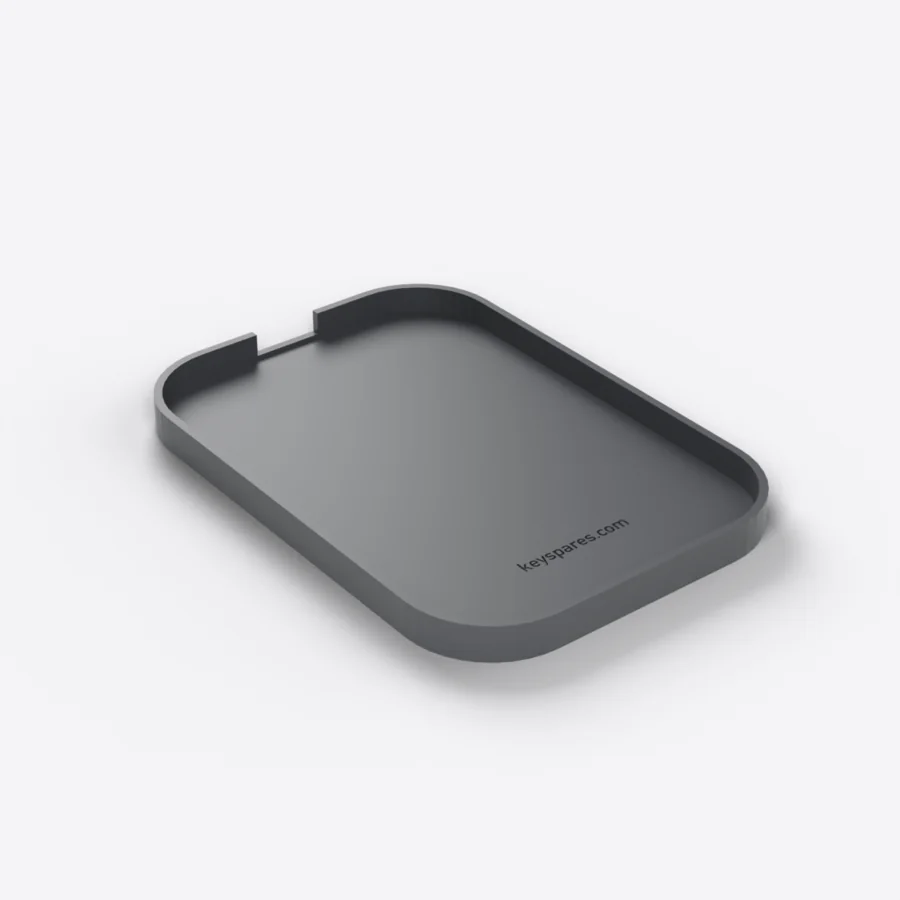 Oppbevaringsdokk til MX Master 3- og 3S-musmx-master-soclePåfylles snart8.9 €
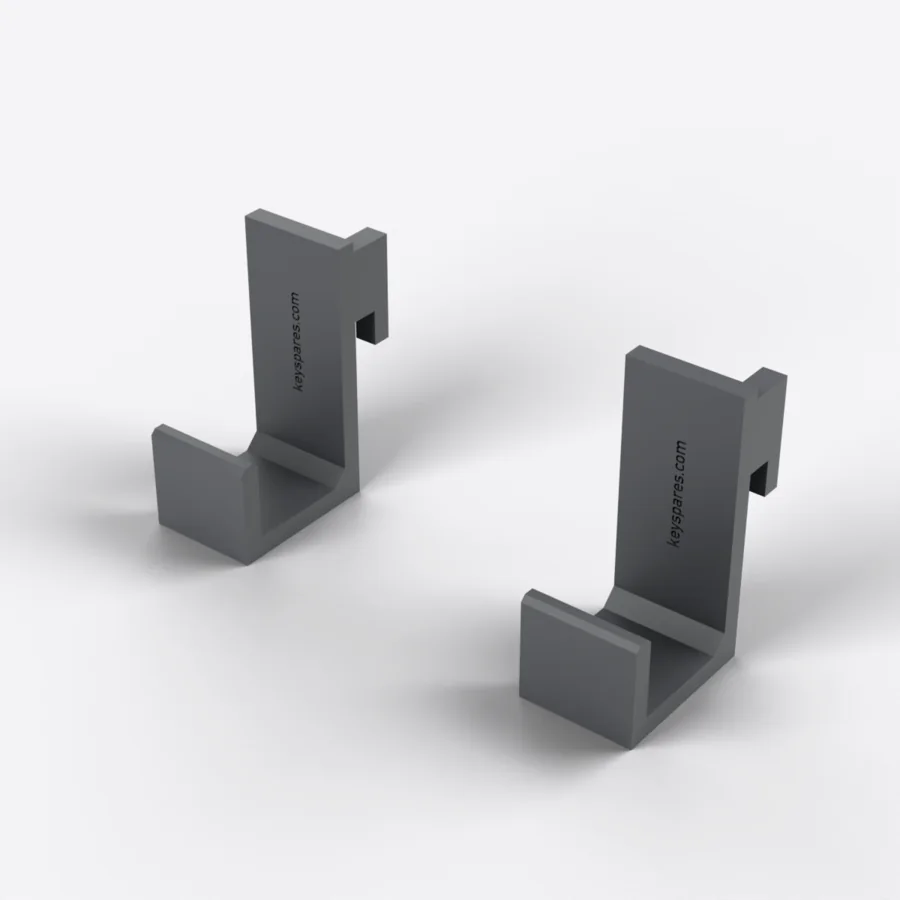 Skådis-holder til Logitech MX Keys (par)mx-keys-support-skadisLogitechPåfylles snart9.9 €
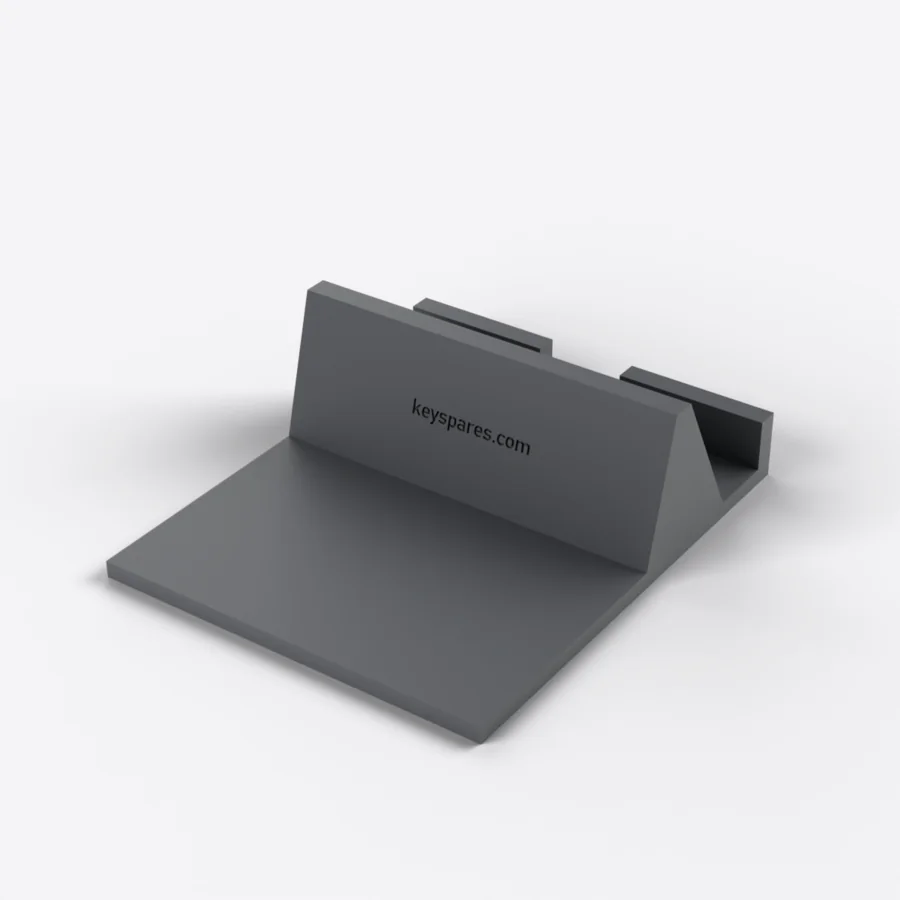 Telefonstativ til skrivebordetbureau-support-telephonePåfylles snart6.9 €
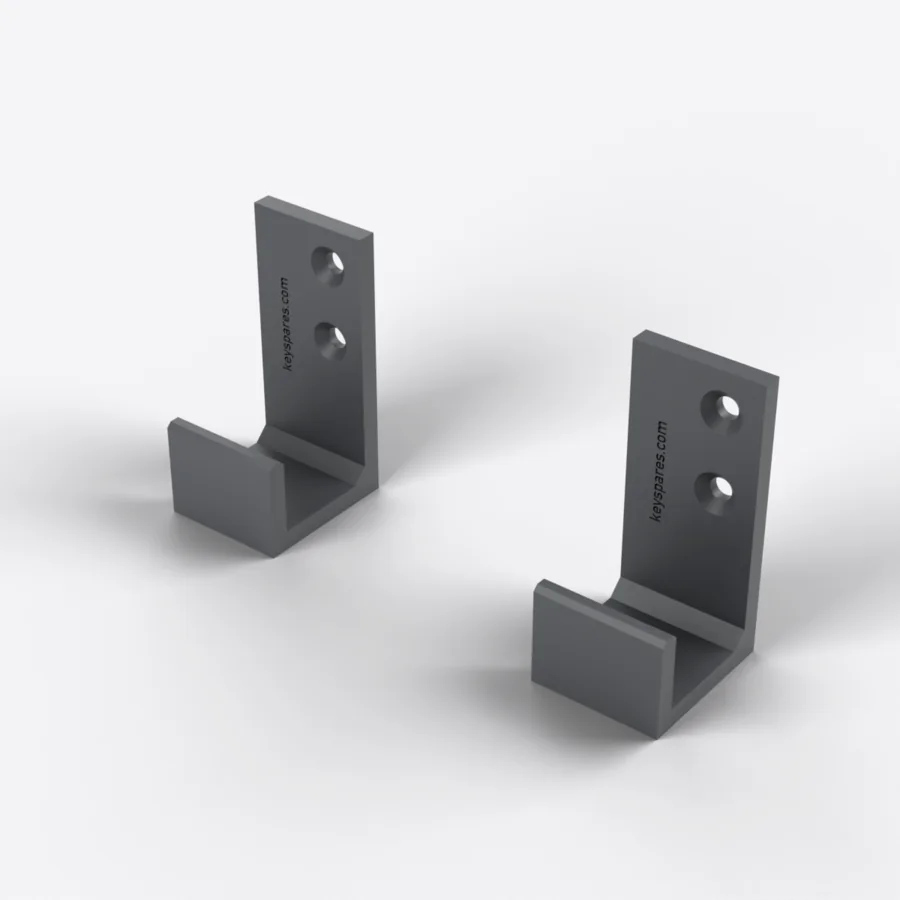 Veggfeste til Logitech MX Keys (par)mx-keys-support-muralLogitechPåfylles snart9.9 €
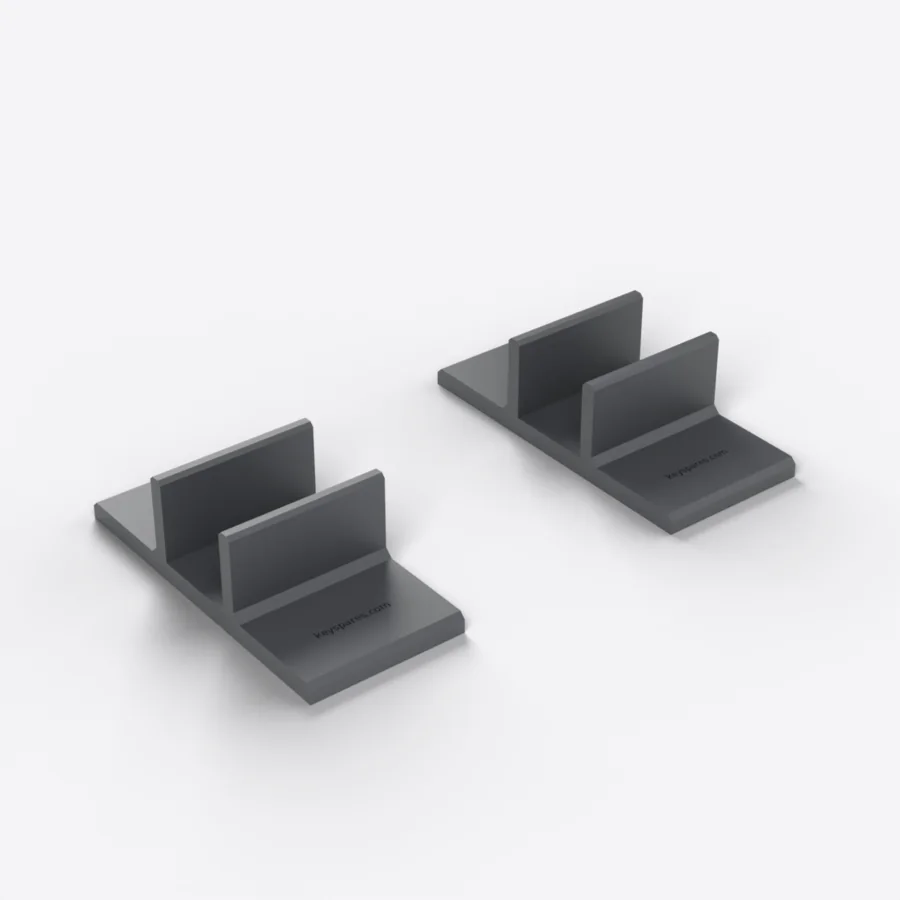 Vertikalt stativ til Logitech MX Keys (par)mx-keys-support-verticalLogitechPåfylles snart9.9 €
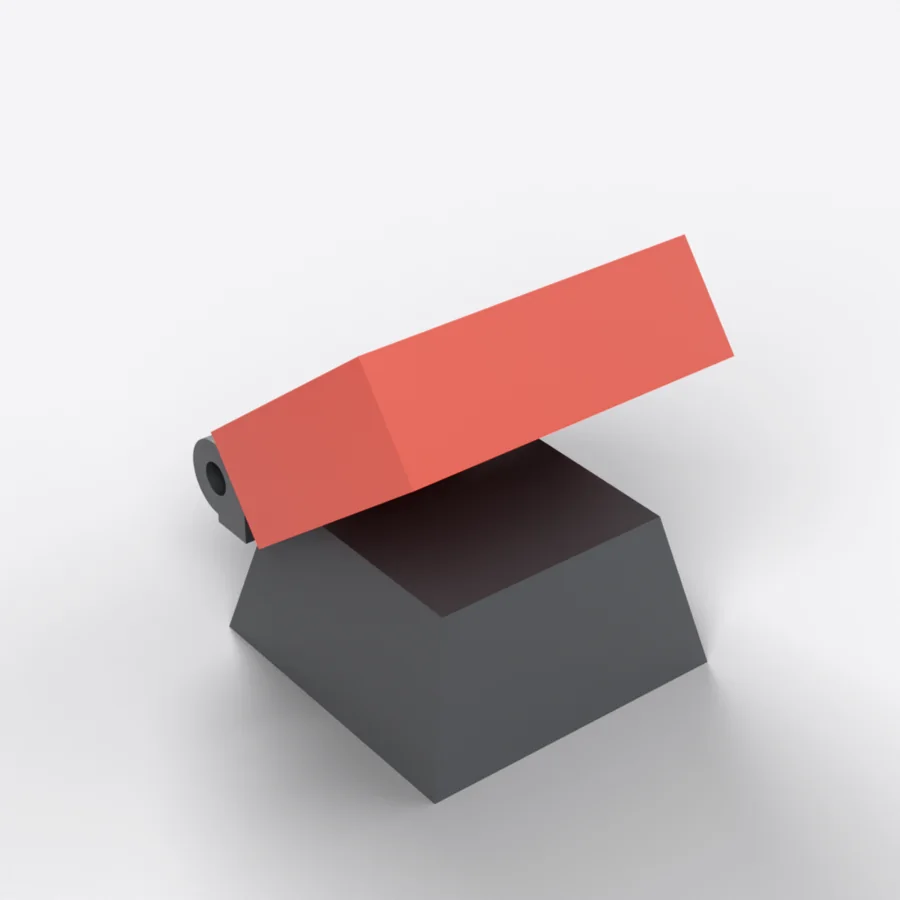 Tast med klaffedeksel «atomavfyring»touche-lancement-nucleairePåfylles snart6.9 €
Viser 1–10 av 128
Mangler tasten i katalogen? Vi har tilgang til mange høykvalitetstastaturer og vurderer hver forespørsel. Send oss en e-post med tastaturmodellen og tasten som mangler: vi svarer raskt med en passende løsning.
frenchrepairebay@gmail.comVåre garantier
Hengsel inkludert
Plastklipsen andre selgere utelater, følger med hver tast.
Sendes innen 24 t
Bestillinger sendes innen 24 arbeidstimer, sporbar frakt til 2 € i Frankrike, 5 € til resten av Europa og 9 € utenfor Europa.
Gratis retur i 30 dager
Hvis tasten ikke passer, tar vi den tilbake uten kostnad.
Where to buy a replacement key for a Logitech MX Keys?
Logitech does not sell MX Keys keys individually: when one breaks, its only answer is a new keyboard. Keyspares, formerly MX Keys Parts (mxkeysparts.com), sells every key separately, taken from a dismantled second-hand MX Keys and shipped with its X-shaped hinge. A letter or digit costs from €7.99, a function or navigation key €10, a modifier from €11 and the spacebar €21.90; the second key in the order is 20% off. Orders ship within 24 working hours by tracked letter, for €2 to France, €5 to the rest of Europe and €9 outside Europe (North America, Asia-Pacific, United Arab Emirates). Keys come in AZERTY, QWERTY and QWERTZ, in graphite or white. Every part comes from a donor keyboard: a key that is out of stock cannot be ordered, and each product page shows the real stock at that moment.
Which key should you order for a Logitech MX Keys keyboard?
Three pieces of information are needed, and all of them can be read off the keyboard itself. First, the character engraved on the broken key: that is what identifies the position, not where it sits in the row. Then the layout — AZERTY, QWERTY or QWERTZ — which determines the engraving: an AZERTY key clips perfectly onto a QWERTY keyboard, but it will not show the right character. Finally the colour, graphite or white depending on the keyboard's finish. The exact model matters less than people expect: letters, digits and special characters are interchangeable between the MX Keys, the MX Keys S and the MX Keys Mini, because those three keyboards share the same scissor mechanism and the same mounting footprint. Function keys, arrows and modifiers on the Mini are shorter, though: for those, the model has to match.
Why the hinge ships with the key
On a flat keyboard, the visible keycap is only half the part. Underneath sits an X-shaped plastic hinge, clipped onto four metal hooks, which guides the vertical travel and springs the key back up. That hinge is what breaks most often — far more than the cap, which merely pops off. A key sold without its hinge therefore misses the most common failure: if the X is cracked, the new key will hold no better than the old one. That is why every key here ships with its hinge, while most sellers supply the cap alone. The hinge is also sold on its own, at €5, when the original cap is undamaged — which is the most common case after a drop or an over-enthusiastic cleaning.
Can you repair a Logitech MX Keys keyboard yourself?
Yes, and usually without tools or taking it apart. On an MX Keys, MX Keys S or MX Keys Mini, the most common fault is a key that has come off or presses down crooked: the X-shaped hinge under the cap has broken. The repair takes less than a minute. Lift the cap with a fingernail or a plastic spudger, remove the pieces of the old hinge, clip the new one onto the four metal hooks, then press the cap down until it clicks. The keyboard works straight away, with no pairing or update. Other faults each have their part: a key that clicks but types nothing points to the rubber return pad, a keyboard that no longer holds a charge needs a battery (€10), and one that will not turn on at all, even plugged in, a motherboard (€15). Every fault has its own step-by-step MX Keys repair guide.
Browse the catalogue by layout
Each page lists every key available in that layout, with its price and availability.