Una tecla rota no condena un teclado premium
Repara tu teclado Logitech o Apple, tecla a tecla
Catálogo
1 · Tu teclado
2 · Tu tecla
El teclado se abre por zonas, con teclas del tamaño de un dedo.
Encontrar mi tecla en el teclado
136 teclas
¿No encuentra su tecla? Puede que la tengamos en stock. (respuesta rápida)Hablar con nosotrosPiezas y herramientas27
 Bisagra de tecla MX Keysuniversel-hinge-x16,99 €
 Lote de 4 teclas aleatorias MX Keys (bisagra no incluida)universel-touche-aleatoire-x54,90 €
 Placa base MX Keys QWERTY (EN) — PCuniversel-carte-mere-en-pcLogitechReponiendo stock14,99 €
- Tecla aleatoria MX Keysuniversel-touche-aleatoire1,50 €
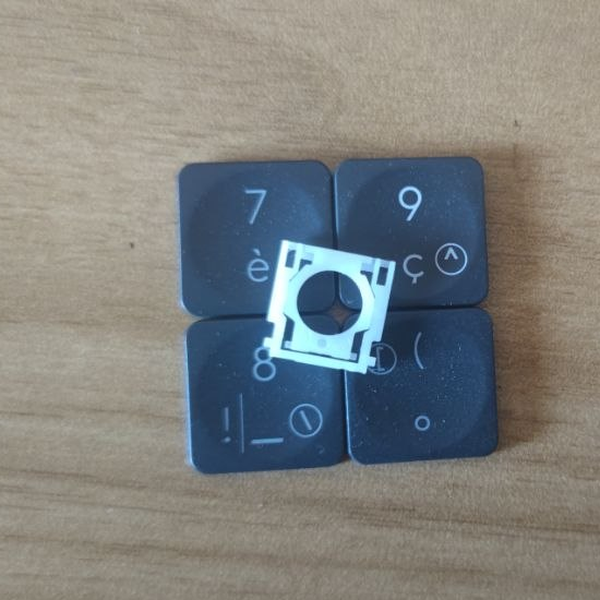 Tecla aleatoria MX Keys + bisagrauniversel-touche-aleatoire-hinge1 en stock8,50 €
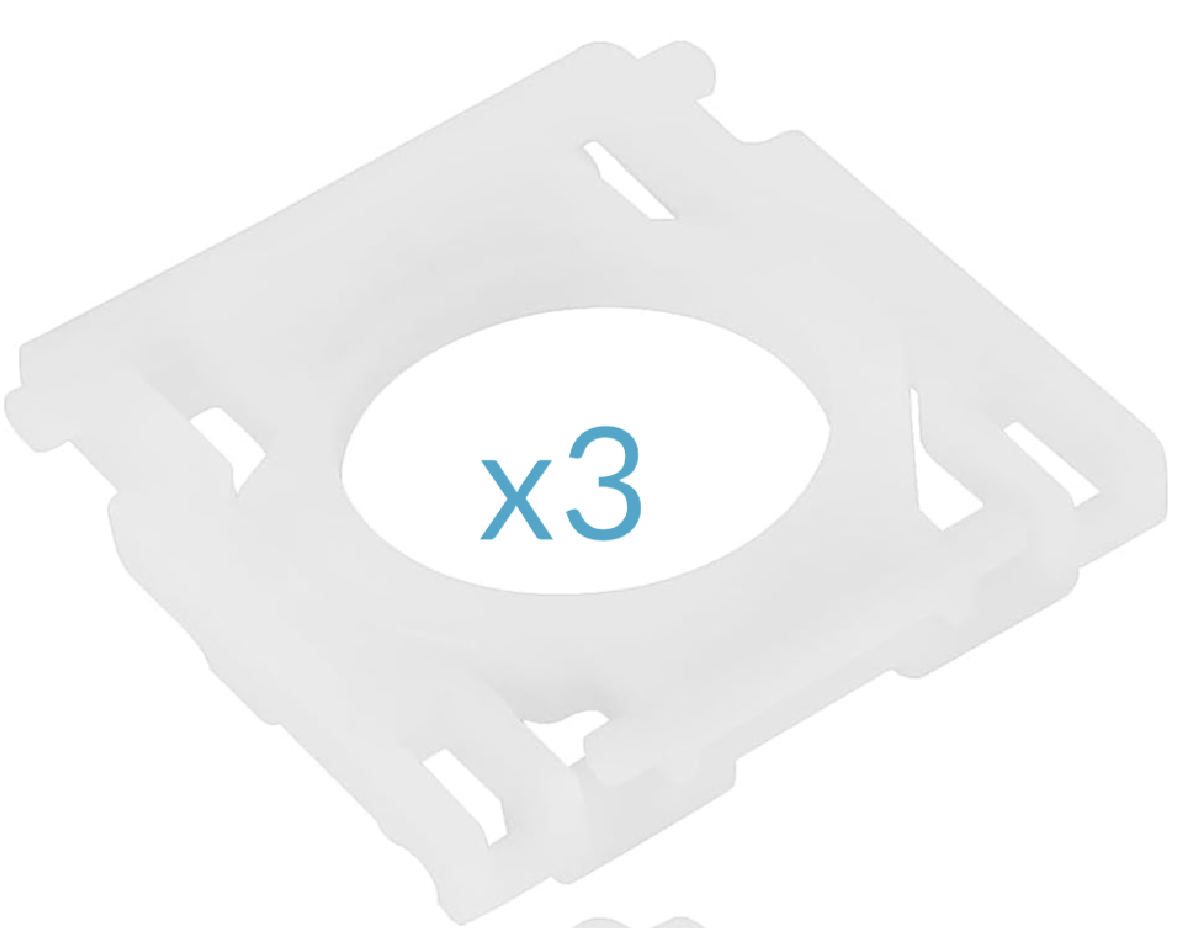 Lote de 3 bisagras MX Keysuniversel-hinge-x314,99 €
- Kit de emergencia MX Keys (2 minibisagras, 2 bisagras, 5 teclas aleatorias, 1 spudger)universel-kit-secours-mx-keys14,99 €
 Spudger, herramienta de apertura de plásticouniversel-spudger2,50 €
 Mini destornillador plano de precisiónuniversel-tournevis-plat1,99 €
 Pegamento adhesivo B7000 — tubo de 3 mluniversel-colle-b70000,99 €
 Paño de limpieza de microfibrauniversel-chiffon-nettoyage1,99 €
 Receptor USB Logitech Unifyinguniversel-usb-unifying5 en stock5,99 €
- Lote de 5 teclas aleatorias MX Keys + bisagrasuniversel-touche-aleatoire-hinge-x519,90 €
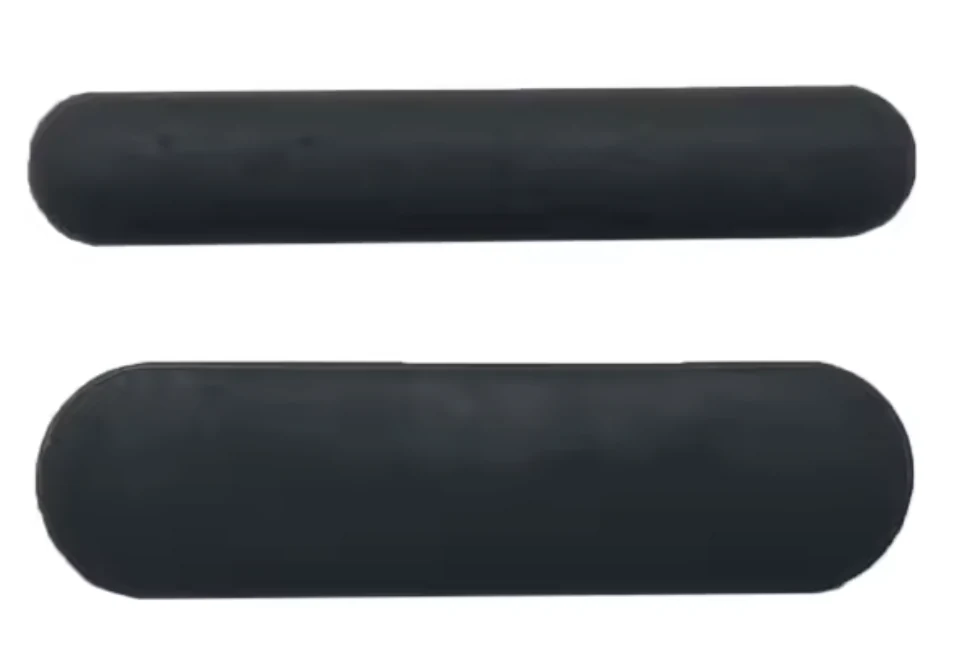 Set completo de 6 patas de goma — MX Keysuniversel-caoutchouc-complet5,99 €
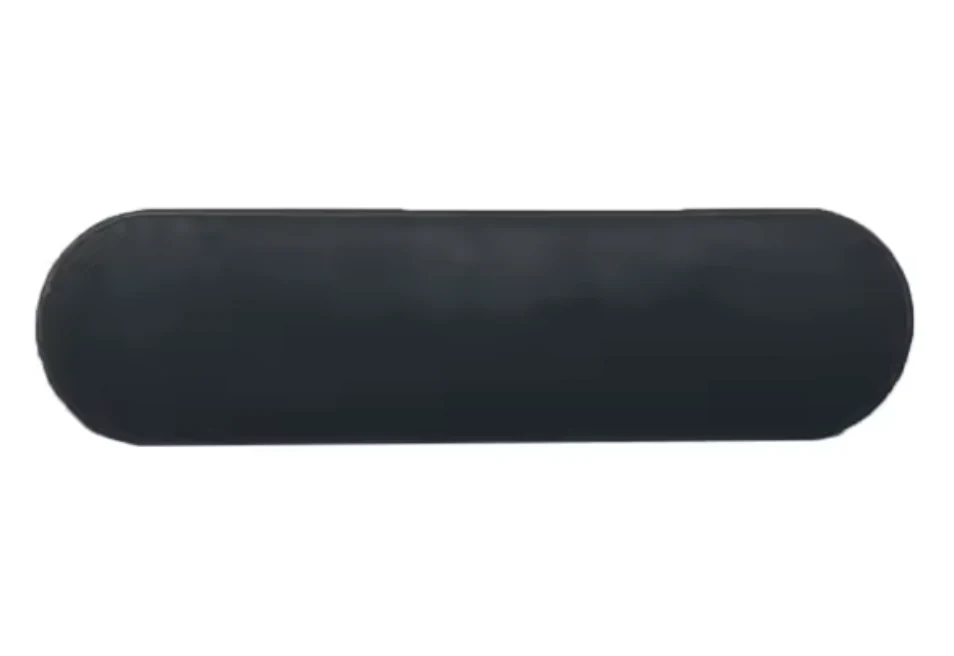 Set de 3 patas de goma (arriba, grueso) — MX Keysuniversel-caoutchouc-hautReponiendo stock4,99 €
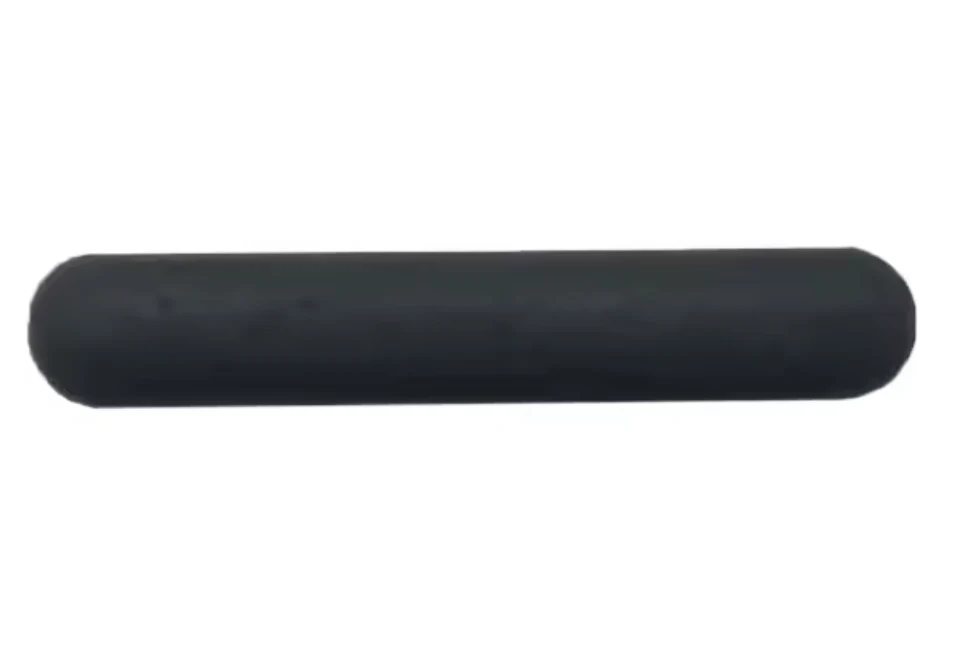 Set de 3 patas de goma (abajo, fino) — MX Keysuniversel-caoutchouc-basReponiendo stock4,99 €
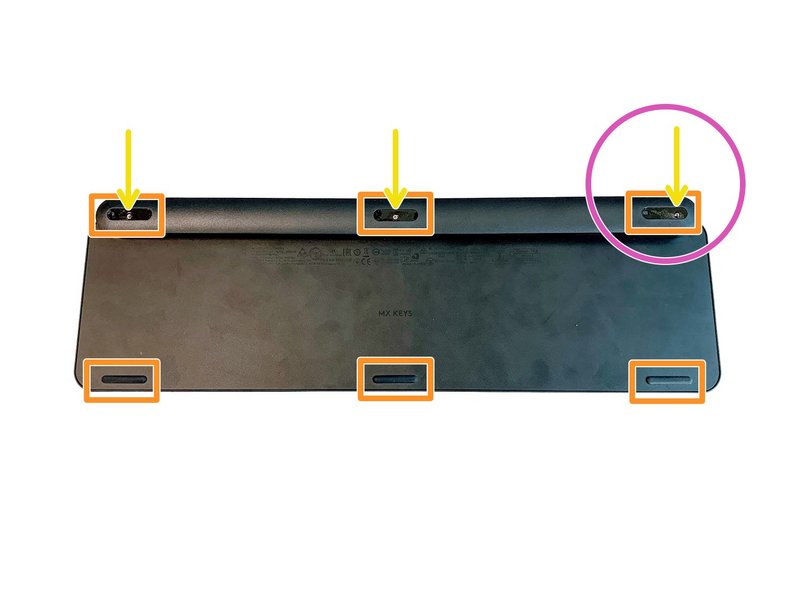 Juego completo de 6 tornillos del teclado MX Keysuniversel-vis-x61 en stock3,99 €
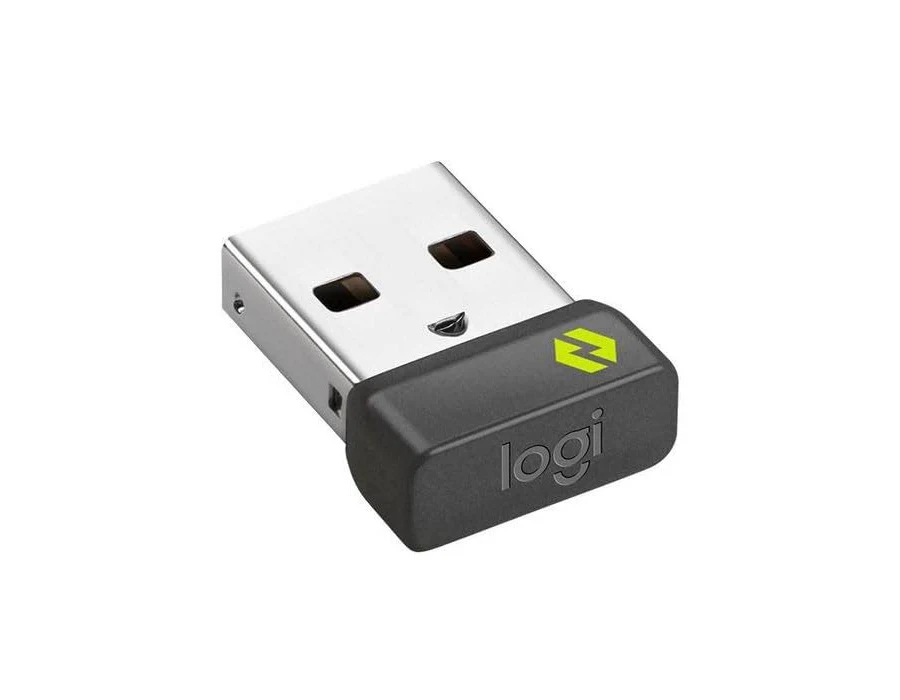 Receptor USB Logitech Boltuniversel-usb-boltReponiendo stock10,99 €
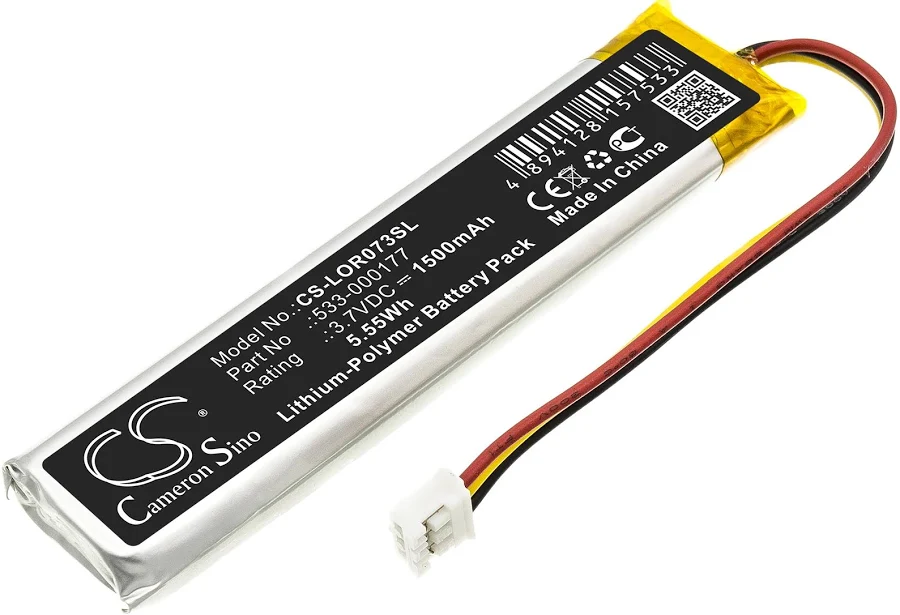 Batería MX Keys (PC + Mac)universel-batterieReponiendo stock9,99 €
- Placa base MX Keys AZERTY (FR) — PCuniversel-carte-mere-fr-pcLogitech14,99 €
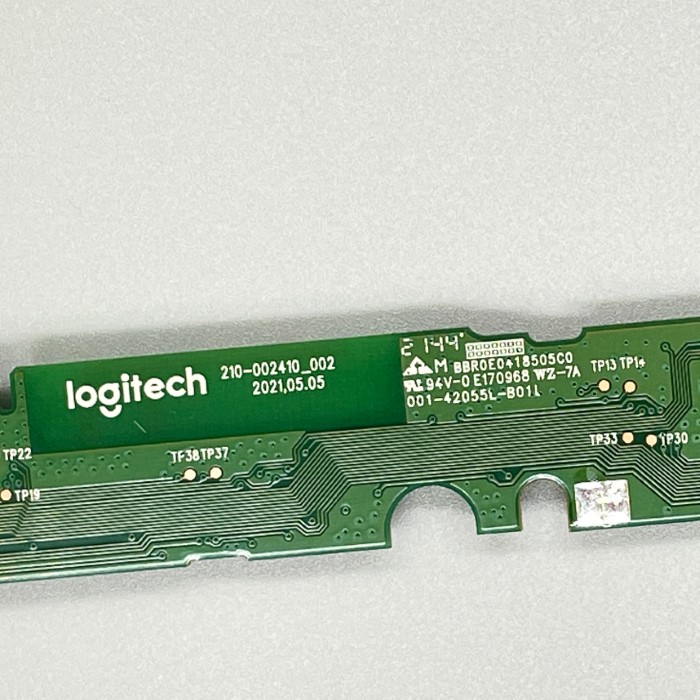 Placa base MX Keys Mini AZERTY (FR)universel-carte-mere-mini-fr2 en stock14,99 €
- Placa base MX Keys Mini QWERTY (UK)universel-carte-mere-mini-ukReponiendo stock14,99 €
- Placa base MX Keys Mini QWERTY (US)universel-carte-mere-mini-usReponiendo stock14,99 €
- Lote taller de 20 teclas aleatorias MX Keysuniversel-touche-aleatoire-x2019,90 €
- Lote de 10 teclas aleatorias MX Keys (bisagra no incluida)universel-touche-aleatoire-x108,99 €
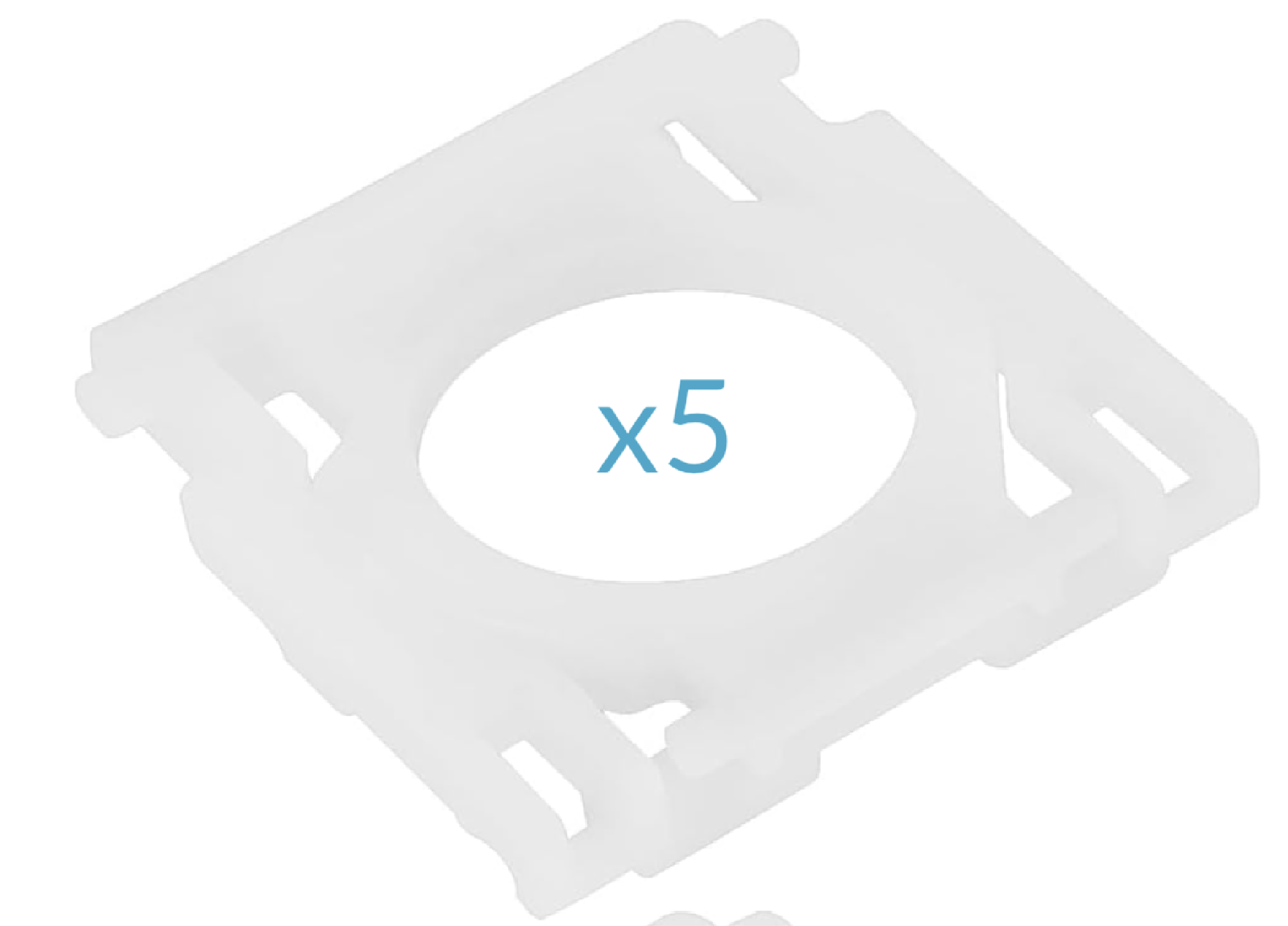 Lote de 5 bisagras MX Keysuniversel-hinge-x517,99 €
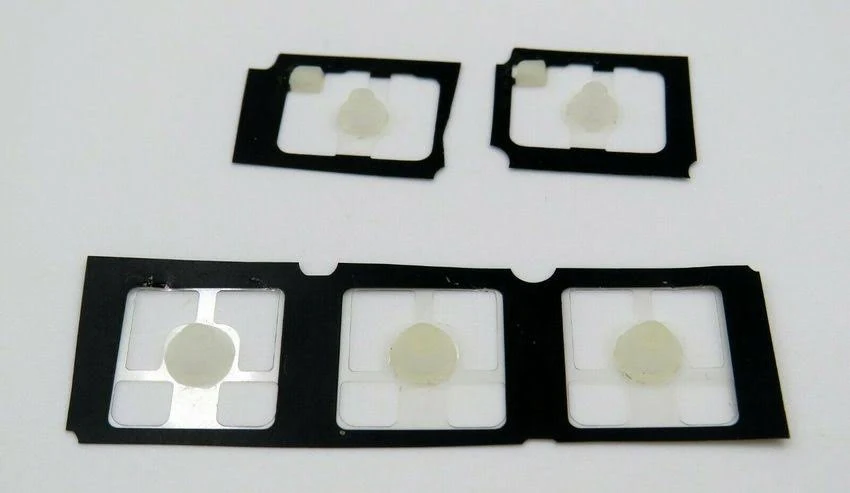 Lote de 5 cúpulas de goma MX Keysuniversel-rubber-pad-x5Reponiendo stock2,99 €
Letras27
 ALogitech·MX Keys·QWERTY ES8,99 €
 BLogitech·MX Keys·QWERTY ES8,99 €
 CLogitech·MX Keys·QWERTY ES8,99 €
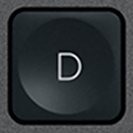 DLogitech·MX Keys·QWERTY ES8,99 €
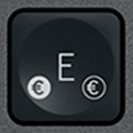 E / €Logitech·MX Keys·QWERTY ES8,99 €
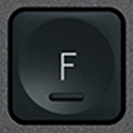 FLogitech·MX Keys·QWERTY ES8,99 €
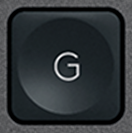 GLogitech·MX Keys·QWERTY ES8,99 €
 HLogitech·MX Keys·QWERTY ES8,99 €
 ILogitech·MX Keys·QWERTY ES8,99 €
 JLogitech·MX Keys·QWERTY ES8,99 €
 KLogitech·MX Keys·QWERTY ES8,99 €
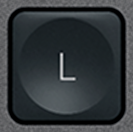 LLogitech·MX Keys·QWERTY ES8,99 €
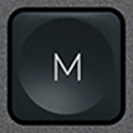 MLogitech·MX Keys·QWERTY ES8,99 €
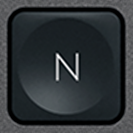 NLogitech·MX Keys·QWERTY ES8,99 €
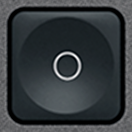 OLogitech·MX Keys·QWERTY ES8,99 €
 PLogitech·MX Keys·QWERTY ES8,99 €
 QLogitech·MX Keys·QWERTY ES8,99 €
 RLogitech·MX Keys·QWERTY ES8,99 €
 SLogitech·MX Keys·QWERTY ES9,99 €
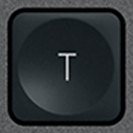 TLogitech·MX Keys·QWERTY ES8,99 €
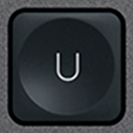 ULogitech·MX Keys·QWERTY ES8,99 €
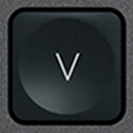 VLogitech·MX Keys·QWERTY ES8,99 €
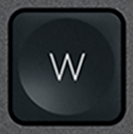 WLogitech·MX Keys·QWERTY ES8,99 €
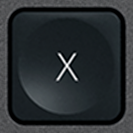 XLogitech·MX Keys·QWERTY ES8,99 €
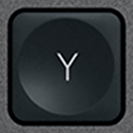 YLogitech·MX Keys·QWERTY ES8,99 €
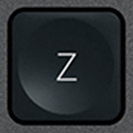 ZLogitech·MX Keys·QWERTY ES8,99 €
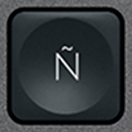 ÑBlancoLogitech·MX Keys·QWERTY ES1 en stock8,99 €
Números10
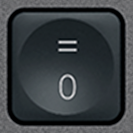 0 / =BlancoLogitech·MX Keys·QWERTY ES8,99 €
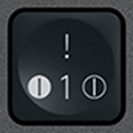 1 / !BlancoLogitech·MX Keys·QWERTY ES1 en stock8,99 €
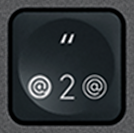 2 / "BlancoLogitech·MX Keys·QWERTY ES1 en stock8,99 €
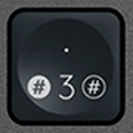 3 / .BlancoLogitech·MX Keys·QWERTY ES1 en stock8,99 €
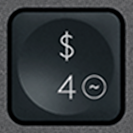 4 / $BlancoLogitech·MX Keys·QWERTY ES1 en stock8,99 €
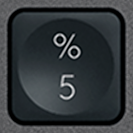 5 / %BlancoLogitech·MX Keys·QWERTY ES1 en stock8,99 €
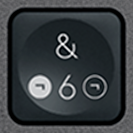 6 / &BlancoLogitech·MX Keys·QWERTY ES1 en stock8,99 €
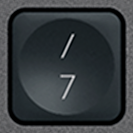 7 / /BlancoLogitech·MX Keys·QWERTY ES8,99 €
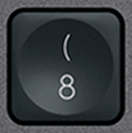 8 / (BlancoLogitech·MX Keys·QWERTY ES1 en stock8,99 €
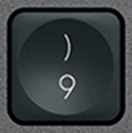 9 / )BlancoLogitech·MX Keys·QWERTY ES1 en stock8,99 €
Funciones21
 Bluetooth 1BlancoLogitech·MX Keys·QWERTY ES1 en stock6,99 €
 Bluetooth 2BlancoLogitech·MX Keys·QWERTY ES6,99 €
 Bluetooth 3BlancoLogitech·MX Keys·QWERTY ES1 en stock6,99 €
 CalculadoraBlancoLogitech·MX Keys·QWERTY ES1 en stock7,99 €
 EscBlancoLogitech·MX Keys·QWERTY ES12,90 €
 F1BlancoLogitech·MX Keys·QWERTY ES1 en stock6,99 €
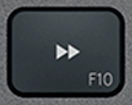 F10BlancoLogitech·MX Keys·QWERTY ES6,99 €
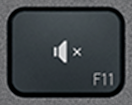 F11BlancoLogitech·MX Keys·QWERTY ES1 en stock6,99 €
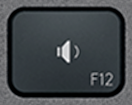 F12BlancoLogitech·MX Keys·QWERTY ES1 en stock6,99 €
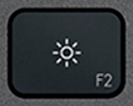 F2BlancoLogitech·MX Keys·QWERTY ES1 en stock6,99 €
 F3BlancoLogitech·MX Keys·QWERTY ES1 en stock6,99 €
 F4BlancoLogitech·MX Keys·QWERTY ES1 en stock6,99 €
 F5BlancoLogitech·MX Keys·QWERTY ES1 en stock6,99 €
 F6BlancoLogitech·MX Keys·QWERTY ES1 en stock6,99 €
 F7BlancoLogitech·MX Keys·QWERTY ES6,99 €
 F8BlancoLogitech·MX Keys·QWERTY ES1 en stock6,99 €
 F9BlancoLogitech·MX Keys·QWERTY ES1 en stock6,99 €
 Menú contextualBlancoLogitech·MX Keys·QWERTY ES1 en stock7,99 €
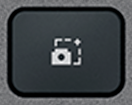 ScreenshotBlancoLogitech·MX Keys·QWERTY ES1 en stock7,99 €
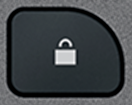 StandbyBlancoLogitech·MX Keys·QWERTY ES7,99 €
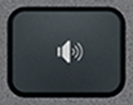 Volumen +BlancoLogitech·MX Keys·QWERTY ES1 en stock7,99 €
Modificadores13
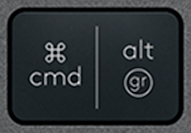 Alt Gr (R)BlancoLogitech·MX Keys·QWERTY ES1 en stock10,99 €
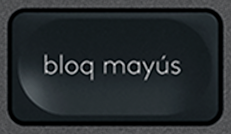 Bloq MayúsBlancoLogitech·MX Keys·QWERTY ES1 en stock10,99 €
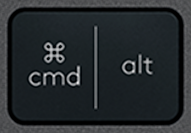 Cmd / Alt (L)BlancoLogitech·MX Keys·QWERTY ES10,99 €
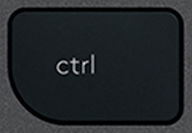 CtrlBlancoLogitech·MX Keys·QWERTY ESAgotado19,99 €
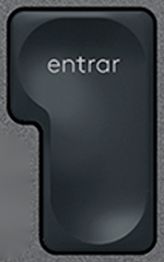 EnterBlancoLogitech·MX Keys·QWERTY ES1 en stock10,99 €
 EspacioBlancoLogitech·MX Keys·QWERTY ESAgotado21,90 €
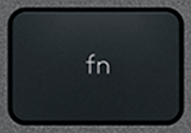 FnBlancoLogitech·MX Keys·QWERTY ES1 en stock10,99 €
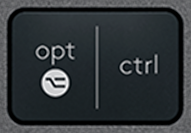 Opt / Ctrl (R)BlancoLogitech·MX Keys·QWERTY ES1 en stock10,99 €
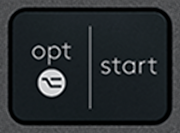 Opt / Start (L)BlancoLogitech·MX Keys·QWERTY ES12,90 €
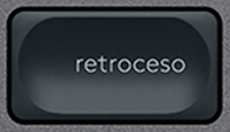 RetrocesoBlancoLogitech·MX Keys·QWERTY ES1 en stock10,99 €
 Shift (L)BlancoLogitech·MX Keys·QWERTY ESAgotado19,90 €
 Shift (R)BlancoLogitech·MX Keys·QWERTY ES1 en stock10,99 €
 TabBlancoLogitech·MX Keys·QWERTY ES10,99 €
Navegación10
 Av PágBlancoLogitech·MX Keys·QWERTY ESAgotado9,99 €
 FinBlancoLogitech·MX Keys·QWERTY ES1 en stock9,99 €
 Flecha abajoBlancoLogitech·MX Keys·QWERTY ESAgotado9,99 €
 Flecha arribaBlancoLogitech·MX Keys·QWERTY ES1 en stock9,99 €
 Flecha derechaBlancoLogitech·MX Keys·QWERTY ESAgotado9,99 €
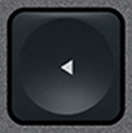 Flecha izquierdaBlancoLogitech·MX Keys·QWERTY ESAgotado9,99 €
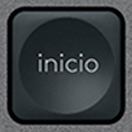 InicioBlancoLogitech·MX Keys·QWERTY ES1 en stock9,99 €
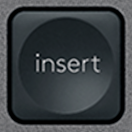 InsertBlancoLogitech·MX Keys·QWERTY ES1 en stock9,99 €
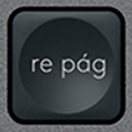 Re PágBlancoLogitech·MX Keys·QWERTY ESAgotado9,99 €
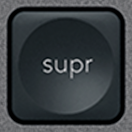 SuprBlancoLogitech·MX Keys·QWERTY ES1 en stock9,99 €
Especiales11
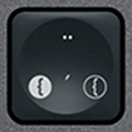 ' / ¨BlancoLogitech·MX Keys·QWERTY ES1 en stock9,99 €
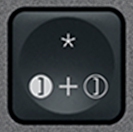 + / *BlancoLogitech·MX Keys·QWERTY ES1 en stock9,99 €
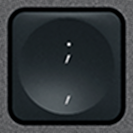 , / ;BlancoLogitech·MX Keys·QWERTY ES9,99 €
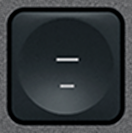 - / _BlancoLogitech·MX Keys·QWERTY ES1 en stock9,99 €
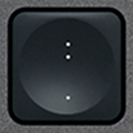 . / :BlancoLogitech·MX Keys·QWERTY ES1 en stock9,99 €
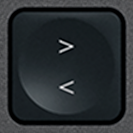 < / >BlancoLogitech·MX Keys·QWERTY ES1 en stock9,99 €
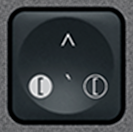 ` / ^BlancoLogitech·MX Keys·QWERTY ES1 en stock9,99 €
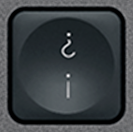 ¡ / ¿BlancoLogitech·MX Keys·QWERTY ES1 en stock9,99 €
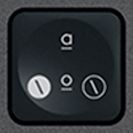 ª / ºBlancoLogitech·MX Keys·QWERTY ES1 en stock9,99 €
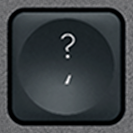 ´ / ?BlancoLogitech·MX Keys·QWERTY ES1 en stock9,99 €
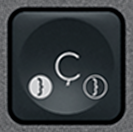 ÇBlancoLogitech·MX Keys·QWERTY ES1 en stock9,99 €
Teclado numérico17
 + (Num)BlancoLogitech·MX Keys·QWERTY ES9,99 €
 - (Num)BlancoLogitech·MX Keys·QWERTY ES1 en stock9,99 €
 0 (Num)BlancoLogitech·MX Keys·QWERTY ES1 en stock9,99 €
 1 (Num)BlancoLogitech·MX Keys·QWERTY ES1 en stock9,99 €
 2 (Num)BlancoLogitech·MX Keys·QWERTY ES9,99 €
 3 (Num)BlancoLogitech·MX Keys·QWERTY ES1 en stock9,99 €
 4 (Num)BlancoLogitech·MX Keys·QWERTY ES1 en stock9,99 €
 5 (Num)BlancoLogitech·MX Keys·QWERTY ES1 en stock9,99 €
 6 (Num)BlancoLogitech·MX Keys·QWERTY ES1 en stock9,99 €
 7 (Num)BlancoLogitech·MX Keys·QWERTY ES9,99 €
 8 (Num)BlancoLogitech·MX Keys·QWERTY ES1 en stock9,99 €
 9 (Num)BlancoLogitech·MX Keys·QWERTY ES1 en stock9,99 €
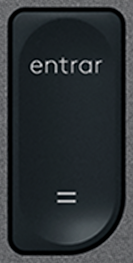 Enter (Num)BlancoLogitech·MX Keys·QWERTY ES1 en stock9,99 €
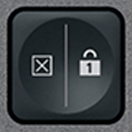 Num LockBlancoLogitech·MX Keys·QWERTY ES1 en stock9,99 €
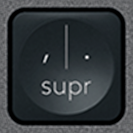 Supr (Num)BlancoLogitech·MX Keys·QWERTY ES1 en stock9,99 €
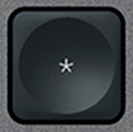 × (Num)BlancoLogitech·MX Keys·QWERTY ES1 en stock9,99 €
 ÷ (Num)BlancoLogitech·MX Keys·QWERTY ES1 en stock9,99 €
Mostrando 1–10 de 109
¿No encuentra la tecla en el catálogo? Tenemos acceso a muchos teclados premium y revisamos cada solicitud. Escríbanos por e-mail indicando el modelo de su teclado y la tecla que falta: le responderemos rápidamente con una solución adecuada.
contact@keyspares.comNuestras garantías
Bisagra incluida
La pieza de plástico que otros vendedores omiten viene con cada tecla.
Expedido en 24 h
El pedido sale en 24 horas laborables, envío con seguimiento de 2 € en Francia, 5 € al resto de Europa y 9 € fuera de Europa.
Garantía de 30 días
Devolución gratuita si la pieza no corresponde a la descripción o llega defectuosa.
Frequently asked questions
Where to buy a replacement key for a Logitech MX Keys?
Logitech does not sell MX Keys keys individually: when one breaks, its only answer is a new keyboard. Keyspares, formerly MX Keys Parts (mxkeysparts.com), sells every key separately, taken from a dismantled second-hand MX Keys and shipped with its X-shaped hinge. A letter or digit costs from €8.99, a function key from €6.99, a modifier from €10.99 and the spacebar €21.90; the second key in the order is 20% off and every one after it 10% off. Orders ship within 24 working hours by tracked letter: €2 to France, €5 within Europe, €9 outside Europe, free within Europe from €30. Each product page shows the real stock at that moment.
Which key should you order for a Logitech MX Keys keyboard?
Three things are enough, and all of them can be read off the keyboard: the character engraved on the broken key, the layout (AZERTY, QWERTY or QWERTZ) and the colour, graphite or white. An AZERTY key clips onto a QWERTY keyboard, but will not show the right character. Letters, digits and special characters are interchangeable between the MX Keys, the MX Keys S and the MX Keys Mini, which share the same scissor mechanism. Function keys, arrows and modifiers on the Mini are shorter, though: for those, the model has to match.
Why does the hinge ship with the key?
Under the keycap sits an X-shaped plastic hinge, clipped onto four metal hooks, which guides the key and springs it back up. That hinge is what breaks most often, far more than the cap. A key sold without its hinge therefore misses the most common failure: if the X is cracked, the new key will hold no better than the old one. Every key here ships with its hinge, while most sellers supply the cap alone. The hinge is also sold on its own, at €6.99, when the original cap is undamaged.
Can you repair a Logitech MX Keys keyboard yourself?
Yes, usually without tools or taking it apart. The most common fault, a key that has come off or presses down crooked, comes from a broken hinge. Lift the cap with a fingernail or a plastic spudger, remove the pieces of the old hinge, clip the new one onto the four hooks, then press the cap down until it clicks: the keyboard works straight away. A key that clicks but types nothing points to the rubber return pad, a keyboard that no longer holds a charge needs a battery (€9.99), and one that will not turn on at all, even plugged in, a motherboard (€14.99). Every fault has its own step-by-step MX Keys repair guide.
Browse the catalogue by layout
Each page lists every key available in that layout, with its price and availability.