Eén kapotte toets betekent niet het einde van een premium toetsenbord
Repareer je Logitech- of Apple-toetsenbord, toets voor toets
Catalogus
1 · Uw toetsenbord
2 · Uw toets
Het toetsenbord opent per zone, met toetsen op vingergrootte.
Mijn toets op het toetsenbord vinden
Onderdelen en gereedschap27
 Toetsscharnier MX Keysuniversel-hinge-x1€ 6,99
 Set van 4 willekeurige MX Keys toetsen (zonder scharnier)universel-touche-aleatoire-x5€ 4,90
 Moederbord MX Keys QWERTY (EN) — PCuniversel-carte-mere-en-pcLogitechWordt aangevuld€ 14,99
- Willekeurige MX Keys toetsuniversel-touche-aleatoire€ 1,50
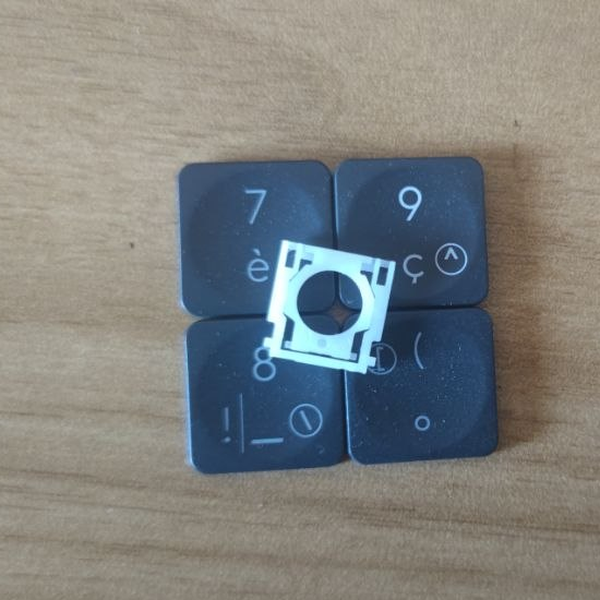 Willekeurige MX Keys-toets + scharnieruniversel-touche-aleatoire-hinge1 op voorraad€ 8,50
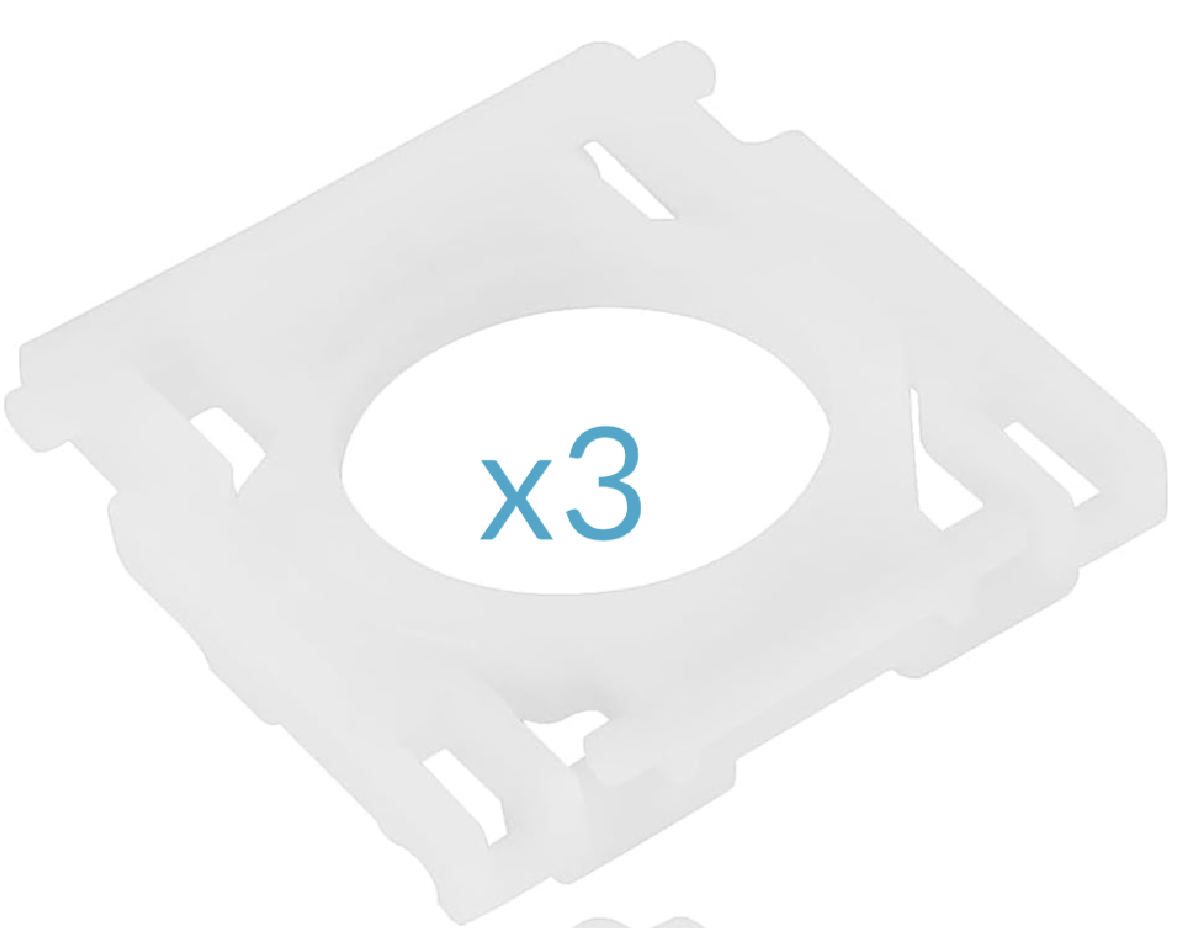 Set van 3 scharnieren MX Keysuniversel-hinge-x3€ 14,99
- MX Keys noodset (2 mini-scharnieren, 2 scharnieren, 5 willekeurige toetsen, 1 spudger)universel-kit-secours-mx-keys€ 14,99
 Spudger, openingsgereedschap van kunststofuniversel-spudger€ 2,50
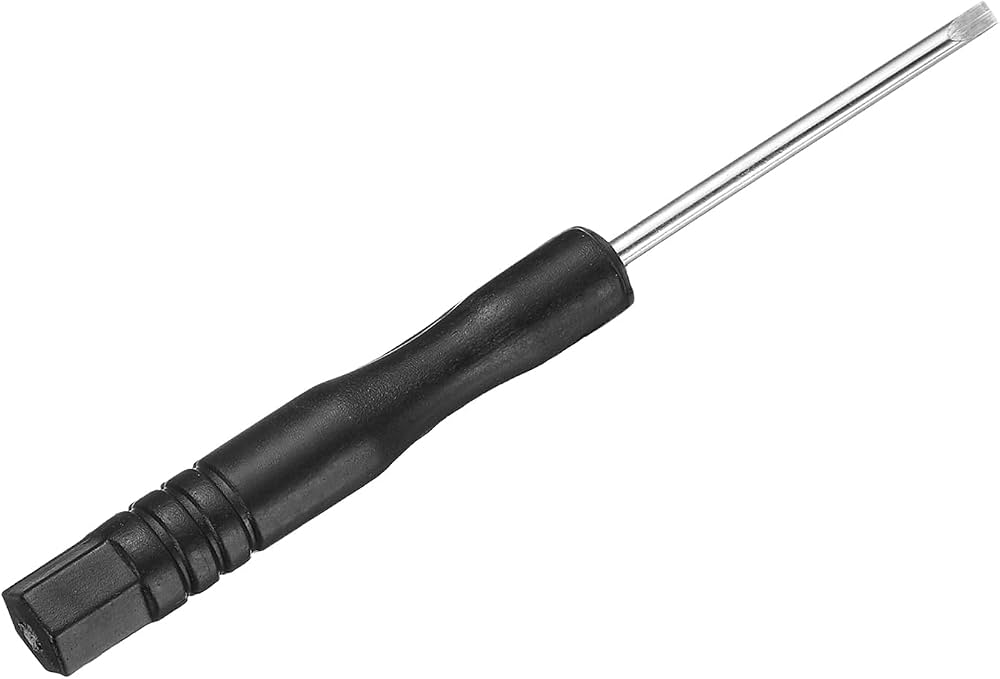 Precisie mini platte schroevendraaieruniversel-tournevis-plat€ 1,99
 B7000 lijm — tube van 3 mluniversel-colle-b7000€ 0,99
 Microvezel reinigingsdoekjeuniversel-chiffon-nettoyage€ 1,99
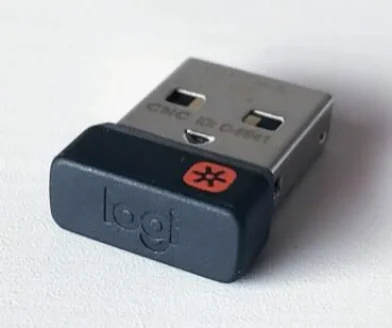 Logitech USB Unifying-ontvangeruniversel-usb-unifying5 op voorraad€ 5,99
- Set van 5 willekeurige MX Keys-toetsen + scharnierenuniversel-touche-aleatoire-hinge-x5€ 19,90
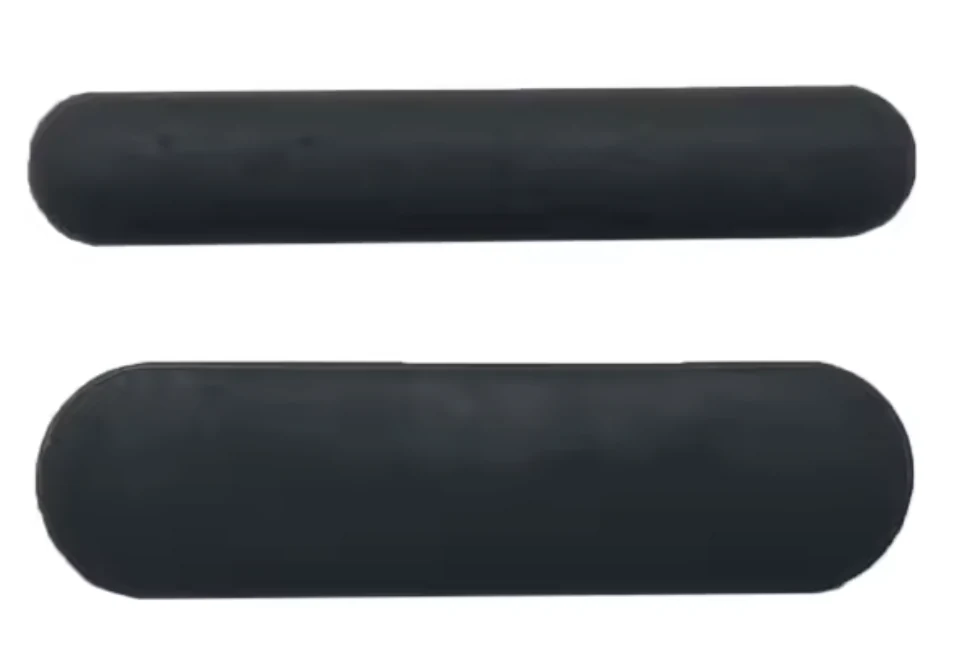 Complete set van 6 rubberen voetjes — MX Keysuniversel-caoutchouc-complet€ 5,99
 Set van 3 rubberen voetjes (boven, dik) — MX Keysuniversel-caoutchouc-hautWordt aangevuld€ 4,99
 Set van 3 rubberen voetjes (onder, dun) — MX Keysuniversel-caoutchouc-basWordt aangevuld€ 4,99
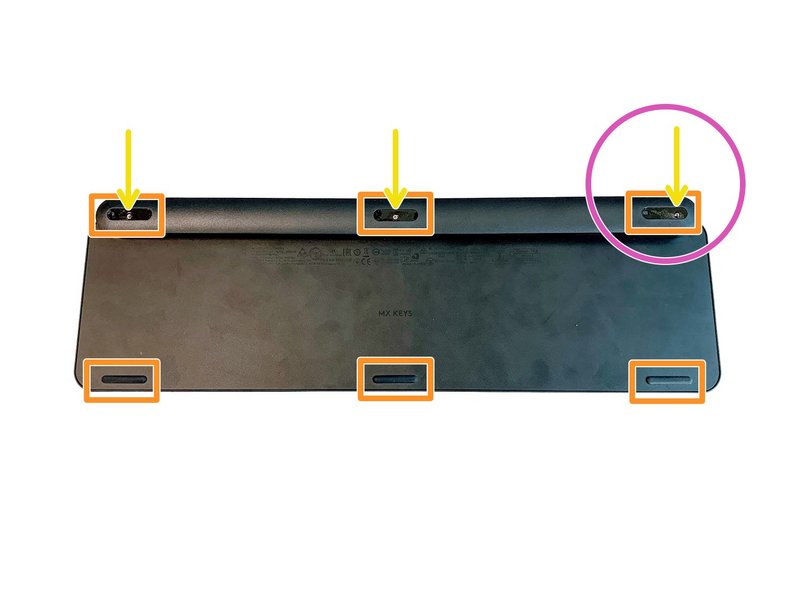 Complete set van 6 schroeven voor MX Keys-toetsenborduniversel-vis-x61 op voorraad€ 3,99
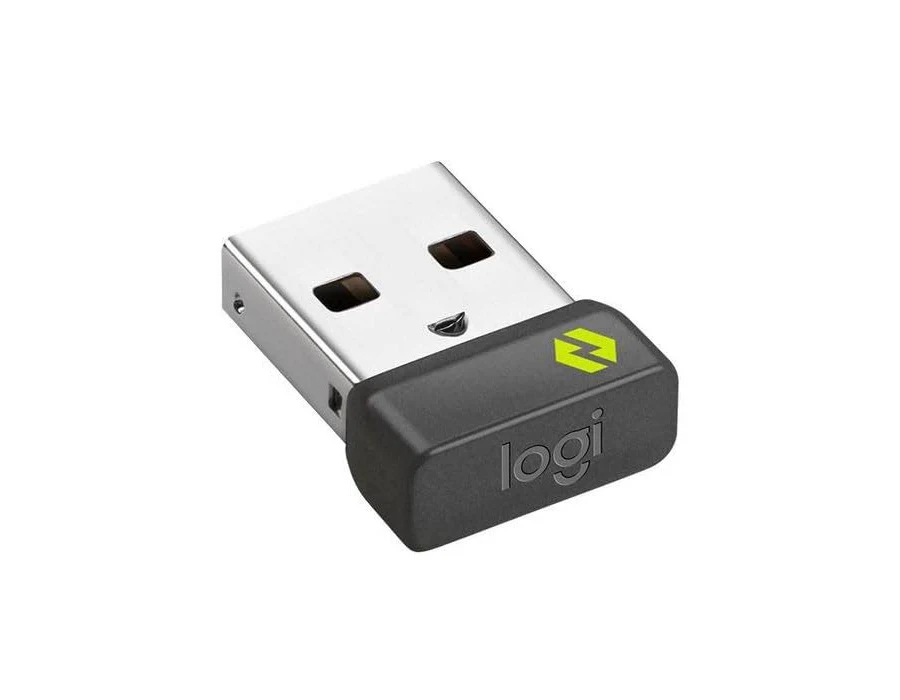 Logitech USB Bolt-ontvangeruniversel-usb-boltWordt aangevuld€ 10,99
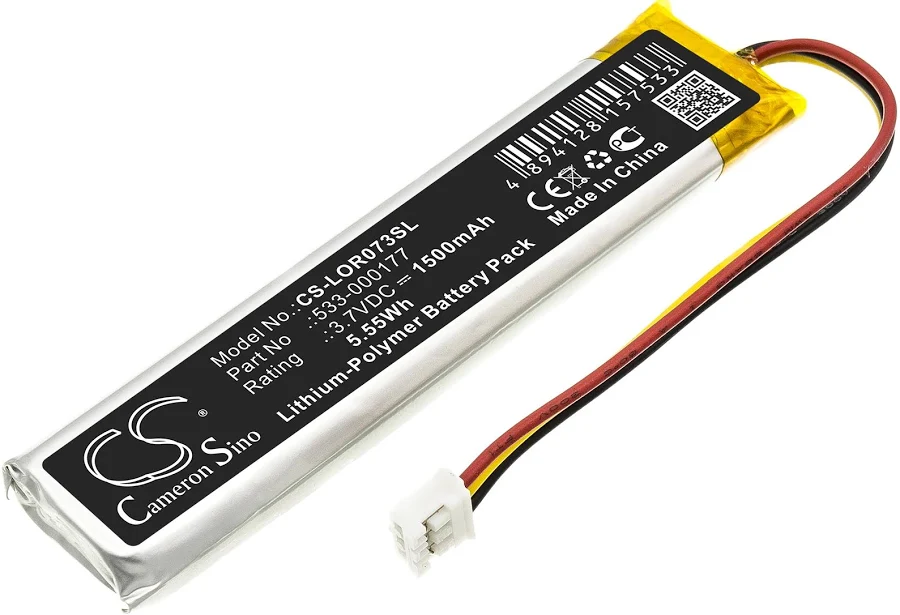 MX Keys batterij (PC + Mac)universel-batterieWordt aangevuld€ 9,99
- Moederbord MX Keys AZERTY (FR) — PCuniversel-carte-mere-fr-pcLogitech€ 14,99
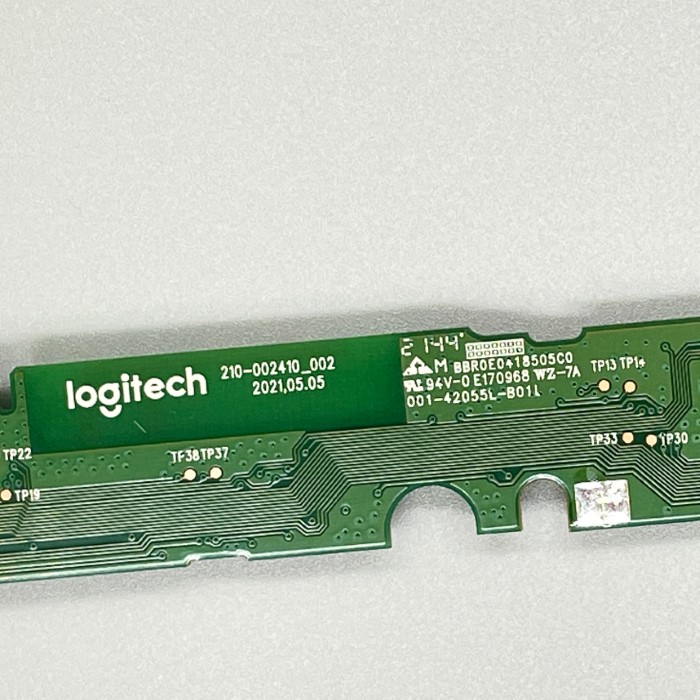 MX Keys Mini moederbord AZERTY (FR)universel-carte-mere-mini-fr2 op voorraad€ 14,99
- MX Keys Mini moederbord QWERTY (UK)universel-carte-mere-mini-ukWordt aangevuld€ 14,99
- MX Keys Mini moederbord QWERTY (US)universel-carte-mere-mini-usWordt aangevuld€ 14,99
- Werkplaatsset van 20 willekeurige MX Keys toetsenuniversel-touche-aleatoire-x20€ 19,90
- Set van 10 willekeurige MX Keys toetsen (zonder scharnier)universel-touche-aleatoire-x10€ 8,99
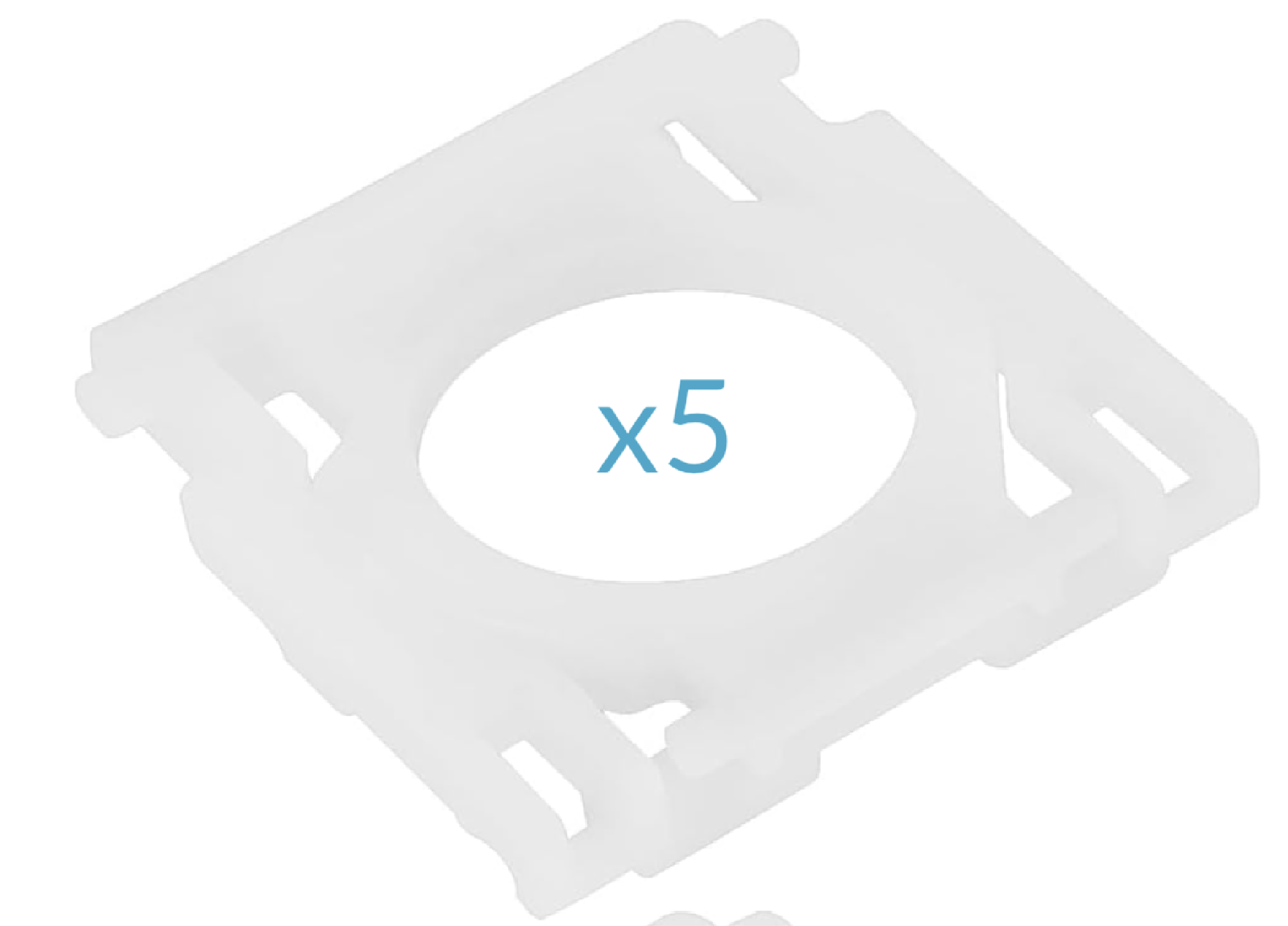 Set van 5 scharnieren MX Keysuniversel-hinge-x5€ 17,99
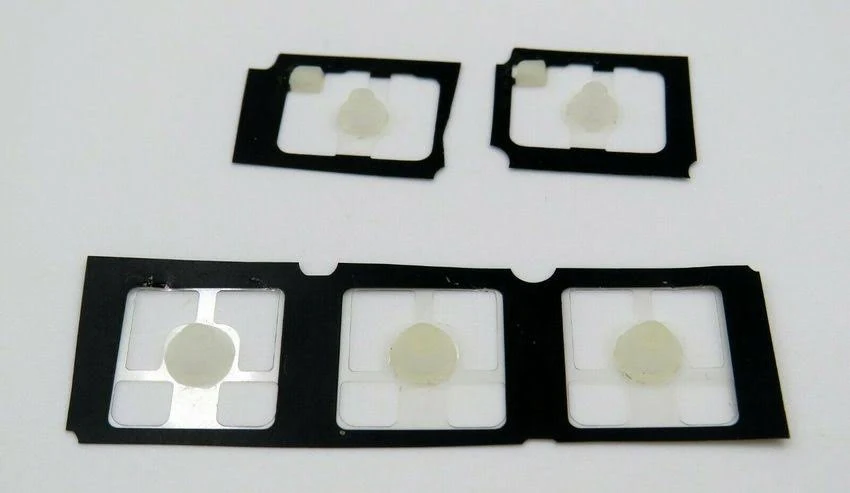 Set van 5 rubberen koepeltjes MX Keysuniversel-rubber-pad-x5Wordt aangevuld€ 2,99
Letters26
 ALogitech·MX Keys·QWERTY EN1 op voorraad€ 8,99
 BLogitech·MX Keys·QWERTY EN2 op voorraad€ 8,99
 CLogitech·MX Keys·QWERTY EN€ 8,99
 DLogitech·MX Keys·QWERTY EN€ 8,99
 ELogitech·MX Keys·QWERTY ENNiet op voorraad€ 8,99
 FLogitech·MX Keys·QWERTY EN2 op voorraad€ 8,99
 GLogitech·MX Keys·QWERTY EN1 op voorraad€ 8,99
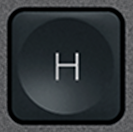 HLogitech·MX Keys·QWERTY EN3 op voorraad€ 8,99
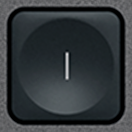 ILogitech·MX Keys·QWERTY EN€ 8,99
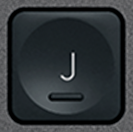 JLogitech·MX Keys·QWERTY EN3 op voorraad€ 8,99
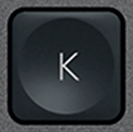 KLogitech·MX Keys·QWERTY EN2 op voorraad€ 8,99
 LLogitech·MX Keys·QWERTY EN1 op voorraad€ 8,99
 MLogitech·MX Keys·QWERTY EN1 op voorraad€ 8,99
 NLogitech·MX Keys·QWERTY EN1 op voorraad€ 8,99
 OLogitech·MX Keys·QWERTY EN€ 8,99
 PLogitech·MX Keys·QWERTY EN2 op voorraad€ 8,99
 QLogitech·MX Keys·QWERTY EN2 op voorraad€ 8,99
 RLogitech·MX Keys·QWERTY EN2 op voorraad€ 8,99
 SLogitech·MX Keys·QWERTY EN1 op voorraad€ 9,99
 TLogitech·MX Keys·QWERTY EN€ 8,99
 ULogitech·MX Keys·QWERTY EN2 op voorraad€ 8,99
 VLogitech·MX Keys·QWERTY EN€ 8,99
 WLogitech·MX Keys·QWERTY EN1 op voorraad€ 8,99
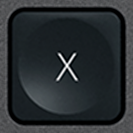 XLogitech·MX Keys·QWERTY EN2 op voorraad€ 8,99
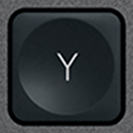 YLogitech·MX Keys·QWERTY EN4 op voorraad€ 8,99
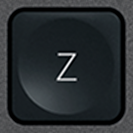 ZLogitech·MX Keys·QWERTY EN1 op voorraad€ 8,99
Cijfers10
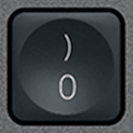 0 / )WitLogitech·MX Keys·QWERTY EN3 op voorraad€ 8,99
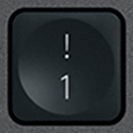 1 / !WitLogitech·MX Keys·QWERTY EN2 op voorraad€ 8,99
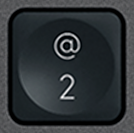 2 / @WitLogitech·MX Keys·QWERTY EN3 op voorraad€ 8,99
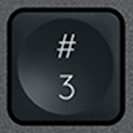 3 / £WitLogitech·MX Keys·QWERTY EN1 op voorraad€ 8,99
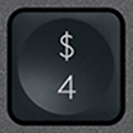 4 / $WitLogitech·MX Keys·QWERTY EN3 op voorraad€ 8,99
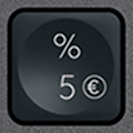 5 / %WitLogitech·MX Keys·QWERTY EN2 op voorraad€ 8,99
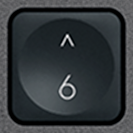 6 / ^WitLogitech·MX Keys·QWERTY EN3 op voorraad€ 8,99
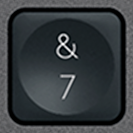 7 / &WitLogitech·MX Keys·QWERTY EN3 op voorraad€ 8,99
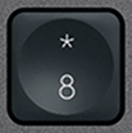 8 / *WitLogitech·MX Keys·QWERTY EN2 op voorraad€ 8,99
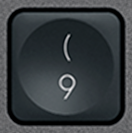 9 / (WitLogitech·MX Keys·QWERTY EN3 op voorraad€ 8,99
Functietoetsen21
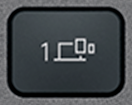 Bluetooth 1WitLogitech·MX Keys·QWERTY EN3 op voorraad€ 6,99
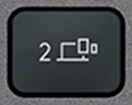 Bluetooth 2WitLogitech·MX Keys·QWERTY EN2 op voorraad€ 6,99
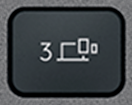 Bluetooth 3WitLogitech·MX Keys·QWERTY EN3 op voorraad€ 6,99
 CalculatorWitLogitech·MX Keys·QWERTY EN3 op voorraad€ 7,99
 Context menuWitLogitech·MX Keys·QWERTY EN3 op voorraad€ 7,99
 EscWitLogitech·MX Keys·QWERTY EN1 op voorraad€ 12,90
 F1WitLogitech·MX Keys·QWERTY EN3 op voorraad€ 6,99
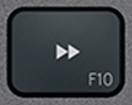 F10WitLogitech·MX Keys·QWERTY EN3 op voorraad€ 6,99
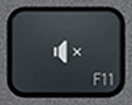 F11WitLogitech·MX Keys·QWERTY EN3 op voorraad€ 6,99
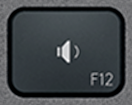 F12WitLogitech·MX Keys·QWERTY EN3 op voorraad€ 6,99
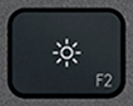 F2WitLogitech·MX Keys·QWERTY EN3 op voorraad€ 6,99
 F3WitLogitech·MX Keys·QWERTY EN3 op voorraad€ 6,99
 F4WitLogitech·MX Keys·QWERTY EN3 op voorraad€ 6,99
 F5WitLogitech·MX Keys·QWERTY EN3 op voorraad€ 6,99
 F6WitLogitech·MX Keys·QWERTY EN2 op voorraad€ 6,99
 F7WitLogitech·MX Keys·QWERTY EN3 op voorraad€ 6,99
 F8WitLogitech·MX Keys·QWERTY EN2 op voorraad€ 6,99
 F9WitLogitech·MX Keys·QWERTY EN3 op voorraad€ 6,99
 ScreenshotWitLogitech·MX Keys·QWERTY EN2 op voorraad€ 7,99
 StandbyWitLogitech·MX Keys·QWERTY EN3 op voorraad€ 7,99
 Volume +WitLogitech·MX Keys·QWERTY EN3 op voorraad€ 7,99
Modificatietoetsen12
 Alt Gr (R)WitLogitech·MX Keys·QWERTY EN3 op voorraad€ 10,99
 BackspaceWitLogitech·MX Keys·QWERTY EN2 op voorraad€ 10,99
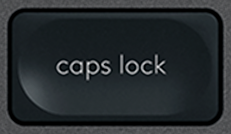 Caps LockWitLogitech·MX Keys·QWERTY EN3 op voorraad€ 10,99
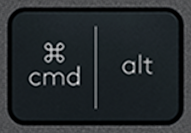 Cmd / Alt (L)WitLogitech·MX Keys·QWERTY EN€ 12,99
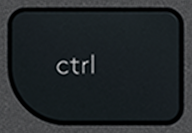 CtrlWitLogitech·MX Keys·QWERTY ENNiet op voorraad€ 19,99
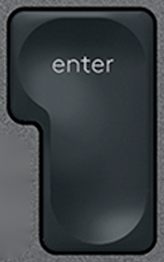 EnterWitLogitech·MX Keys·QWERTY EN1 op voorraad€ 10,99
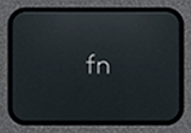 FnWitLogitech·MX Keys·QWERTY EN1 op voorraad€ 10,99
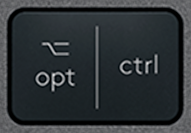 Opt / Ctrl (R)WitLogitech·MX Keys·QWERTY EN1 op voorraad€ 10,99
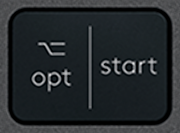 Opt / Win (L)WitLogitech·MX Keys·QWERTY EN2 op voorraad€ 12,90
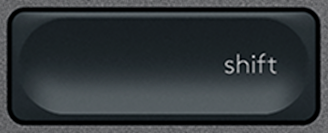 Shift (R)WitLogitech·MX Keys·QWERTY EN3 op voorraad€ 10,99
 SpaceWitLogitech·MX Keys·QWERTY ENNiet op voorraad€ 21,90
 TabWitLogitech·MX Keys·QWERTY EN1 op voorraad€ 10,99
Navigatie10
 Arrow DownWitLogitech·MX Keys·QWERTY EN1 op voorraad€ 9,99
 Arrow LeftWitLogitech·MX Keys·QWERTY EN1 op voorraad€ 9,99
 Arrow RightWitLogitech·MX Keys·QWERTY EN1 op voorraad€ 11,99
 Arrow UpWitLogitech·MX Keys·QWERTY EN3 op voorraad€ 9,99
 DeleteWitLogitech·MX Keys·QWERTY EN2 op voorraad€ 9,99
 EndWitLogitech·MX Keys·QWERTY EN3 op voorraad€ 9,99
 HomeWitLogitech·MX Keys·QWERTY EN3 op voorraad€ 9,99
 InsertWitLogitech·MX Keys·QWERTY EN2 op voorraad€ 9,99
 Page downWitLogitech·MX Keys·QWERTY EN3 op voorraad€ 9,99
 Page upWitLogitech·MX Keys·QWERTY EN2 op voorraad€ 9,99
Speciaal12
 / |WitLogitech·MX Keys·QWERTY EN2 op voorraad€ 9,99
 ' / "WitLogitech·MX Keys·QWERTY EN2 op voorraad€ 9,99
 , / ≤WitLogitech·MX Keys·QWERTY EN3 op voorraad€ 9,99
 - / _WitLogitech·MX Keys·QWERTY EN2 op voorraad€ 9,99
 . / >WitLogitech·MX Keys·QWERTY EN2 op voorraad€ 9,99
 / / ?WitLogitech·MX Keys·QWERTY EN3 op voorraad€ 9,99
 ; / :WitLogitech·MX Keys·QWERTY EN3 op voorraad€ 9,99
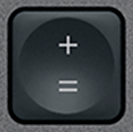 = / +WitLogitech·MX Keys·QWERTY EN1 op voorraad€ 9,99
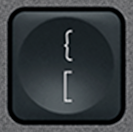 [ / {WitLogitech·MX Keys·QWERTY EN3 op voorraad€ 9,99
![] / } Vervangtoets QWERTY (US) Zwart Logitech MX Keys](/images/keys/us/pc-v2/touche-close-bracket.png) ] / }WitLogitech·MX Keys·QWERTY EN2 op voorraad€ 9,99
] / }WitLogitech·MX Keys·QWERTY EN2 op voorraad€ 9,99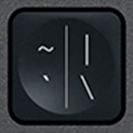 ` / ~WitLogitech·MX Keys·QWERTY EN3 op voorraad€ 9,99
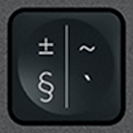 § / ±WitLogitech·MX Keys·QWERTY EN3 op voorraad€ 9,99
Numeriek toetsenblok17
 + (Num)WitLogitech·MX Keys·QWERTY EN3 op voorraad€ 9,99
 - (Num)WitLogitech·MX Keys·QWERTY EN1 op voorraad€ 9,99
 0 (Num)WitLogitech·MX Keys·QWERTY EN2 op voorraad€ 9,99
 1 (Num)WitLogitech·MX Keys·QWERTY EN2 op voorraad€ 9,99
 2 (Num)WitLogitech·MX Keys·QWERTY EN€ 9,99
 3 (Num)WitLogitech·MX Keys·QWERTY EN1 op voorraad€ 9,99
 4 (Num)WitLogitech·MX Keys·QWERTY EN1 op voorraad€ 9,99
 5 (Num)WitLogitech·MX Keys·QWERTY EN1 op voorraad€ 9,99
 6 (Num)WitLogitech·MX Keys·QWERTY EN1 op voorraad€ 9,99
 7 (Num)WitLogitech·MX Keys·QWERTY EN3 op voorraad€ 9,99
 8 (Num)WitLogitech·MX Keys·QWERTY EN1 op voorraad€ 9,99
 9 (Num)WitLogitech·MX Keys·QWERTY EN3 op voorraad€ 9,99
 Del (Num)WitLogitech·MX Keys·QWERTY EN1 op voorraad€ 9,99
 Enter (Num)WitLogitech·MX Keys·QWERTY EN1 op voorraad€ 9,99
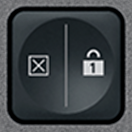 Num LockWitLogitech·MX Keys·QWERTY EN3 op voorraad€ 9,99
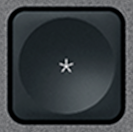 × (Num)WitLogitech·MX Keys·QWERTY EN1 op voorraad€ 9,99
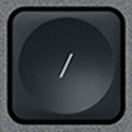 ÷ (Num)WitLogitech·MX Keys·QWERTY EN3 op voorraad€ 9,99
1–10 van 108 getoond
Toets niet in de catalogus? Wij hebben toegang tot veel premium toetsenborden en bekijken elke aanvraag. Mail ons met het model van je toetsenbord en de ontbrekende toets: we reageren snel met een passende oplossing.
contact@keyspares.comOnze garanties
Scharnier inbegrepen
Het plastic clipje dat andere verkopers weglaten zit bij elke toets.
Verzonden in 24 u
Bestellingen gaan binnen 24 werkuren de deur uit, verzending met track & trace voor € 2 in Frankrijk, € 5 naar de rest van Europa en € 9 buiten Europa.
30 dagen garantie
Gratis retour als het onderdeel niet overeenkomt met de beschrijving of defect aankomt.
Frequently asked questions
Where to buy a replacement key for a Logitech MX Keys?
Logitech does not sell MX Keys keys individually: when one breaks, its only answer is a new keyboard. Keyspares, formerly MX Keys Parts (mxkeysparts.com), sells every key separately, taken from a dismantled second-hand MX Keys and shipped with its X-shaped hinge. A letter or digit costs from €8.99, a function key from €6.99, a modifier from €10.99 and the spacebar €21.90; the second key in the order is 20% off and every one after it 10% off. Orders ship within 24 working hours by tracked letter: €2 to France, €5 within Europe, €9 outside Europe, free within Europe from €30. Each product page shows the real stock at that moment.
Which key should you order for a Logitech MX Keys keyboard?
Three things are enough, and all of them can be read off the keyboard: the character engraved on the broken key, the layout (AZERTY, QWERTY or QWERTZ) and the colour, graphite or white. An AZERTY key clips onto a QWERTY keyboard, but will not show the right character. Letters, digits and special characters are interchangeable between the MX Keys, the MX Keys S and the MX Keys Mini, which share the same scissor mechanism. Function keys, arrows and modifiers on the Mini are shorter, though: for those, the model has to match.
Why does the hinge ship with the key?
Under the keycap sits an X-shaped plastic hinge, clipped onto four metal hooks, which guides the key and springs it back up. That hinge is what breaks most often, far more than the cap. A key sold without its hinge therefore misses the most common failure: if the X is cracked, the new key will hold no better than the old one. Every key here ships with its hinge, while most sellers supply the cap alone. The hinge is also sold on its own, at €6.99, when the original cap is undamaged.
Can you repair a Logitech MX Keys keyboard yourself?
Yes, usually without tools or taking it apart. The most common fault, a key that has come off or presses down crooked, comes from a broken hinge. Lift the cap with a fingernail or a plastic spudger, remove the pieces of the old hinge, clip the new one onto the four hooks, then press the cap down until it clicks: the keyboard works straight away. A key that clicks but types nothing points to the rubber return pad, a keyboard that no longer holds a charge needs a battery (€9.99), and one that will not turn on at all, even plugged in, a motherboard (€14.99). Every fault has its own step-by-step MX Keys repair guide.
Browse the catalogue by layout
Each page lists every key available in that layout, with its price and availability.