Uma tecla partida não condena um teclado premium
Repare o seu teclado Logitech ou Apple, tecla a tecla
Catálogo
1 · O seu teclado
2 · A sua tecla
O teclado abre por zonas, com teclas do tamanho de um dedo.
Encontrar a minha tecla no teclado
Clique na tecla partida para abrir a sua ficha.
Peças e ferramentas27
 Dobradiça de tecla MX Keysuniversel-hinge-x16,99 €
 Conjunto de 4 teclas aleatórias MX Keys (dobradiça não incluída)universel-touche-aleatoire-x54,90 €
 Placa-mãe MX Keys QWERTY (EN) — PCuniversel-carte-mere-en-pcLogitechEm reposição14,99 €
- Tecla aleatória MX Keysuniversel-touche-aleatoire1,50 €
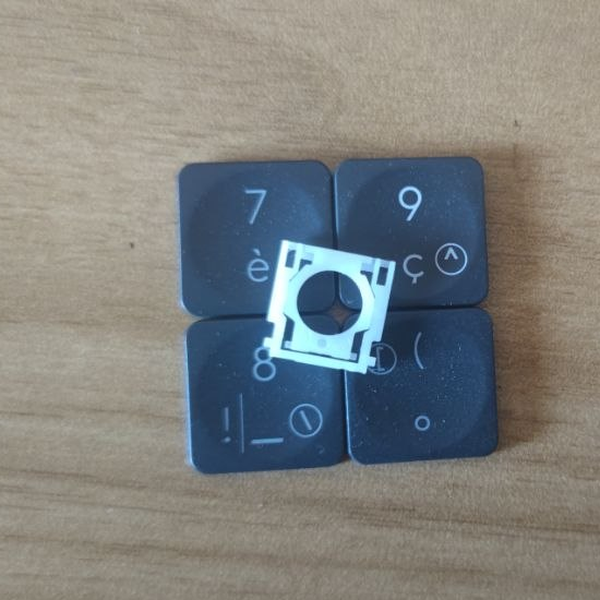 Tecla aleatória MX Keys + dobradiçauniversel-touche-aleatoire-hinge1 em stock8,50 €
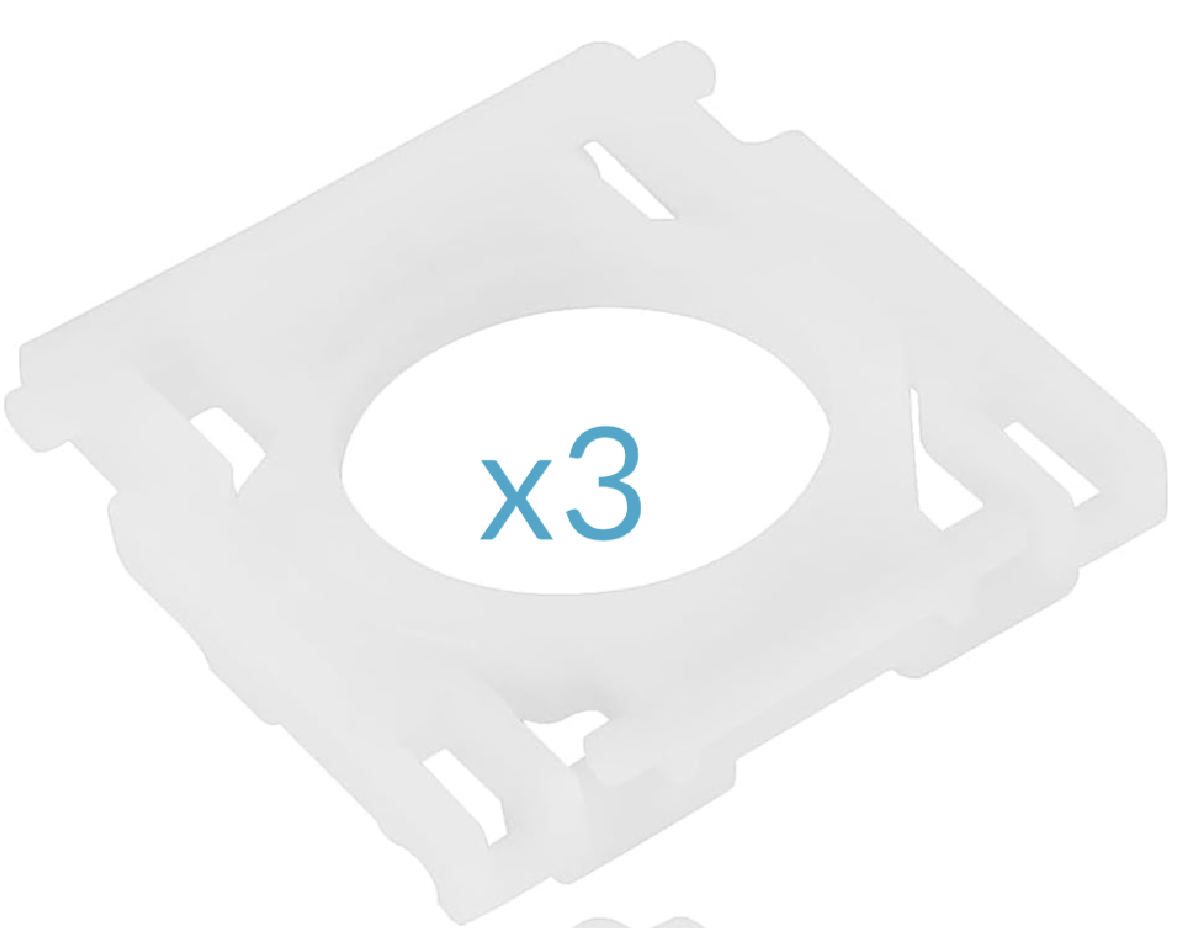 Conjunto de 3 dobradiças MX Keysuniversel-hinge-x314,99 €
- Kit de emergência MX Keys (2 minidobradiças, 2 dobradiças, 5 teclas aleatórias, 1 spudger)universel-kit-secours-mx-keys14,99 €
 Spudger, ferramenta de abertura em plásticouniversel-spudger2,50 €
 Mini chave de fendas de precisãouniversel-tournevis-plat1,99 €
 Cola adesiva B7000 — tubo de 3 mluniversel-colle-b70000,99 €
 Pano de limpeza em microfibrauniversel-chiffon-nettoyage1,99 €
 Receptor USB Logitech Unifyinguniversel-usb-unifying5 em stock5,99 €
- Conjunto de 5 teclas aleatórias MX Keys + dobradiçasuniversel-touche-aleatoire-hinge-x519,90 €
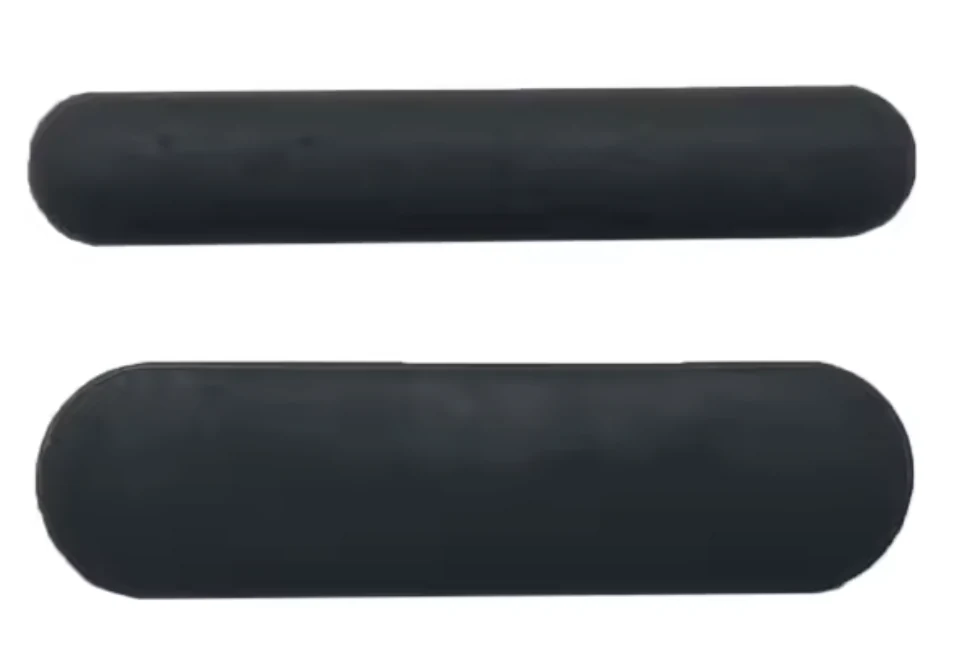 Kit completo de 6 pés de borracha — MX Keysuniversel-caoutchouc-complet5,99 €
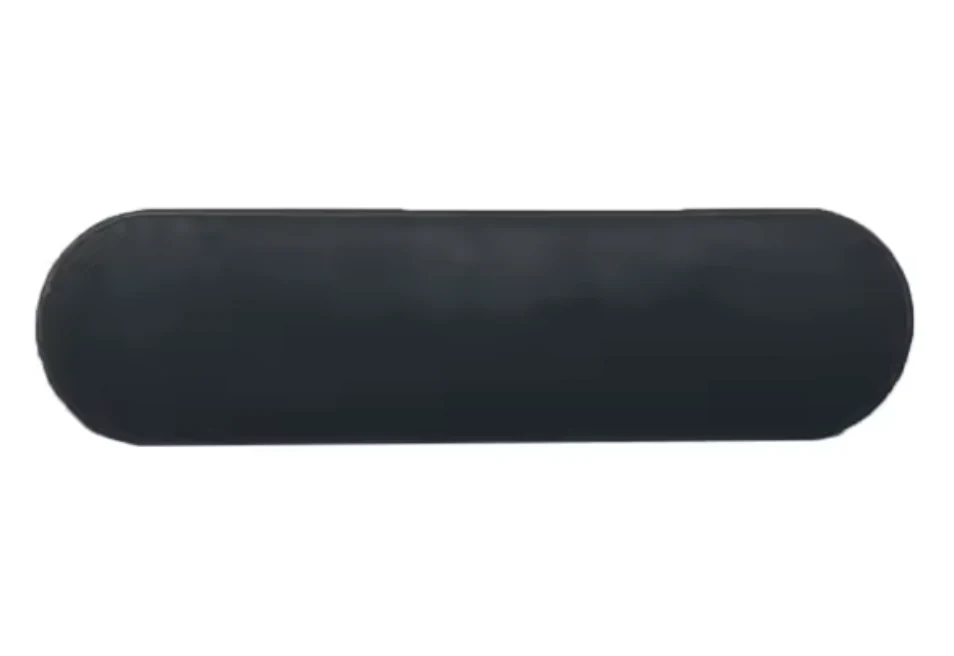 Kit de 3 pés de borracha (superior, grosso) — MX Keysuniversel-caoutchouc-hautEm reposição4,99 €
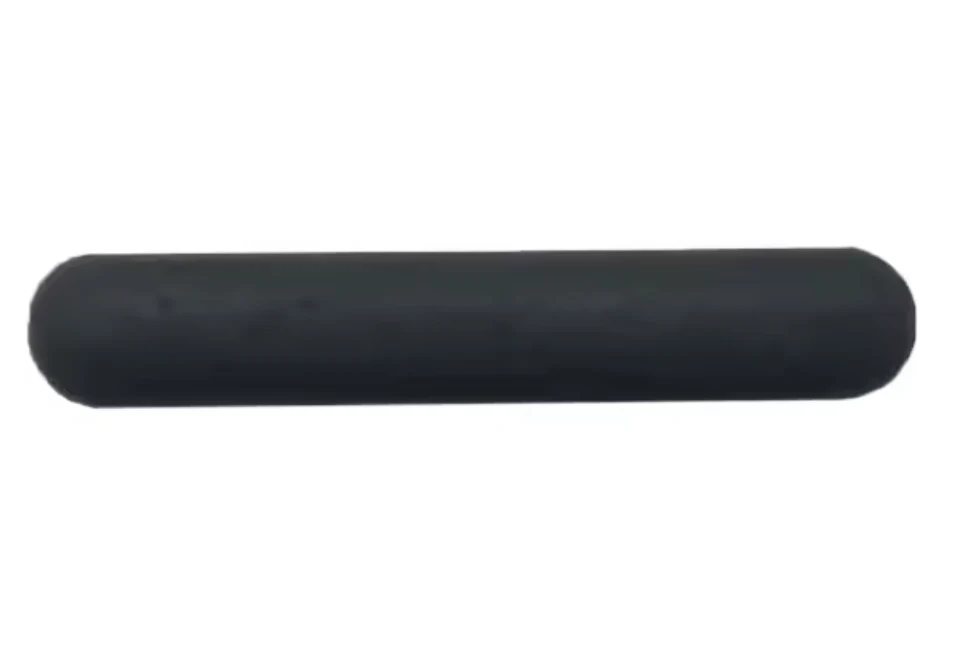 Kit de 3 pés de borracha (inferior, fino) — MX Keysuniversel-caoutchouc-basEm reposição4,99 €
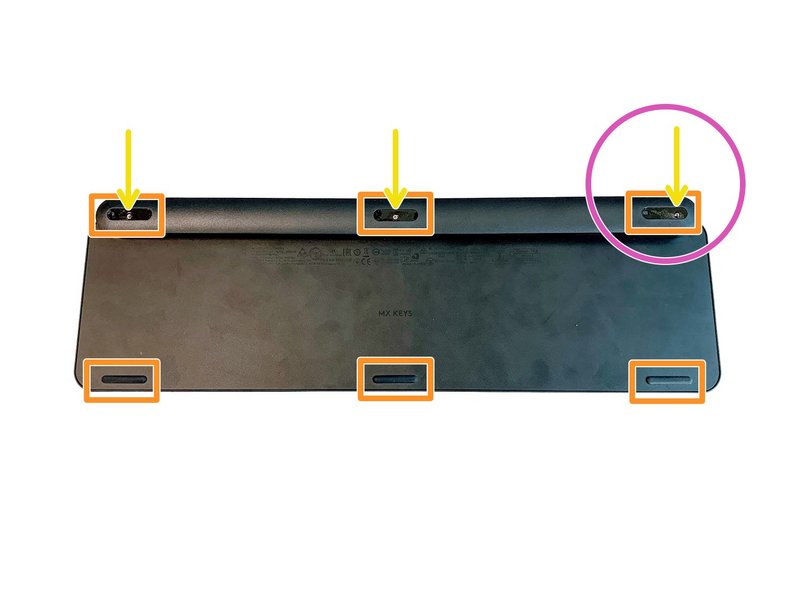 Kit completo de 6 parafusos do teclado MX Keysuniversel-vis-x61 em stock3,99 €
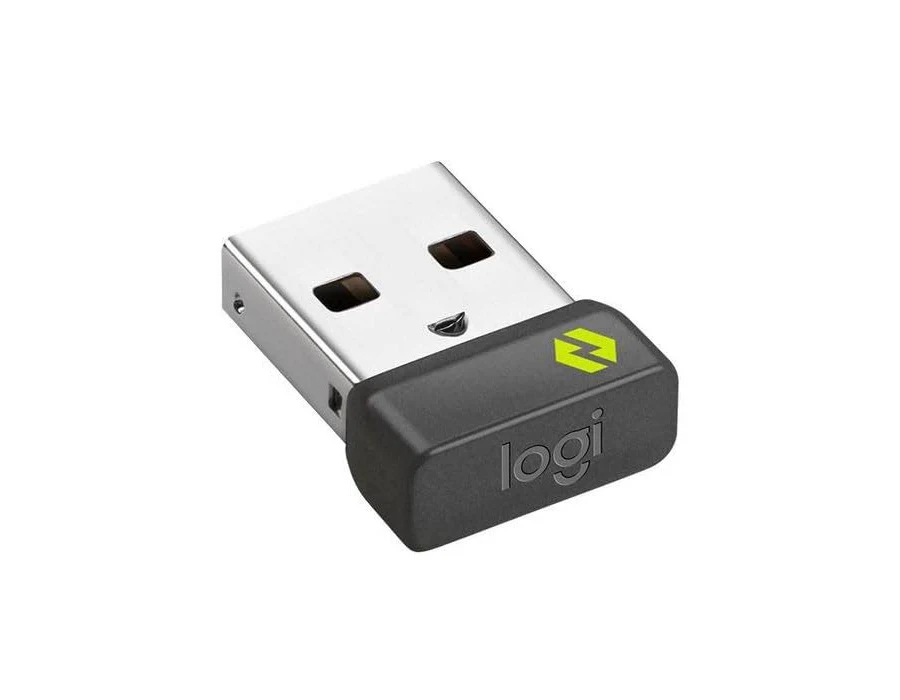 Receptor USB Logitech Boltuniversel-usb-boltEm reposição10,99 €
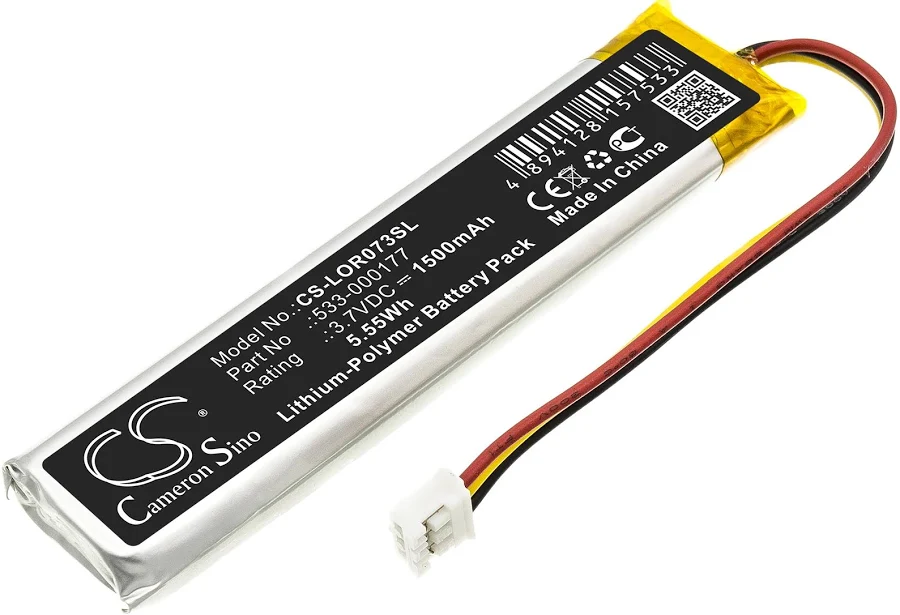 Bateria MX Keys (PC + Mac)universel-batterieEm reposição9,99 €
- Placa-mãe MX Keys AZERTY (FR) — PCuniversel-carte-mere-fr-pcLogitech14,99 €
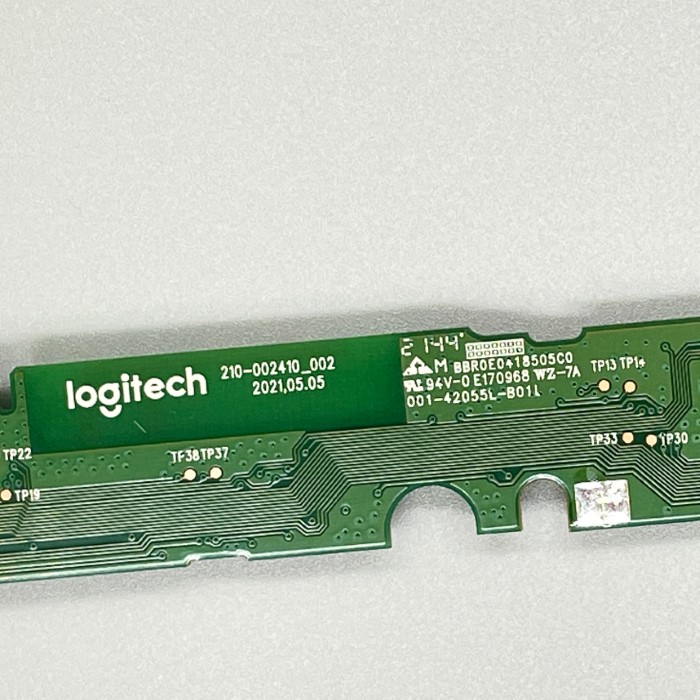 Placa-mãe MX Keys Mini AZERTY (FR)universel-carte-mere-mini-fr2 em stock14,99 €
- Placa-mãe MX Keys Mini QWERTY (UK)universel-carte-mere-mini-ukEm reposição14,99 €
- Placa-mãe MX Keys Mini QWERTY (US)universel-carte-mere-mini-usEm reposição14,99 €
- Lote oficina de 20 teclas aleatórias MX Keysuniversel-touche-aleatoire-x2019,90 €
- Conjunto de 10 teclas aleatórias MX Keys (dobradiça não incluída)universel-touche-aleatoire-x108,99 €
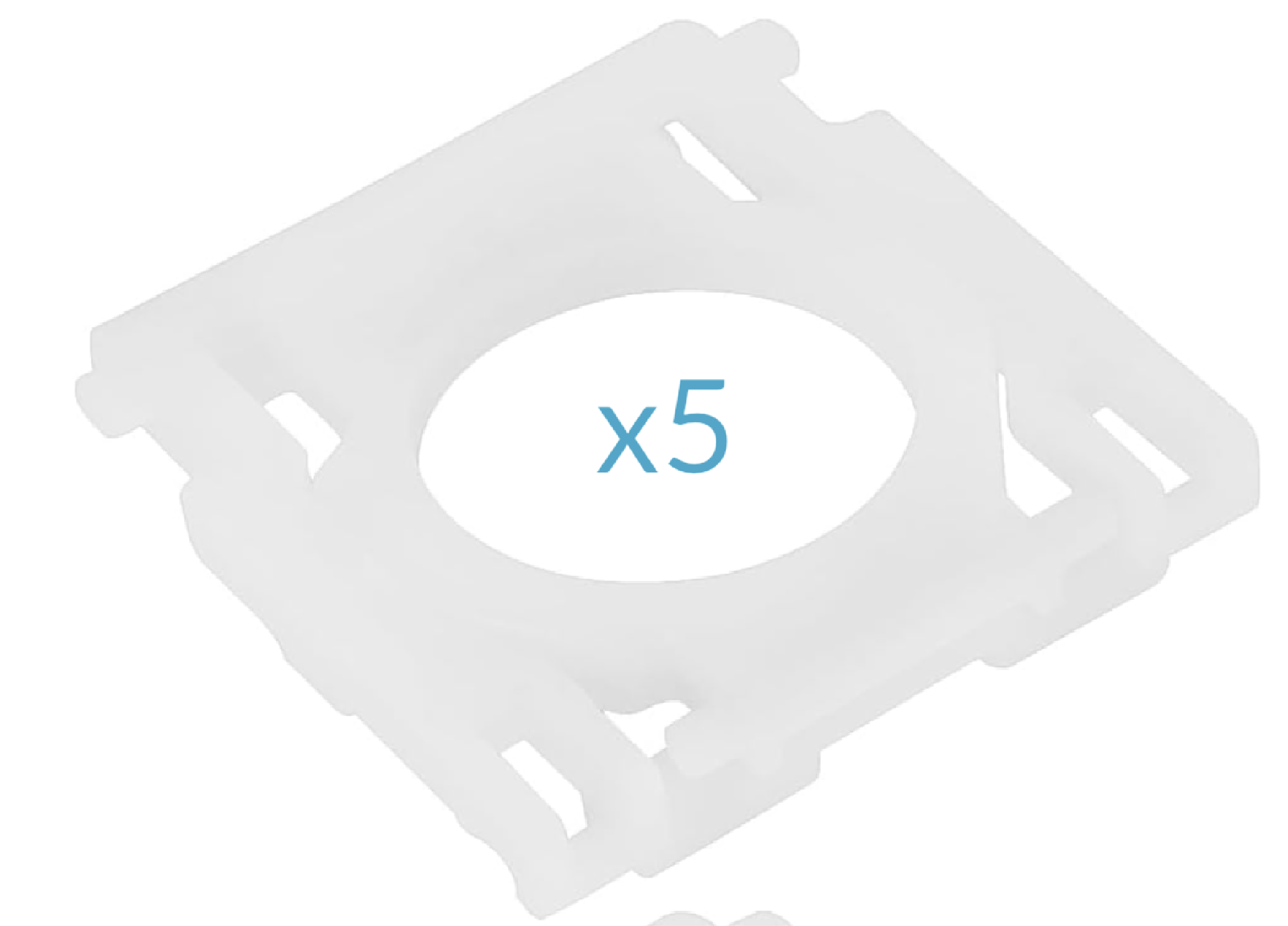 Conjunto de 5 dobradiças MX Keysuniversel-hinge-x517,99 €
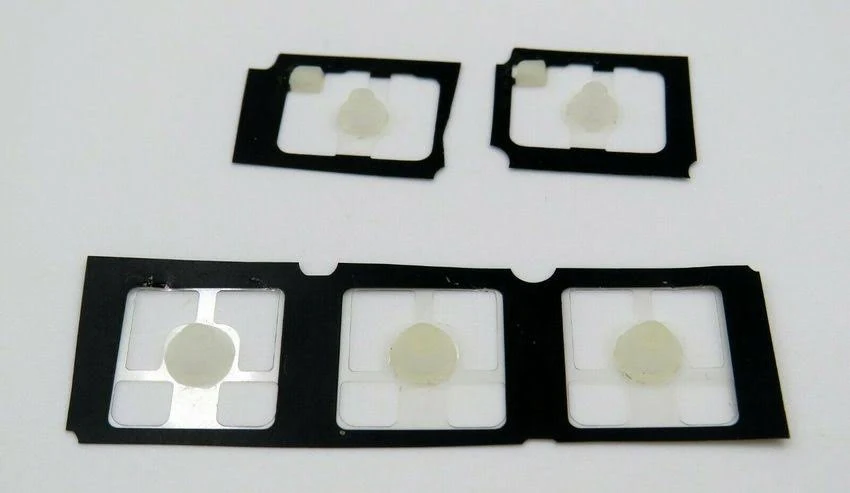 Conjunto de 5 cúpulas de borracha MX Keysuniversel-rubber-pad-x5Em reposição2,99 €
Letras26
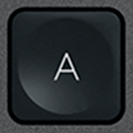 ALogitech·MX Keys·QWERTY PT8,99 €
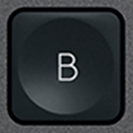 BLogitech·MX Keys·QWERTY PT8,99 €
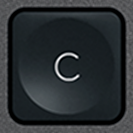 CLogitech·MX Keys·QWERTY PT8,99 €
 DLogitech·MX Keys·QWERTY PT8,99 €
 E / €Logitech·MX Keys·QWERTY PT8,99 €
 FLogitech·MX Keys·QWERTY PT8,99 €
 GLogitech·MX Keys·QWERTY PT8,99 €
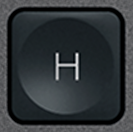 HLogitech·MX Keys·QWERTY PT8,99 €
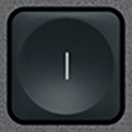 ILogitech·MX Keys·QWERTY PT8,99 €
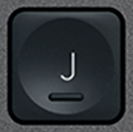 JLogitech·MX Keys·QWERTY PT8,99 €
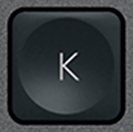 KLogitech·MX Keys·QWERTY PT8,99 €
 LLogitech·MX Keys·QWERTY PT8,99 €
 MLogitech·MX Keys·QWERTY PT8,99 €
 NLogitech·MX Keys·QWERTY PT8,99 €
 OLogitech·MX Keys·QWERTY PT8,99 €
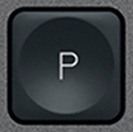 PLogitech·MX Keys·QWERTY PT8,99 €
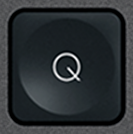 QLogitech·MX Keys·QWERTY PT8,99 €
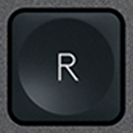 RLogitech·MX Keys·QWERTY PT8,99 €
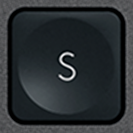 SLogitech·MX Keys·QWERTY PT9,99 €
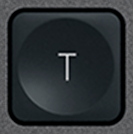 TLogitech·MX Keys·QWERTY PT8,99 €
 ULogitech·MX Keys·QWERTY PT8,99 €
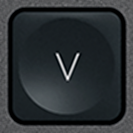 VLogitech·MX Keys·QWERTY PT8,99 €
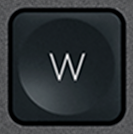 WLogitech·MX Keys·QWERTY PT8,99 €
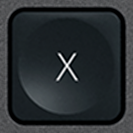 XLogitech·MX Keys·QWERTY PT8,99 €
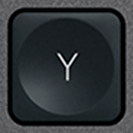 YLogitech·MX Keys·QWERTY PT8,99 €
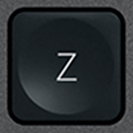 ZLogitech·MX Keys·QWERTY PT8,99 €
Números10
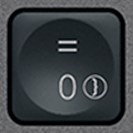 0 / =BrancoLogitech·MX Keys·QWERTY PT8,99 €
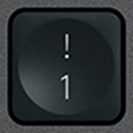 1 / !BrancoLogitech·MX Keys·QWERTY PT8,99 €
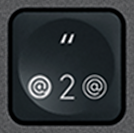 2 / "BrancoLogitech·MX Keys·QWERTY PT8,99 €
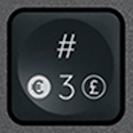 3 / #BrancoLogitech·MX Keys·QWERTY PT8,99 €
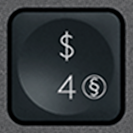 4 / $BrancoLogitech·MX Keys·QWERTY PT8,99 €
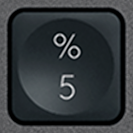 5 / %BrancoLogitech·MX Keys·QWERTY PT8,99 €
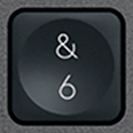 6 / &BrancoLogitech·MX Keys·QWERTY PT8,99 €
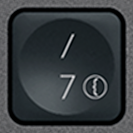 7 / /BrancoLogitech·MX Keys·QWERTY PT8,99 €
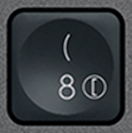 8 / (BrancoLogitech·MX Keys·QWERTY PT8,99 €
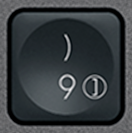 9 / )BrancoLogitech·MX Keys·QWERTY PT8,99 €
Funções21
 Bluetooth 1BrancoLogitech·MX Keys·QWERTY PT6,99 €
 Bluetooth 2BrancoLogitech·MX Keys·QWERTY PT6,99 €
 Bluetooth 3BrancoLogitech·MX Keys·QWERTY PT6,99 €
 CalculadoraBrancoLogitech·MX Keys·QWERTY PT7,99 €
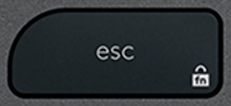 EscBrancoLogitech·MX Keys·QWERTY PT12,90 €
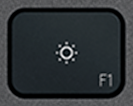 F1BrancoLogitech·MX Keys·QWERTY PT6,99 €
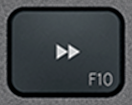 F10BrancoLogitech·MX Keys·QWERTY PT6,99 €
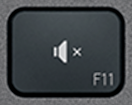 F11BrancoLogitech·MX Keys·QWERTY PT6,99 €
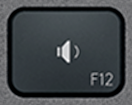 F12BrancoLogitech·MX Keys·QWERTY PT6,99 €
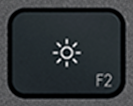 F2BrancoLogitech·MX Keys·QWERTY PT6,99 €
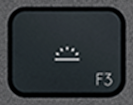 F3BrancoLogitech·MX Keys·QWERTY PT6,99 €
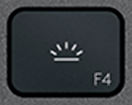 F4BrancoLogitech·MX Keys·QWERTY PT6,99 €
 F5BrancoLogitech·MX Keys·QWERTY PT6,99 €
 F6BrancoLogitech·MX Keys·QWERTY PT6,99 €
 F7BrancoLogitech·MX Keys·QWERTY PT6,99 €
 F8BrancoLogitech·MX Keys·QWERTY PT6,99 €
 F9BrancoLogitech·MX Keys·QWERTY PT6,99 €
 Menu contextualBrancoLogitech·MX Keys·QWERTY PTEsgotado7,99 €
 ScreenshotBrancoLogitech·MX Keys·QWERTY PT7,99 €
 StandbyBrancoLogitech·MX Keys·QWERTY PT7,99 €
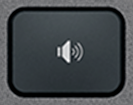 Volume +BrancoLogitech·MX Keys·QWERTY PT7,99 €
Modificadores13
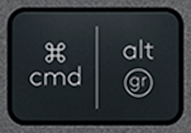 Alt Gr (R)BrancoLogitech·MX Keys·QWERTY PT10,99 €
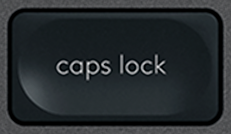 Caps LockBrancoLogitech·MX Keys·QWERTY PT10,99 €
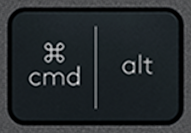 Cmd / Alt (L)BrancoLogitech·MX Keys·QWERTY PT10,99 €
 CtrlBrancoLogitech·MX Keys·QWERTY PTEsgotado19,99 €
 EnterBrancoLogitech·MX Keys·QWERTY PT10,99 €
 EspaçoBrancoLogitech·MX Keys·QWERTY PTEsgotado21,90 €
 FnBrancoLogitech·MX Keys·QWERTY PT10,99 €
 Opt / Ctrl (R)BrancoLogitech·MX Keys·QWERTY PT10,99 €
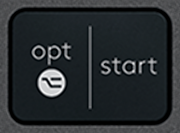 Opt / Start (L)BrancoLogitech·MX Keys·QWERTY PT12,90 €
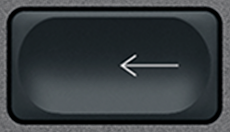 RetrocessoBrancoLogitech·MX Keys·QWERTY PTEsgotado10,99 €
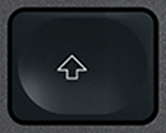 Shift (L)BrancoLogitech·MX Keys·QWERTY PTEsgotado19,90 €
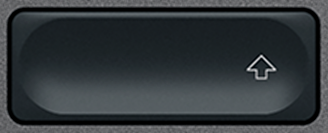 Shift (R)BrancoLogitech·MX Keys·QWERTY PT10,99 €
 TabBrancoLogitech·MX Keys·QWERTY PT10,99 €
Navegação10
 EliminarBrancoLogitech·MX Keys·QWERTY PTEsgotado9,99 €
 FimBrancoLogitech·MX Keys·QWERTY PTEsgotado9,99 €
 InsertBrancoLogitech·MX Keys·QWERTY PT9,99 €
 InícioBrancoLogitech·MX Keys·QWERTY PTEsgotado9,99 €
 Página abaixoBrancoLogitech·MX Keys·QWERTY PTEsgotado9,99 €
 Página acimaBrancoLogitech·MX Keys·QWERTY PTEsgotado9,99 €
 Seta baixoBrancoLogitech·MX Keys·QWERTY PTEsgotado9,99 €
 Seta cimaBrancoLogitech·MX Keys·QWERTY PTEsgotado9,99 €
 Seta direitaBrancoLogitech·MX Keys·QWERTY PTEsgotado9,99 €
 Seta esquerdaBrancoLogitech·MX Keys·QWERTY PTEsgotado9,99 €
Especiais12
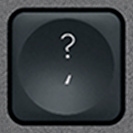 ' / ?BrancoLogitech·MX Keys·QWERTY PT9,99 €
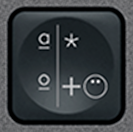 + / *BrancoLogitech·MX Keys·QWERTY PT9,99 €
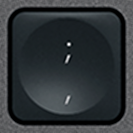 , / ;BrancoLogitech·MX Keys·QWERTY PT9,99 €
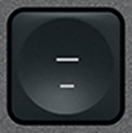 - / _BrancoLogitech·MX Keys·QWERTY PT9,99 €
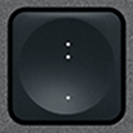 . / :BrancoLogitech·MX Keys·QWERTY PT9,99 €
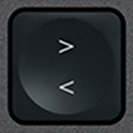 < / >BrancoLogitech·MX Keys·QWERTY PT9,99 €
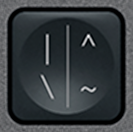 \ / |BrancoLogitech·MX Keys·QWERTY PT9,99 €
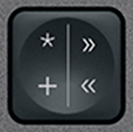 « / »BrancoLogitech·MX Keys·QWERTY PTEsgotado9,99 €
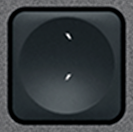 ´ / `BrancoLogitech·MX Keys·QWERTY PT9,99 €
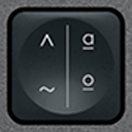 º / ªBrancoLogitech·MX Keys·QWERTY PTEsgotado9,99 €
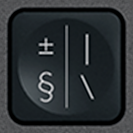 º / ªBrancoLogitech·MX Keys·QWERTY PTEsgotado9,99 €
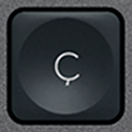 ÇBrancoLogitech·MX Keys·QWERTY PT9,99 €
Teclado numérico17
 + (Num)BrancoLogitech·MX Keys·QWERTY PT9,99 €
 - (Num)BrancoLogitech·MX Keys·QWERTY PT9,99 €
 0 (Num)BrancoLogitech·MX Keys·QWERTY PT9,99 €
 1 (Num)BrancoLogitech·MX Keys·QWERTY PT9,99 €
 2 (Num)BrancoLogitech·MX Keys·QWERTY PT9,99 €
 3 (Num)BrancoLogitech·MX Keys·QWERTY PT9,99 €
 4 (Num)BrancoLogitech·MX Keys·QWERTY PT9,99 €
 5 (Num)BrancoLogitech·MX Keys·QWERTY PT9,99 €
 6 (Num)BrancoLogitech·MX Keys·QWERTY PT9,99 €
 7 (Num)BrancoLogitech·MX Keys·QWERTY PT9,99 €
 8 (Num)BrancoLogitech·MX Keys·QWERTY PT9,99 €
 9 (Num)BrancoLogitech·MX Keys·QWERTY PT9,99 €
 Del (Num)BrancoLogitech·MX Keys·QWERTY PT9,99 €
 Enter (Num)BrancoLogitech·MX Keys·QWERTY PT9,99 €
 Num LockBrancoLogitech·MX Keys·QWERTY PT9,99 €
 × (Num)BrancoLogitech·MX Keys·QWERTY PT9,99 €
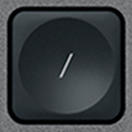 ÷ (Num)BrancoLogitech·MX Keys·QWERTY PT9,99 €
A mostrar 1–10 de 109
Tecla não está no catálogo? Temos acesso a muitos teclados premium e analisamos cada pedido. Contacte-nos por e-mail indicando o modelo do seu teclado e a tecla em falta: responderemos rapidamente com uma solução adequada.
contact@keyspares.comAs nossas garantias
Dobradiça incluída
A peça de plástico que os outros vendedores omitem vem com cada tecla.
Expedido em 24 h
A encomenda sai em 24 horas úteis, portes com seguimento de 2 € em França, 5 € no resto da Europa e 9 € fora da Europa.
Garantia de 30 dias
Devolução gratuita se a peça não corresponder à descrição ou chegar com defeito.
Frequently asked questions
Where to buy a replacement key for a Logitech MX Keys?
Logitech does not sell MX Keys keys individually: when one breaks, its only answer is a new keyboard. Keyspares, formerly MX Keys Parts (mxkeysparts.com), sells every key separately, taken from a dismantled second-hand MX Keys and shipped with its X-shaped hinge. A letter or digit costs from €8.99, a function key from €6.99, a modifier from €10.99 and the spacebar €21.90; the second key in the order is 20% off and every one after it 10% off. Orders ship within 24 working hours by tracked letter: €2 to France, €5 within Europe, €9 outside Europe, free within Europe from €30. Each product page shows the real stock at that moment.
Which key should you order for a Logitech MX Keys keyboard?
Three things are enough, and all of them can be read off the keyboard: the character engraved on the broken key, the layout (AZERTY, QWERTY or QWERTZ) and the colour, graphite or white. An AZERTY key clips onto a QWERTY keyboard, but will not show the right character. Letters, digits and special characters are interchangeable between the MX Keys, the MX Keys S and the MX Keys Mini, which share the same scissor mechanism. Function keys, arrows and modifiers on the Mini are shorter, though: for those, the model has to match.
Why does the hinge ship with the key?
Under the keycap sits an X-shaped plastic hinge, clipped onto four metal hooks, which guides the key and springs it back up. That hinge is what breaks most often, far more than the cap. A key sold without its hinge therefore misses the most common failure: if the X is cracked, the new key will hold no better than the old one. Every key here ships with its hinge, while most sellers supply the cap alone. The hinge is also sold on its own, at €6.99, when the original cap is undamaged.
Can you repair a Logitech MX Keys keyboard yourself?
Yes, usually without tools or taking it apart. The most common fault, a key that has come off or presses down crooked, comes from a broken hinge. Lift the cap with a fingernail or a plastic spudger, remove the pieces of the old hinge, clip the new one onto the four hooks, then press the cap down until it clicks: the keyboard works straight away. A key that clicks but types nothing points to the rubber return pad, a keyboard that no longer holds a charge needs a battery (€9.99), and one that will not turn on at all, even plugged in, a motherboard (€14.99). Every fault has its own step-by-step MX Keys repair guide.
Browse the catalogue by layout
Each page lists every key available in that layout, with its price and availability.